Report to a client
Agencies and talent managers · 4 videos
- 1Create your first dashboard
- 2Send a client one live link
- 3Brand your shared dashboard
- 4Schedule reports by email or Slack
0 of 4 watched
Start path →
Buzzlytics Help Center
Pick a goal. We line up the short videos that get you there, in order, and remember where you stopped.
Pick up where you left off
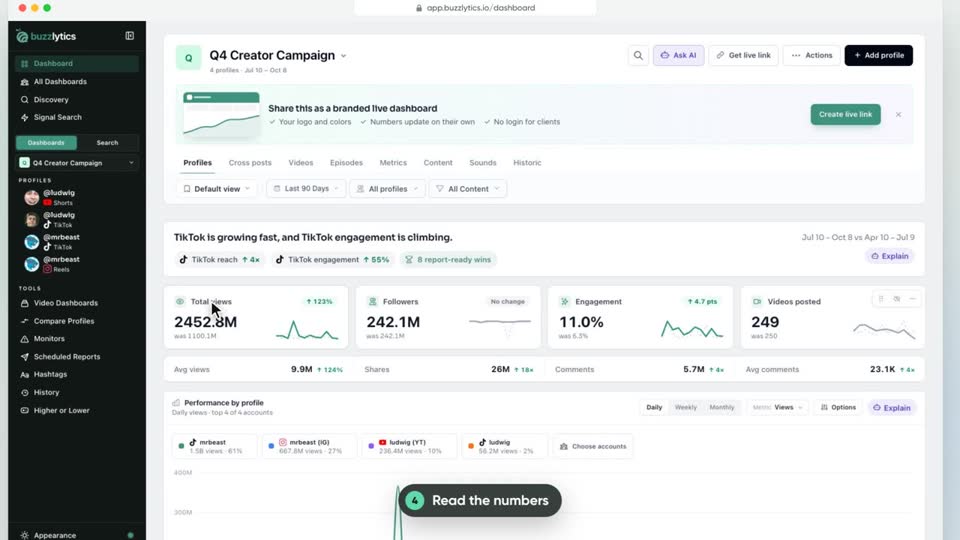 New to Buzzlytics?Watch the 90 second tour first1:14 · 9 chaptersWatch →
Each path takes a few minutes.
Agencies and talent managers · 4 videos
Clipping and UGC campaigns · 4 videos
Brands running creator campaigns · 4 videos
When you need the story fast · 3 videos
Unlocks are your Buzzlytics balance. Looking up a new profile or updating one uses 1 unlock. Auto-refresh uses 1 unlock per account each time it runs, and refreshing a Video Dashboard uses 1 unlock per 20 posts. Your plan refills them every month, and you can buy extra unlocks any time.
Yes. Share it as a live link. Anyone with the link can open it, or you can protect it with a password or a list of allowed emails.
No. The payout calculator works out what each creator earned from views, and you send the money through your usual payment provider.
58 of 58 ready. New ones land every week.
Sign up, run your first search and learn how unlocks work.
1:14WatchedA quick tour of everything Buzzlytics does: dashboards, live links, auto-refresh, AI and alerts.
 0:43Watched
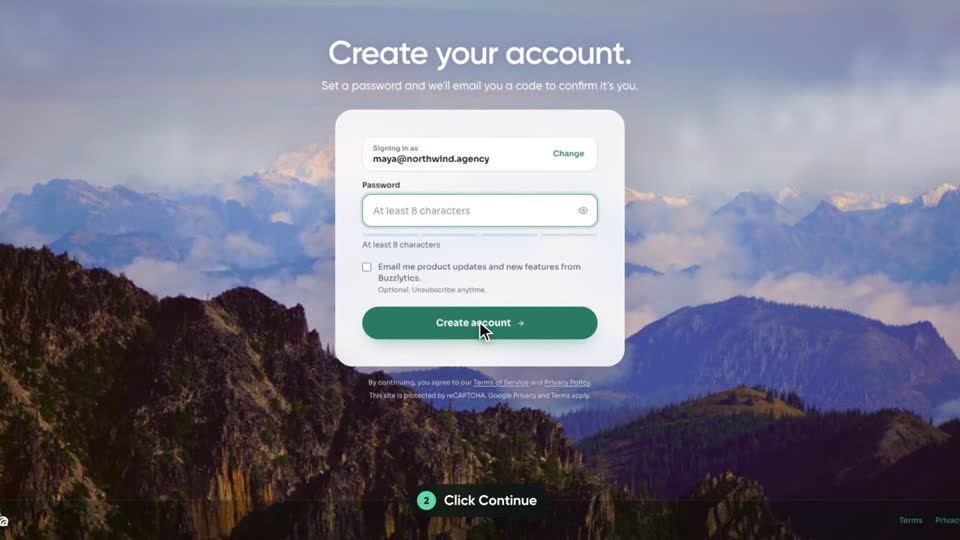
Create your Buzzlytics account with your email or Google, then confirm it with the 6-digit code we send you.
 0:46Watched
Look up your first creator during setup, compare the plans, and start a trial or keep your free unlock.
 0:46Watched
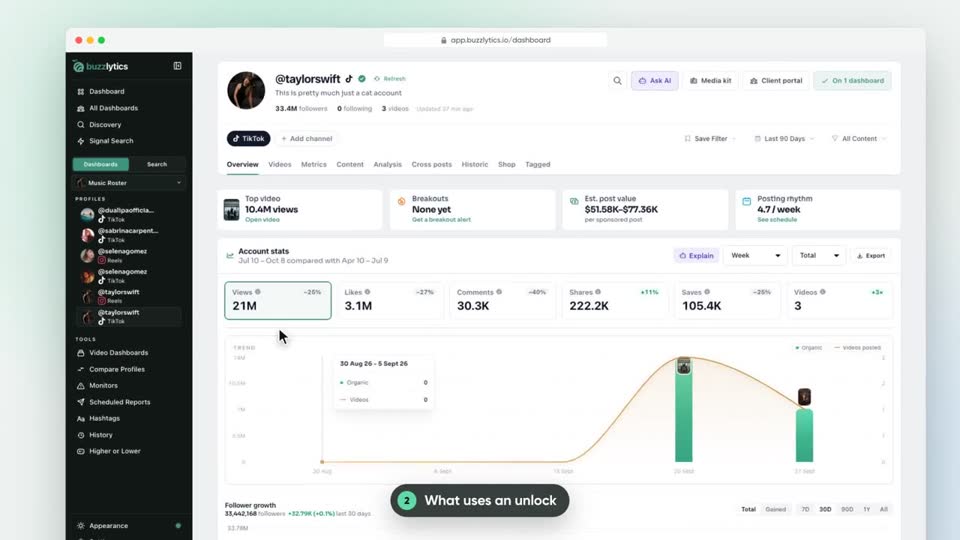
What an unlock is, what uses one, and how to see the cost before you refresh.
Build a live dashboard per client, add creators and keep the numbers fresh.
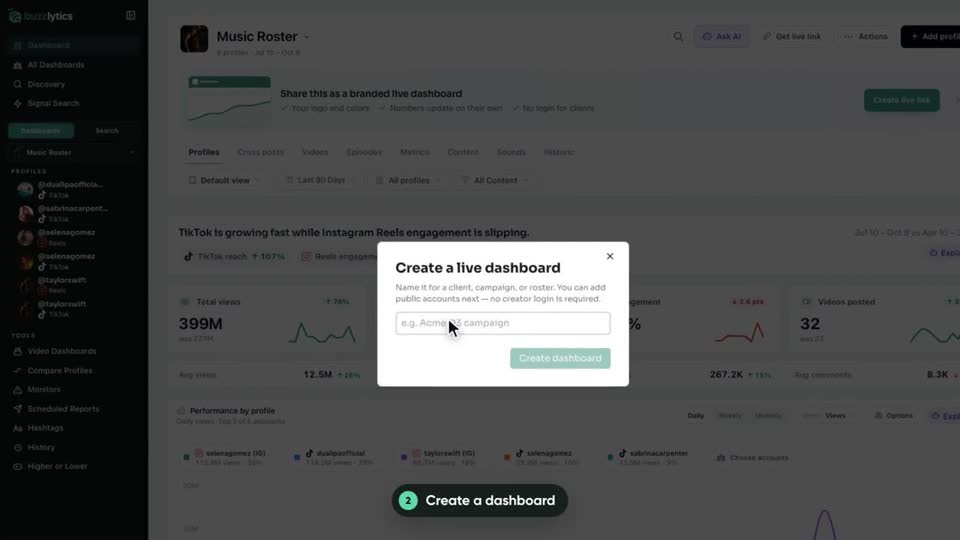 0:43Watched
Make a live dashboard for a client, campaign or roster, then add creators from every platform in one search.
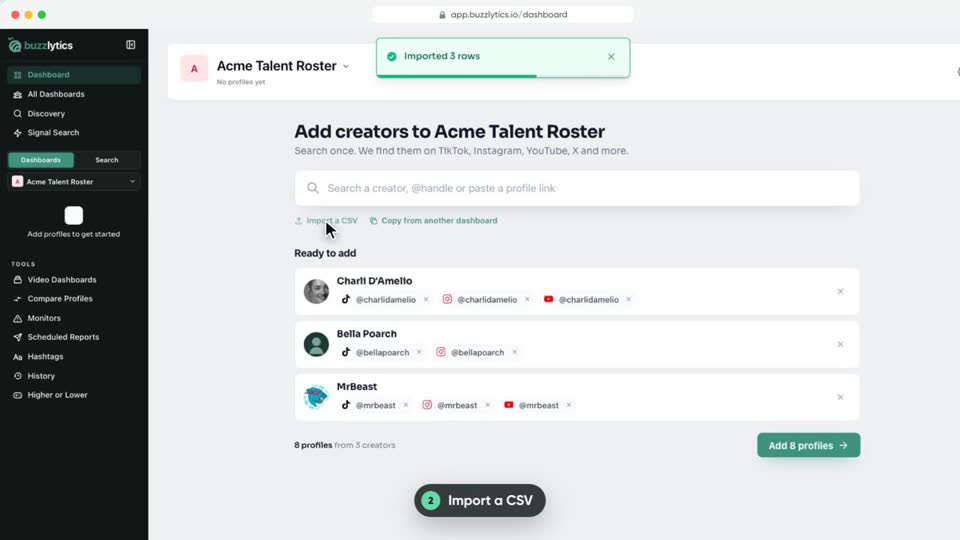 0:56Watched
Add a whole roster at once from a spreadsheet, or copy creators over from another dashboard.
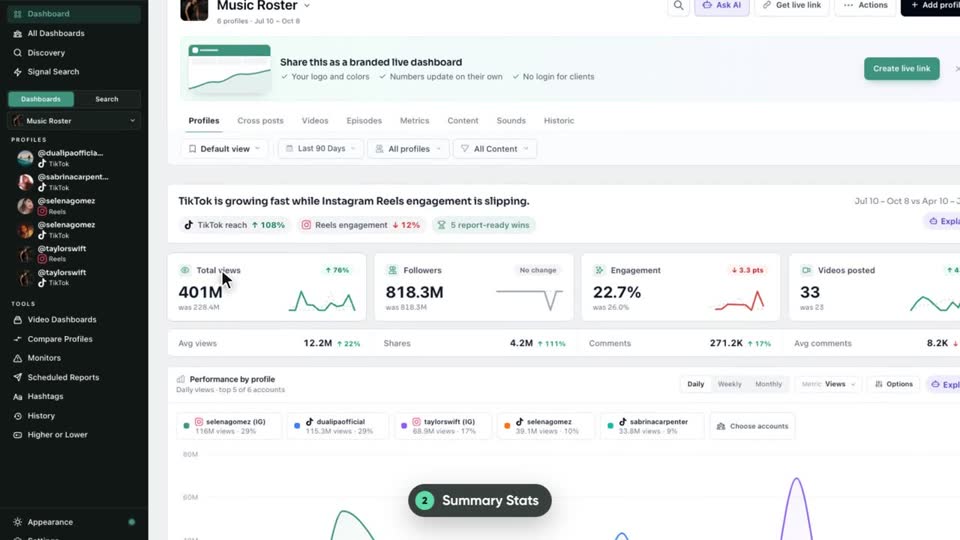 0:59Watched
See what changed across your roster: summary stats, who is growing or slipping, earned media value and every profile in one table.
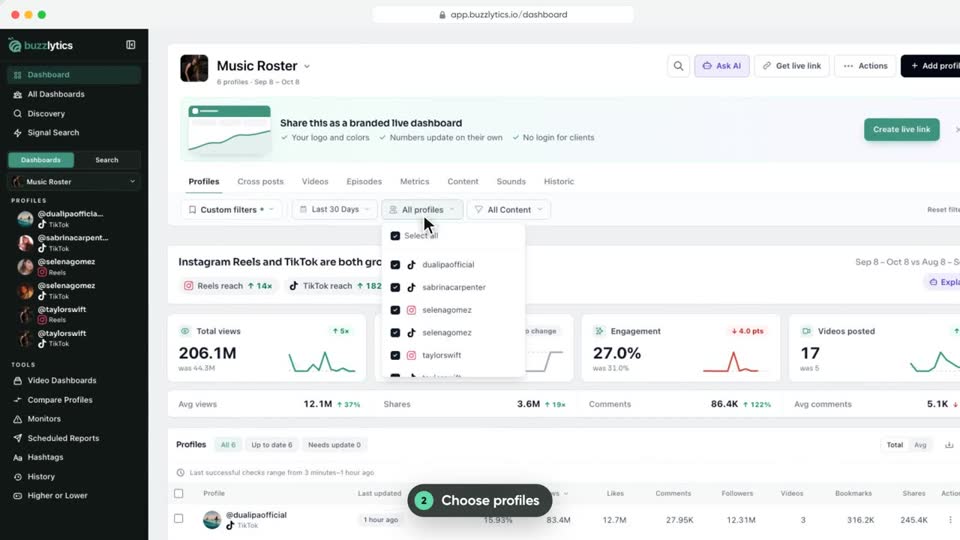 0:57Watched
Change the date range, pick profiles and content types, then save the setup as a view your dashboard opens with.
 0:49Watched
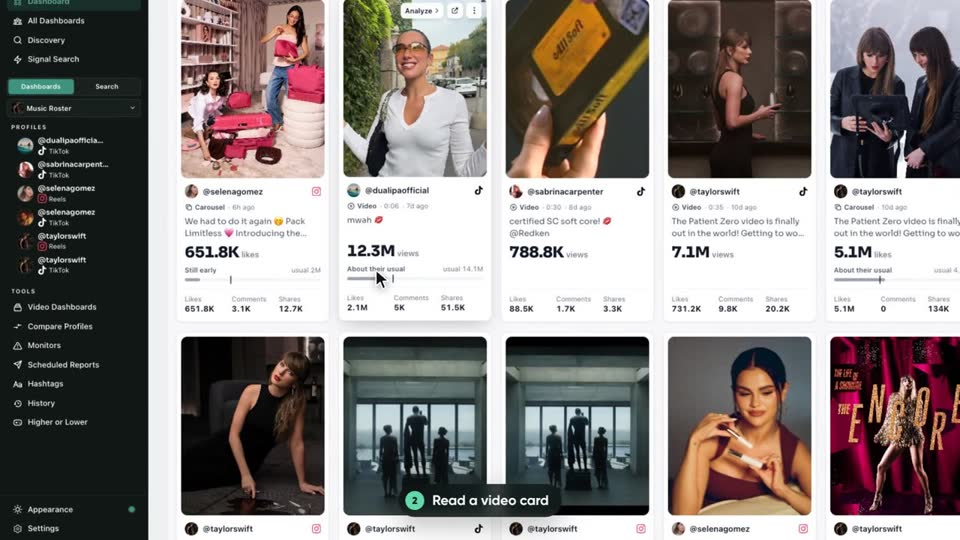
Browse every post from every profile, sort and filter them, and export the list to a CSV.
 0:50Watched
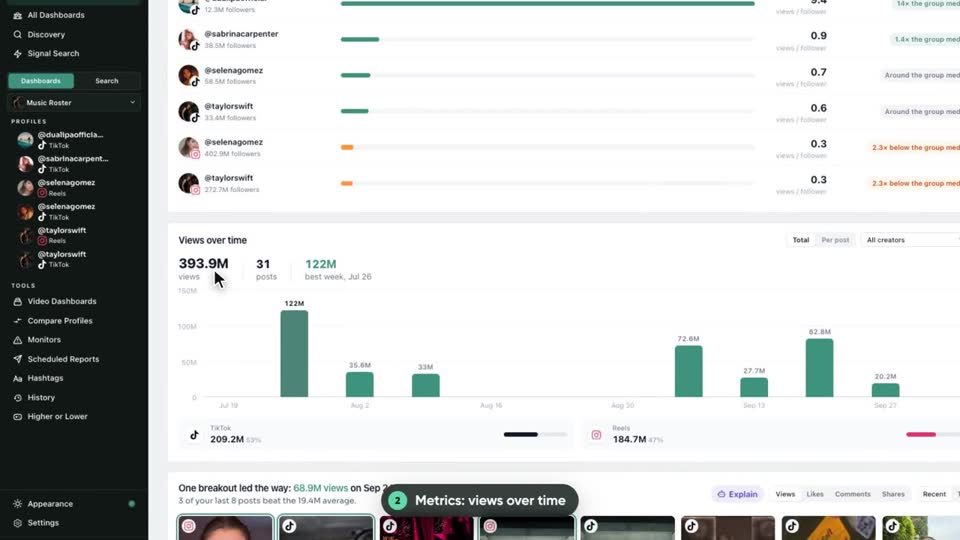
A quick tour of the deeper dashboard tabs: reach and posting patterns, top sounds and hashtags, sound tracking and month by month history.
 0:42Watched
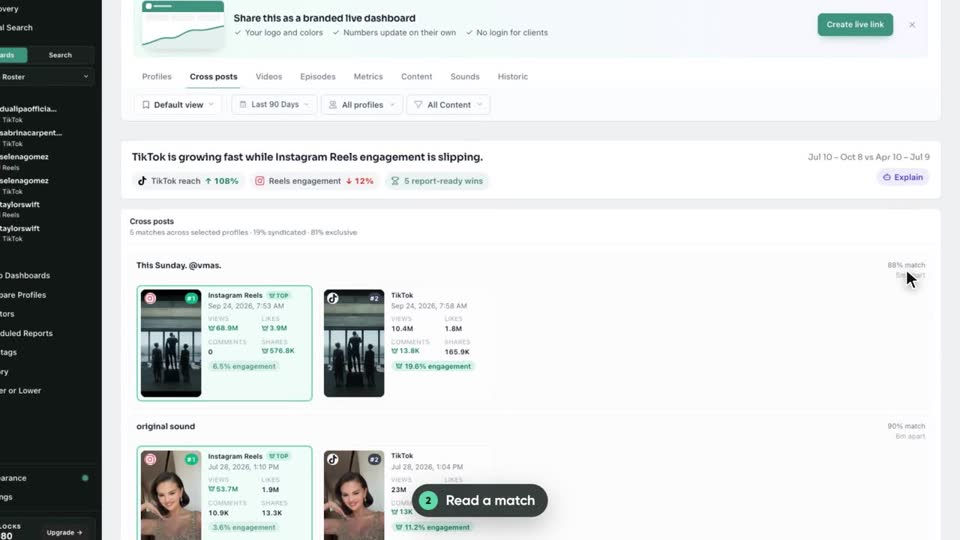
See when the same video went out on several platforms, and which platform won.
 0:39Watched
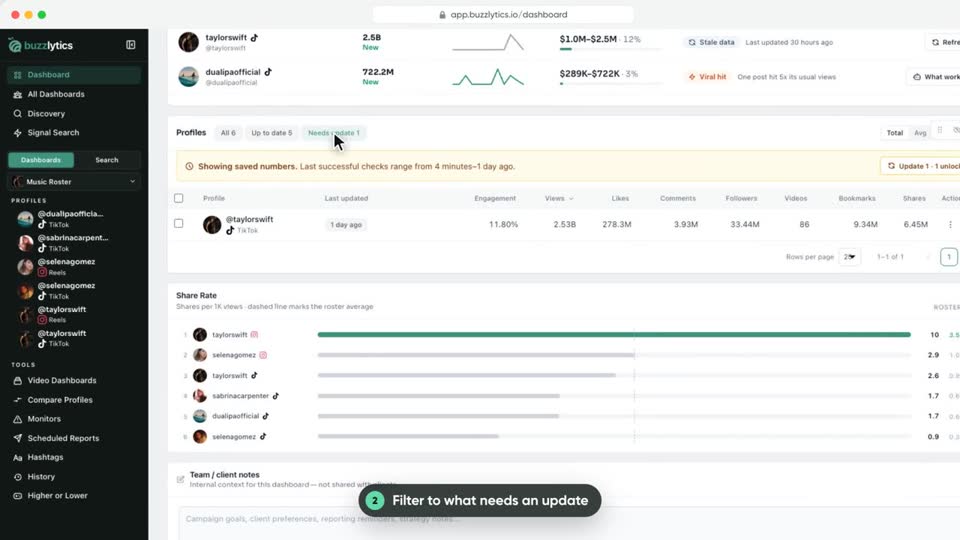
See when each profile was last checked, and update one profile or the whole dashboard in a click.
 0:42Watched
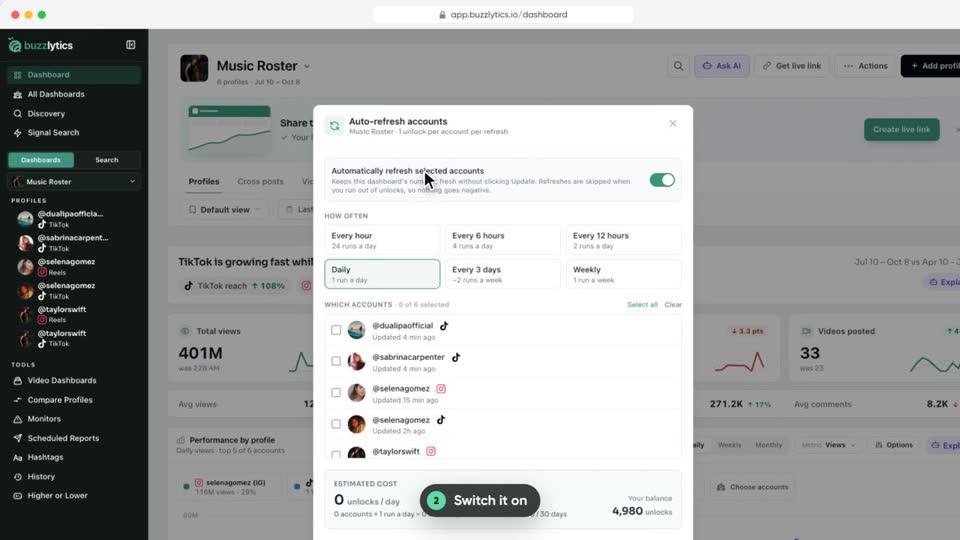
Let Buzzlytics refresh a dashboard on a schedule, and see exactly what it will cost before you turn it on.
 0:41Watched
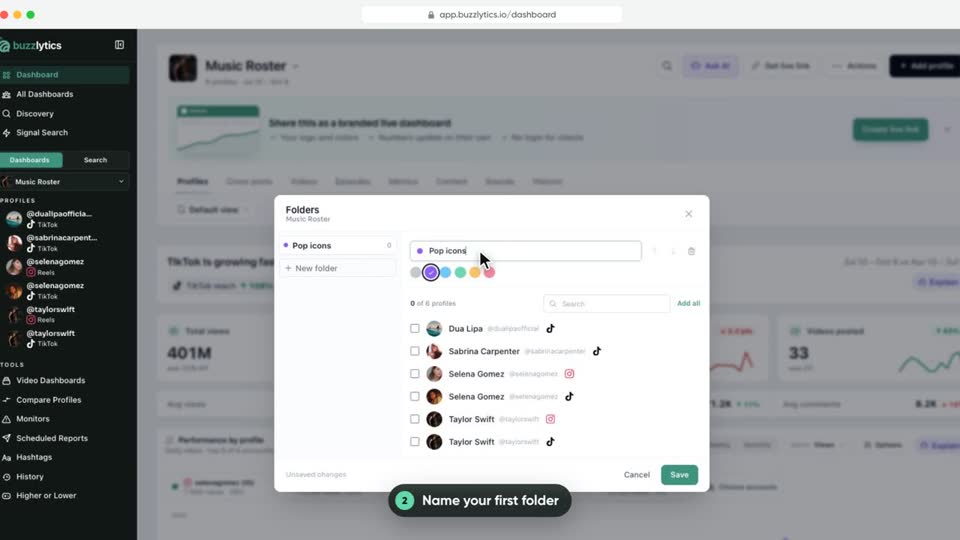
Split a big dashboard into folders, like a genre, tier or campaign, and see numbers for just that folder.
 0:38Watched
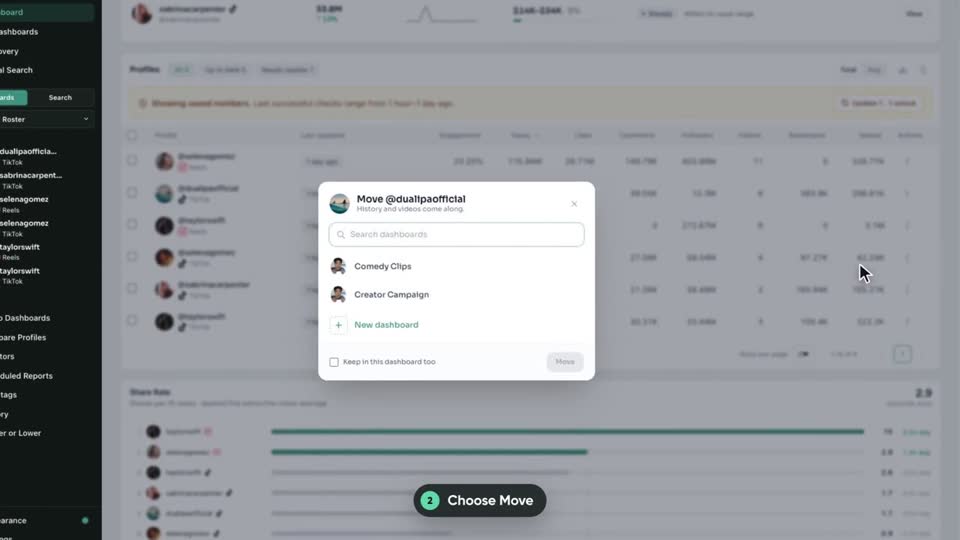
Move or copy profiles to another dashboard. Their history and videos come along.
 0:36Watched
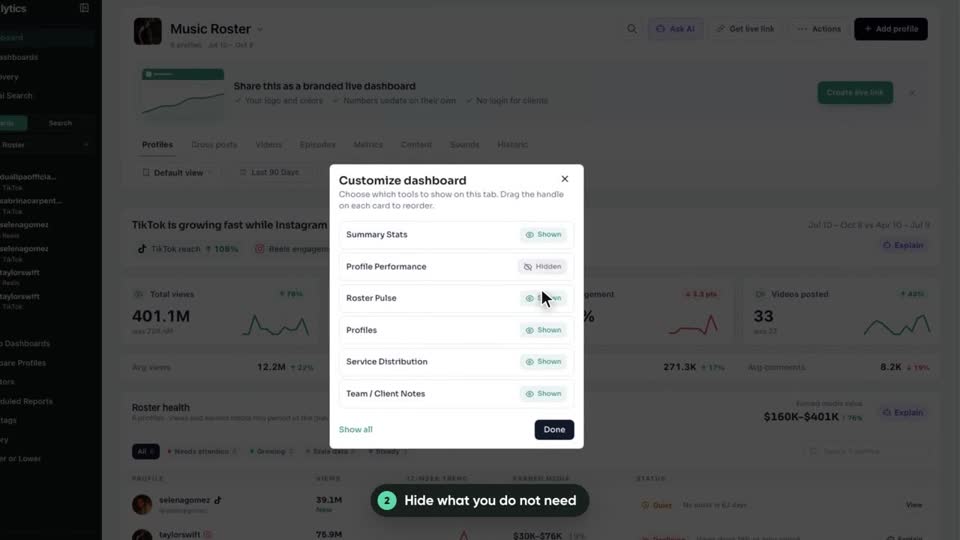
Hide the cards you do not need and drag the rest into the order you like.
 0:48Watched
Check every client at a glance on All Dashboards, then set the order and the default dashboard on the Manage page.
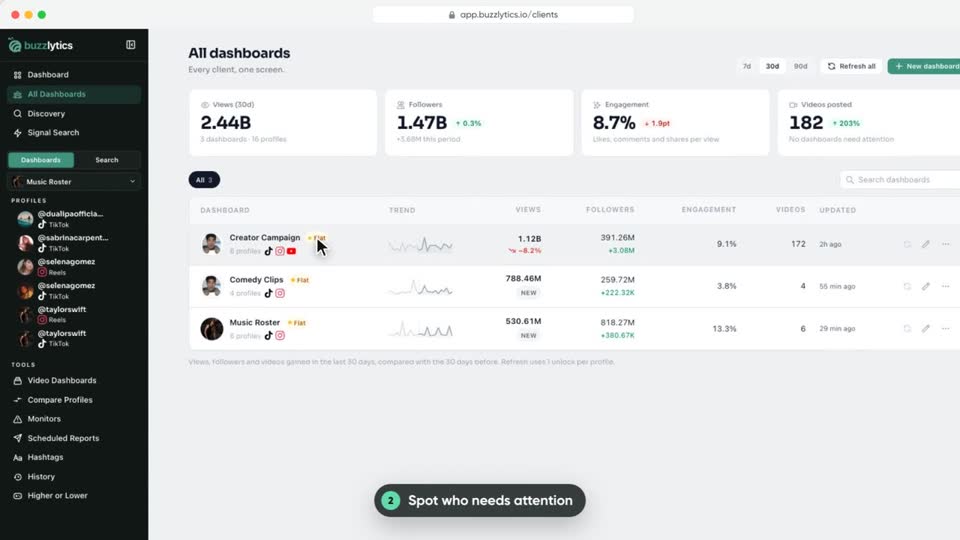
 0:52Watched
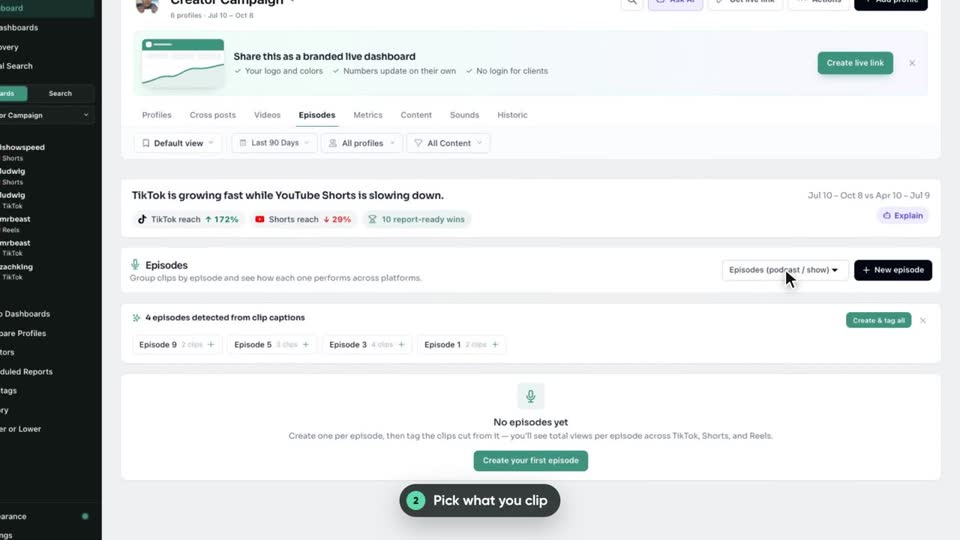
Group clips by the episode, stream or game they came from and see total views per source across every platform.
Send clients one live link, branded reports and media kits.
 0:35Watched
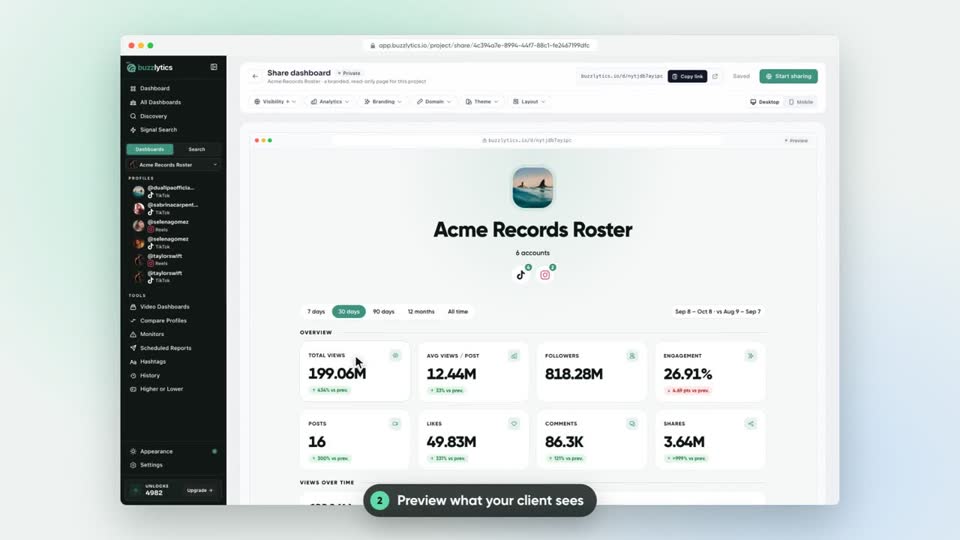
Turn any dashboard into a live, read-only page your client can open without a login.
 0:44Watched
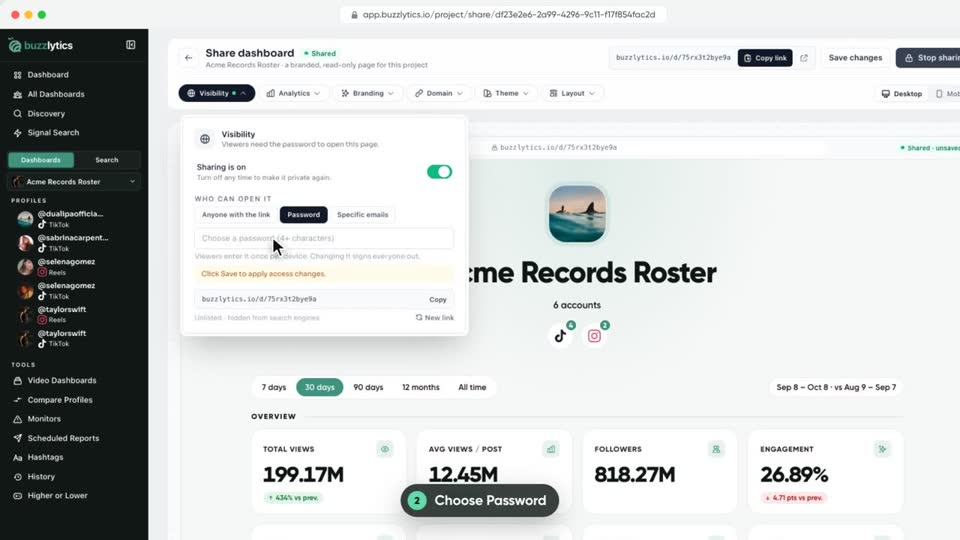
Lock a shared dashboard behind a password, or let only the email addresses you list open it.
 0:37Watched
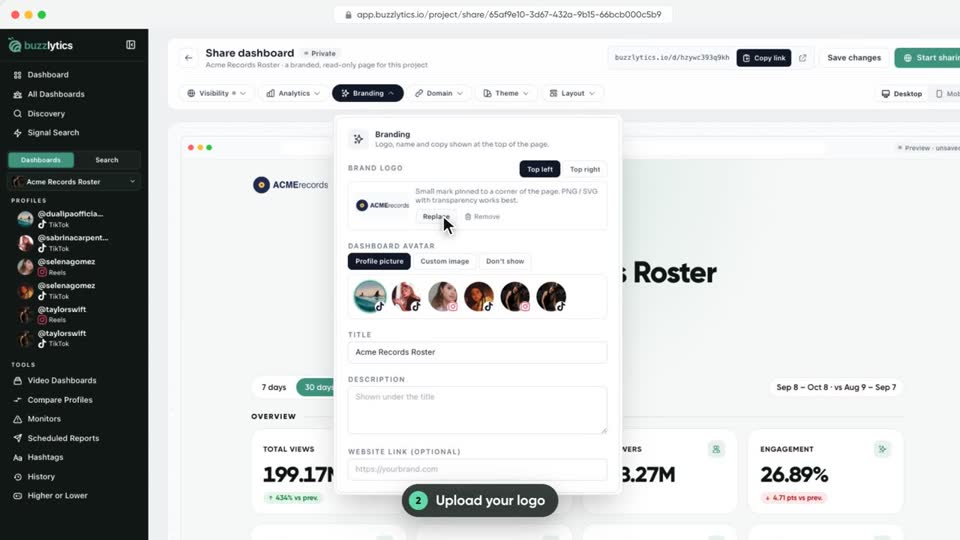
Put your logo, name and colors on the live dashboard your clients open.
 0:37Watched
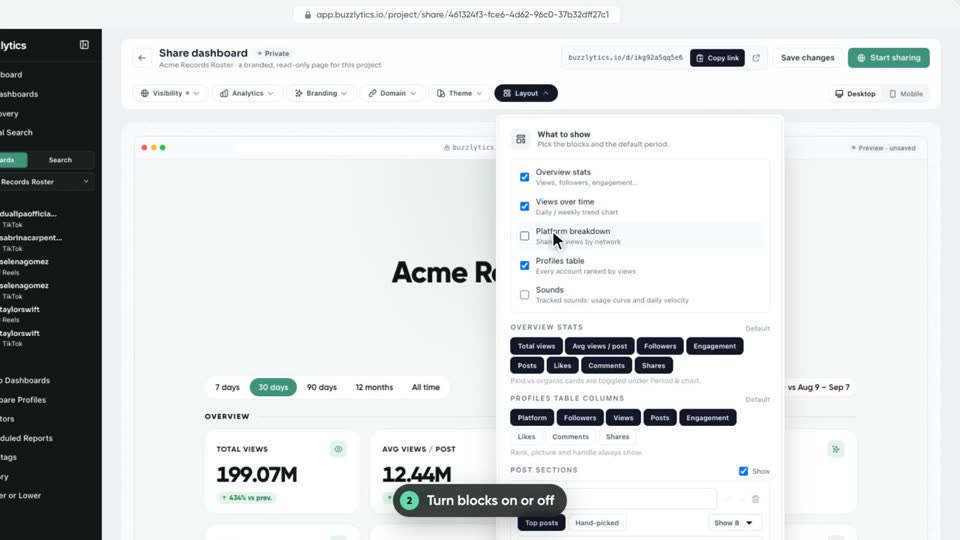
Pick which blocks, stats, columns and periods appear on the dashboard you share.
 0:36Watched
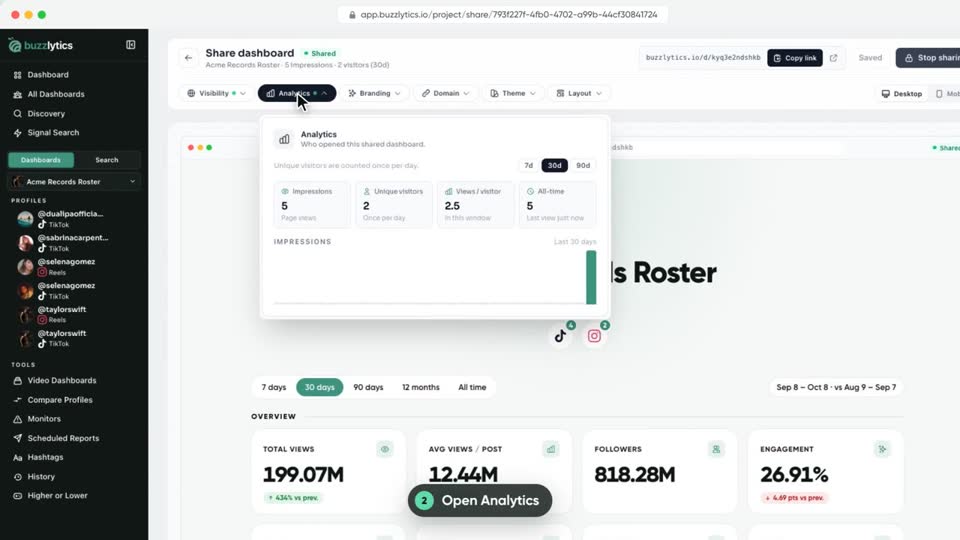
Check how often your shared dashboard was opened, and by how many people.
 0:40Watched
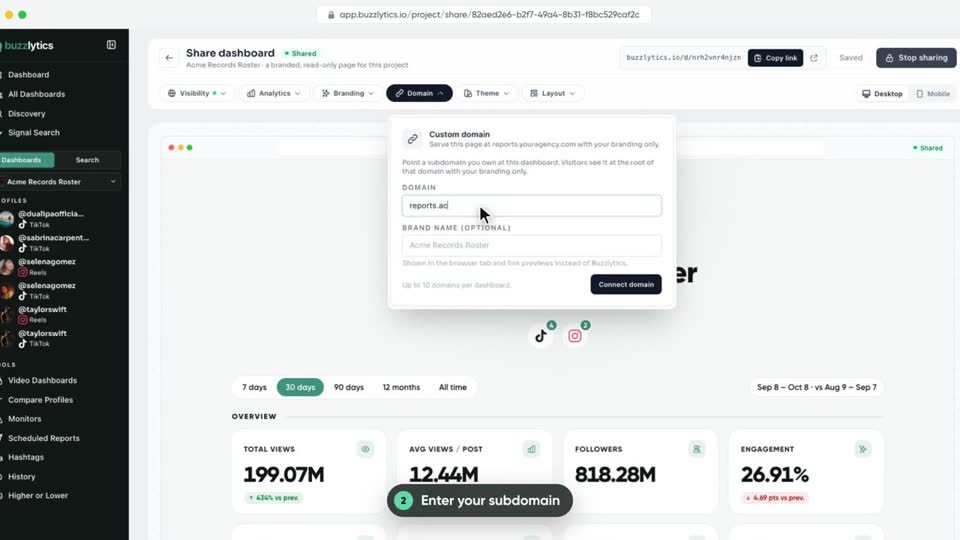
Serve a shared dashboard at your own address, like reports.youragency.com, with only your branding.
 0:43Watched
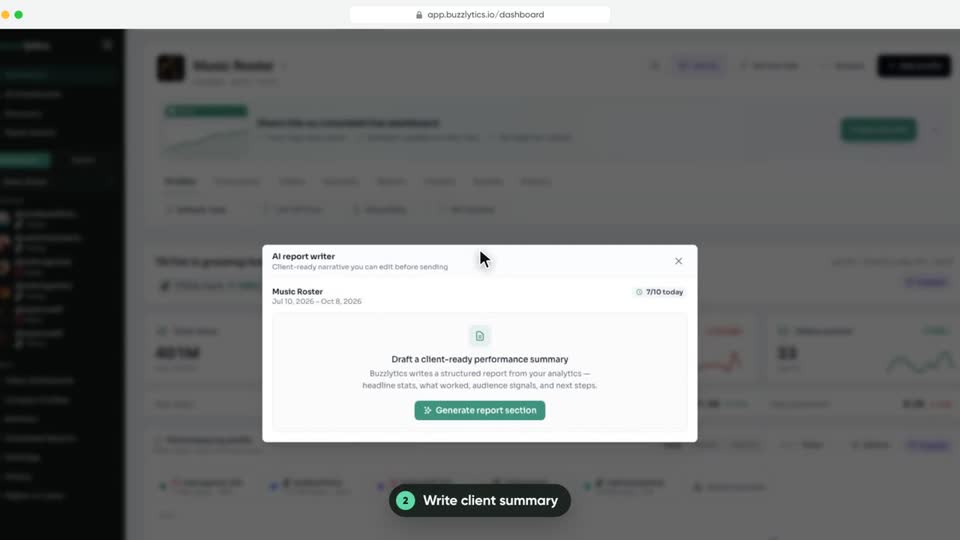
Write a client-ready summary with AI, and download a branded PDF report of any dashboard.
 0:46Watched
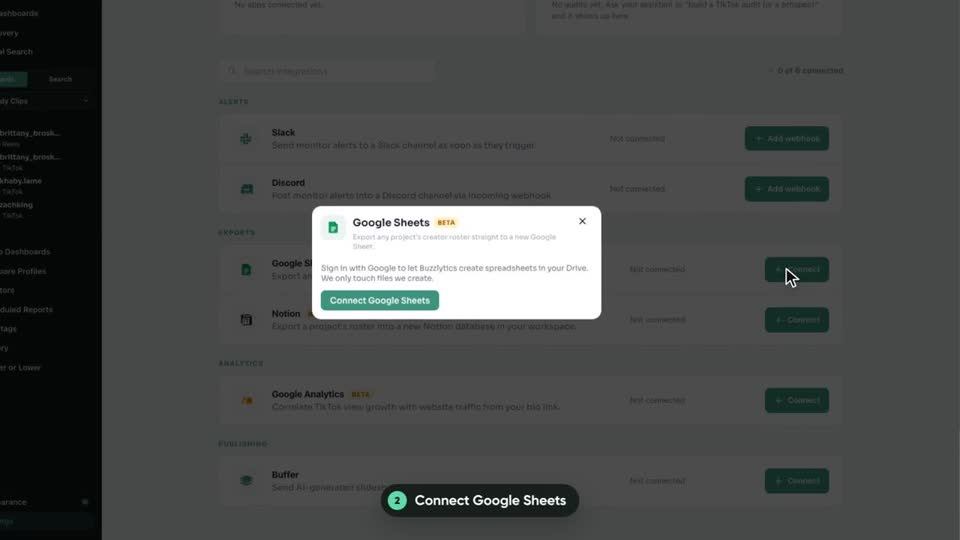
Connect Google Sheets or Notion once, then push any dashboard roster into a new sheet or database.
 0:44Watched
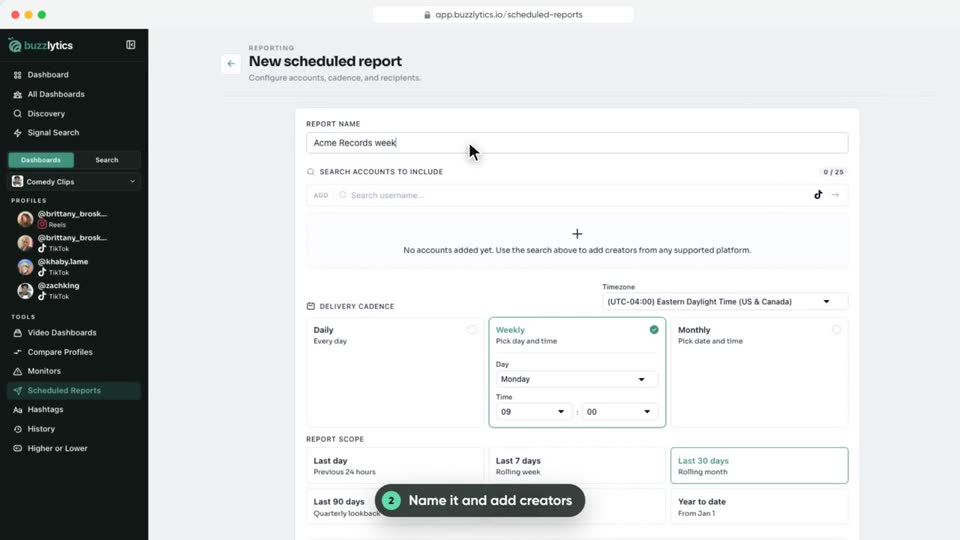
Send a PDF report of any creators to your inbox or your client's, every day, week or month.
 0:39Watched
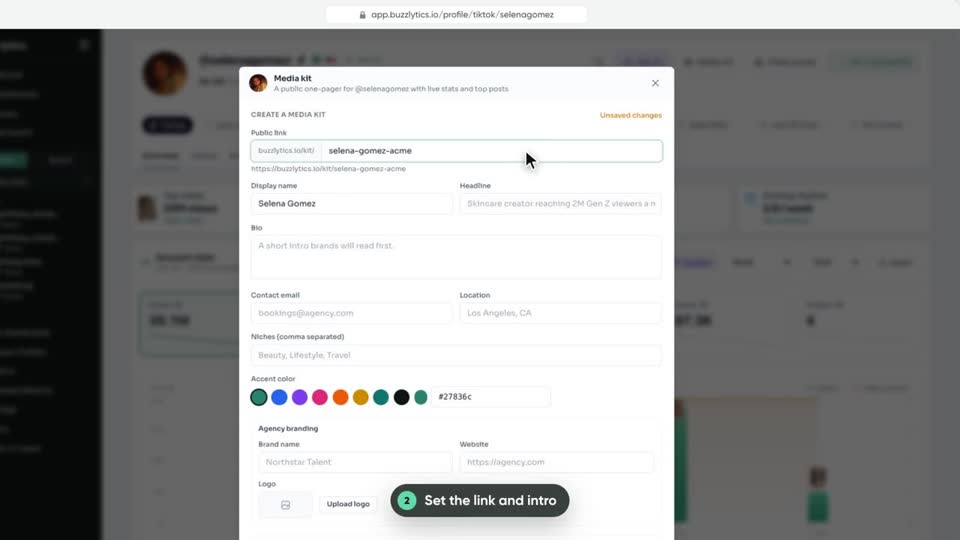
Publish a one-page media kit for any creator, with live stats, top posts and your rates.
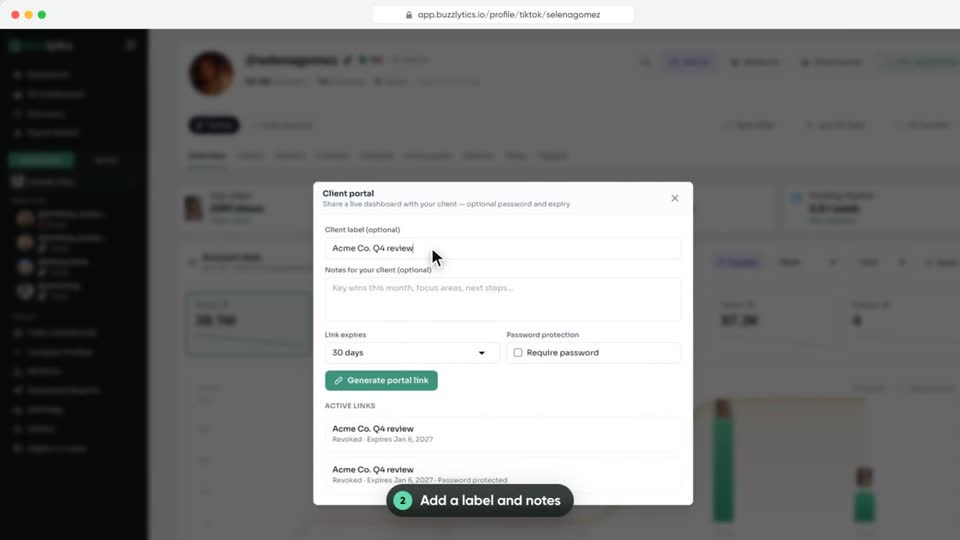 0:44Watched
Give a client a private, live view of one creator, with your notes and an expiry date.
Track campaign posts, pay creators per view and run leaderboards.
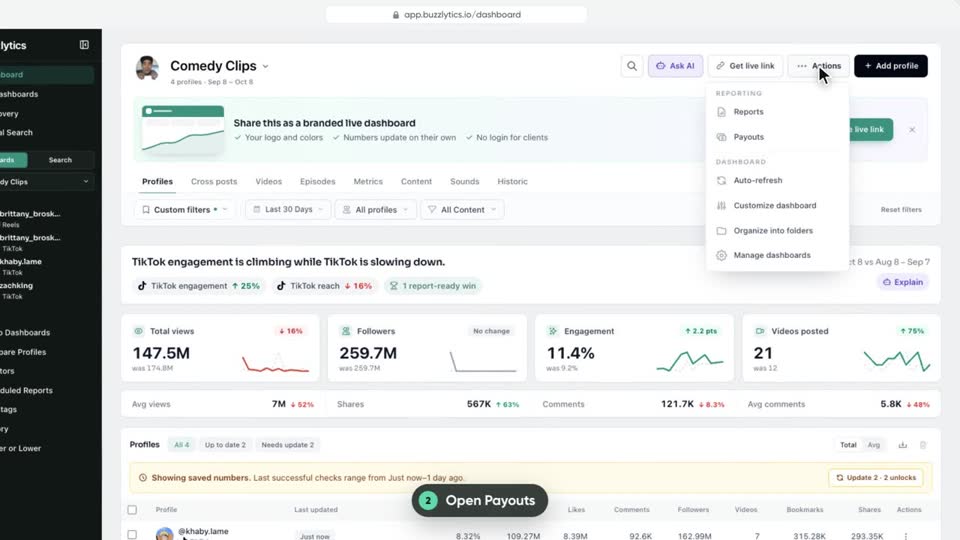 0:47Watched
Turn the views each creator gained into a payout total, with one default rate and per-creator overrides, then export it.
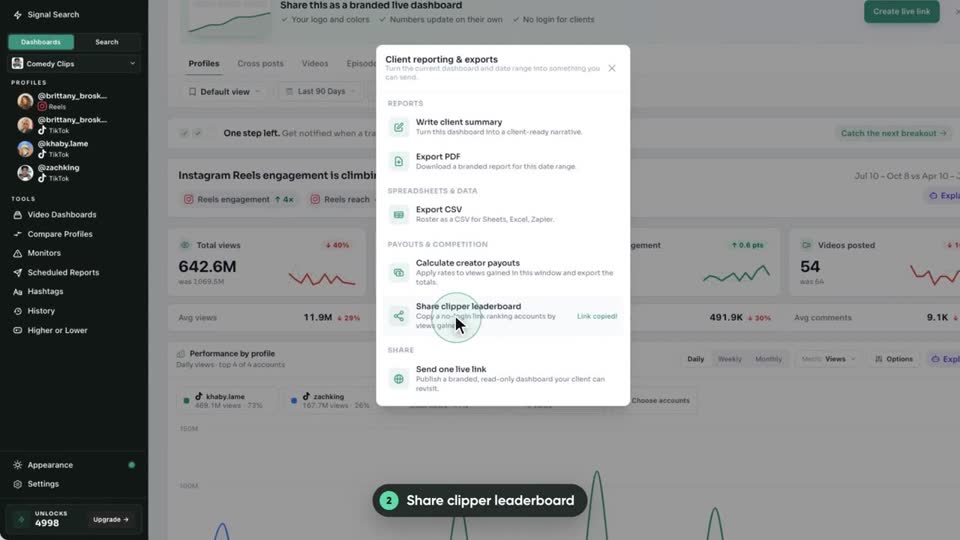 0:41Watched
Copy a no-login link that ranks every account on a dashboard by views gained, for your clippers or creators.
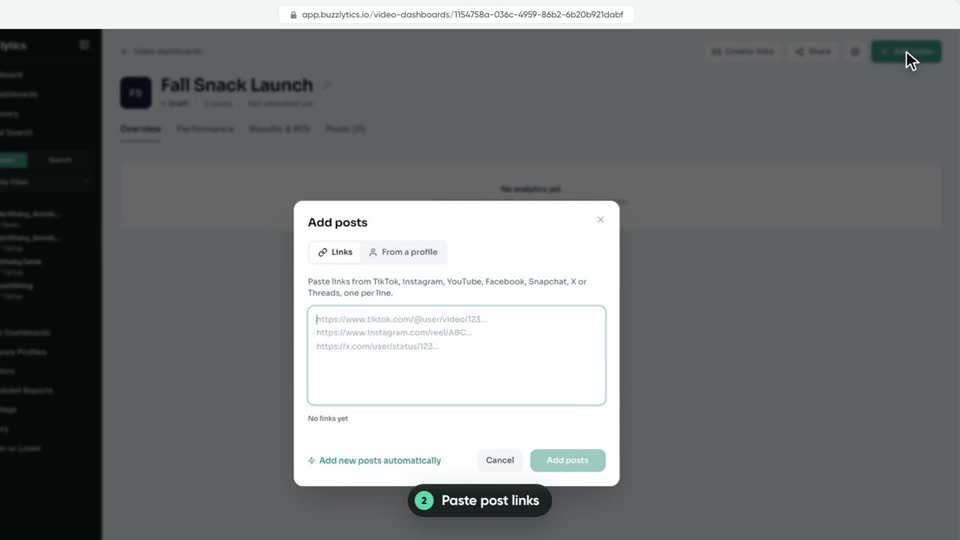 0:47Watched
Build a live report from individual post links instead of whole profiles, mixing TikTok, Instagram, YouTube and more.
 0:52Watched
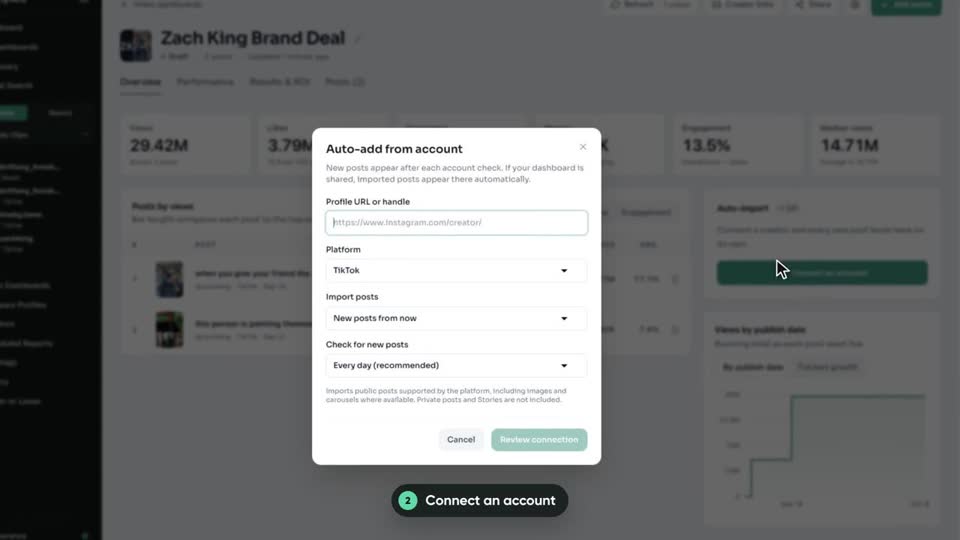
Connect a creator account to a Video Dashboard and every new post they publish is added for you.
 0:38Watched
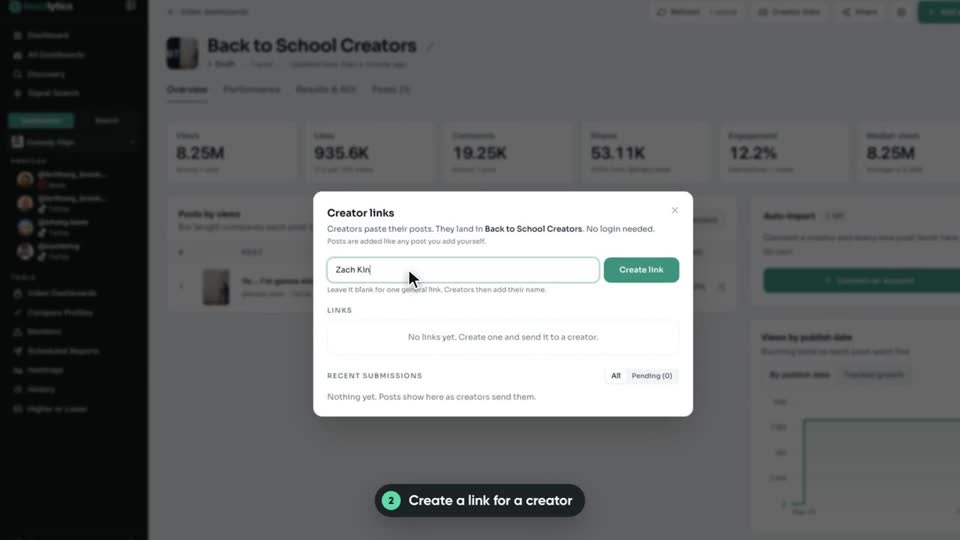
Send creators a link where they paste the posts they published. Each post lands in your Video Dashboard, no login needed.
 0:49Watched
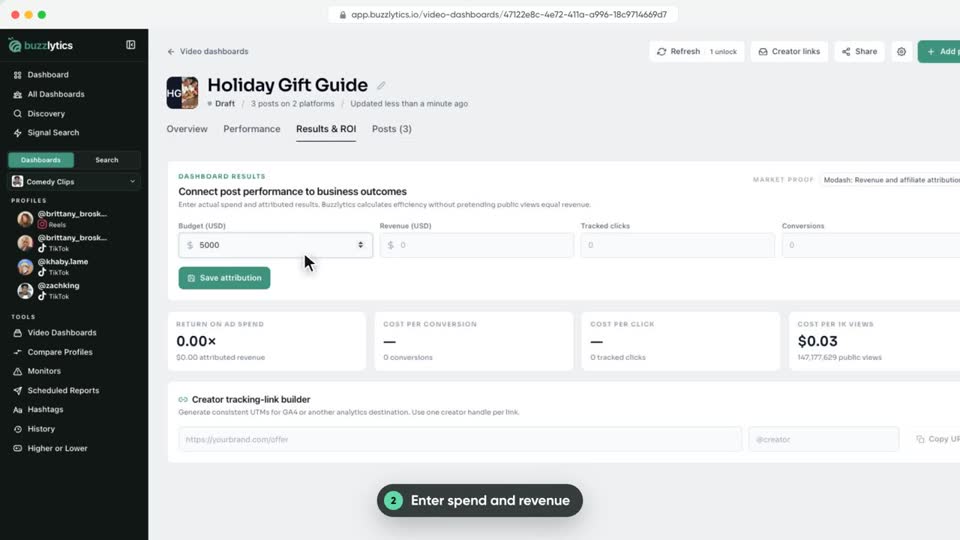
Add what a campaign cost and what it brought in, and see return on ad spend, cost per click and cost per 1,000 views.
Analyze any creator, compare accounts and discover new talent.
 0:53Watched
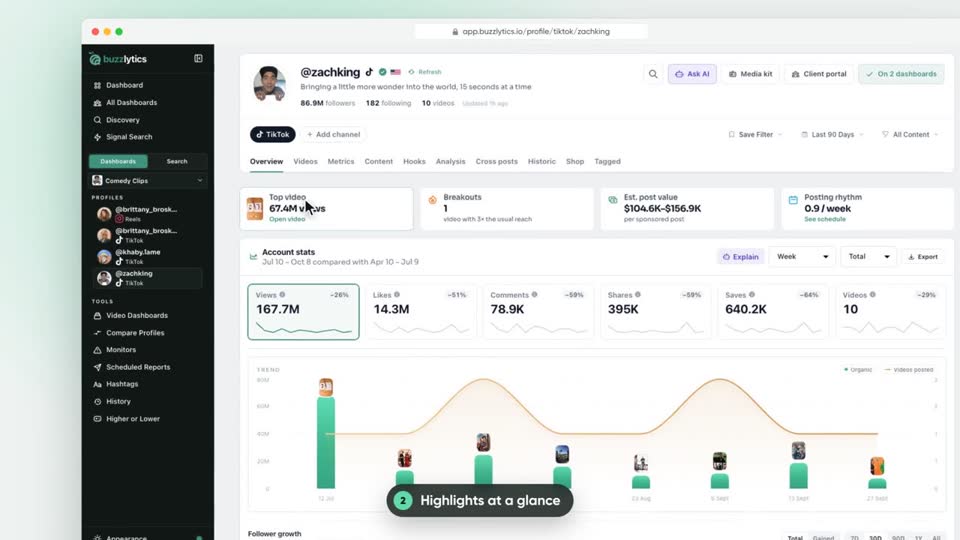
Open any creator and read their highlights, account stats, videos, metrics and AI analysis in one place.
 0:44Watched
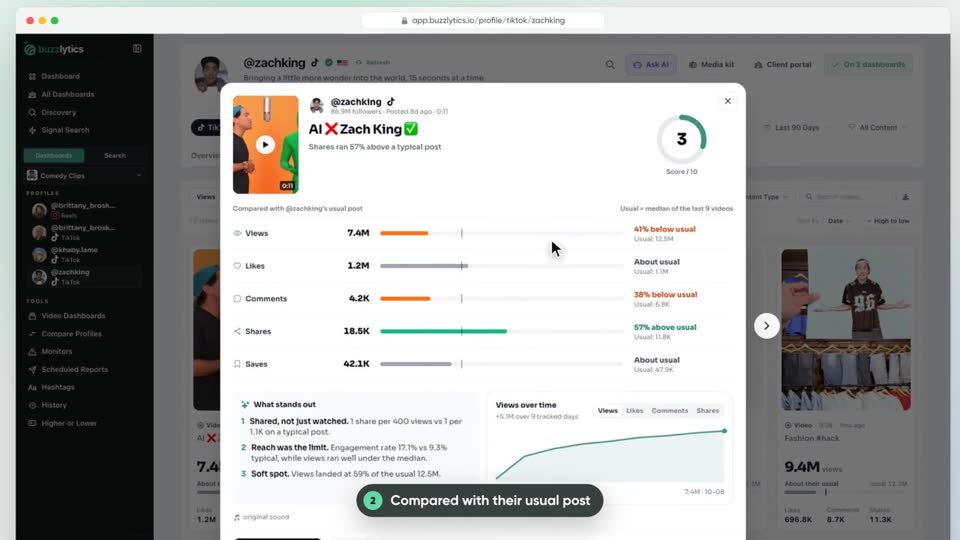
Click any video to see how it did against the creator's usual post, what stands out, and how its views grew.
 0:40Watched
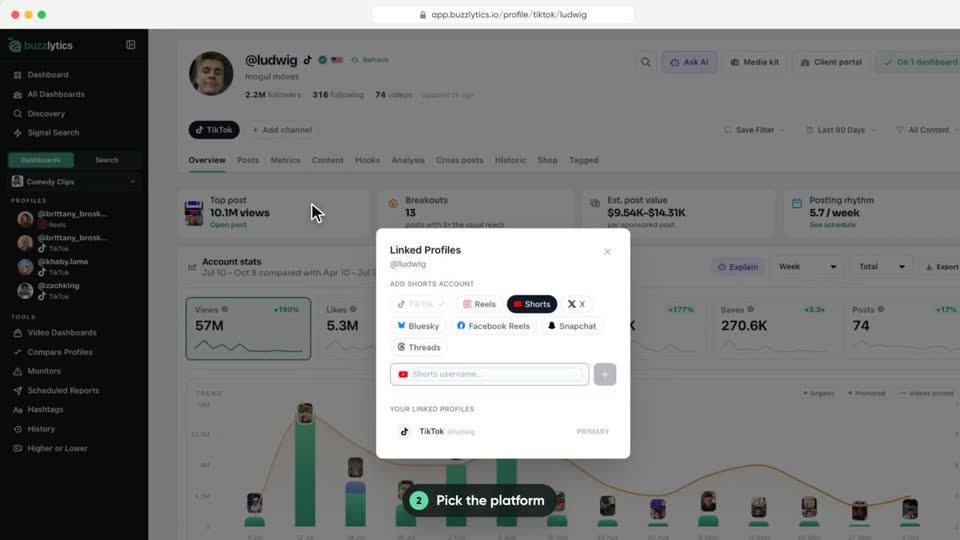
Connect the same creator's TikTok, Instagram, YouTube and other accounts so you can read them together on one profile.
 0:53Watched
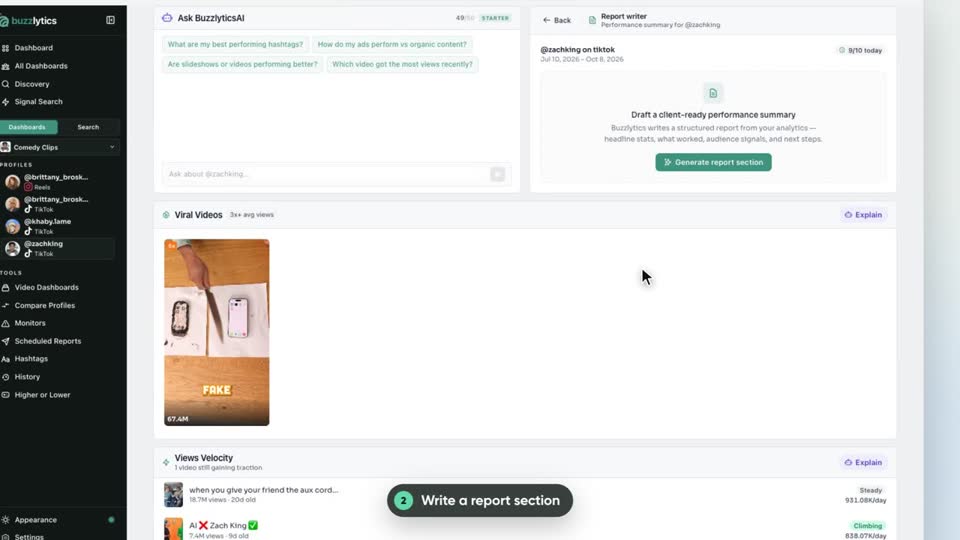
Write a client-ready summary, read how an audience feels from their comments, and set up an AI slideshow, right from a profile.
 0:38Watched
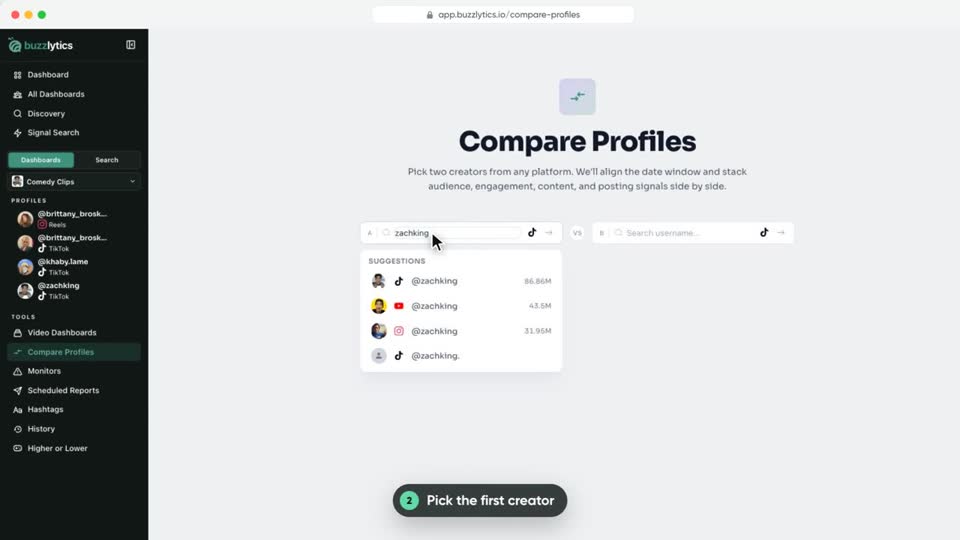
Put any two creators side by side, on the same date window, to see who wins on reach, engagement and posting.
 0:45Watched
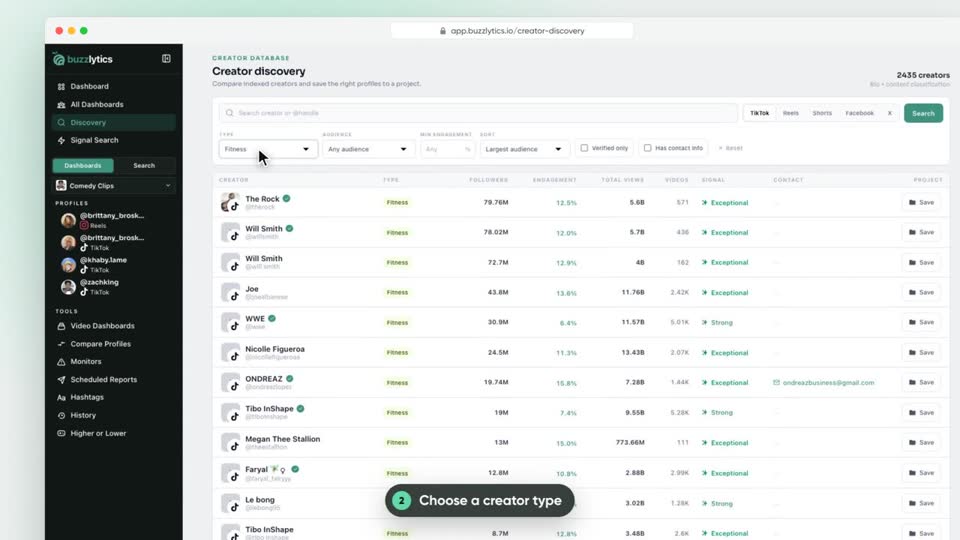
Search a database of over 100,000 creators by type, audience size and engagement, then save the right ones to a dashboard.
 0:38Watched
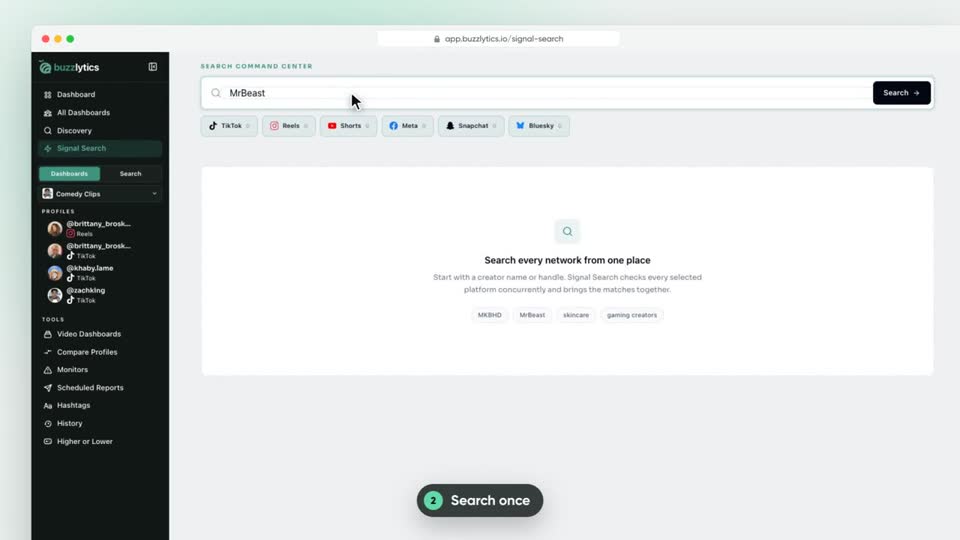
Search one name, topic or hashtag across TikTok, Reels, Shorts, Meta, Snapchat and Bluesky at once, for both accounts and posts.
 0:42Watched
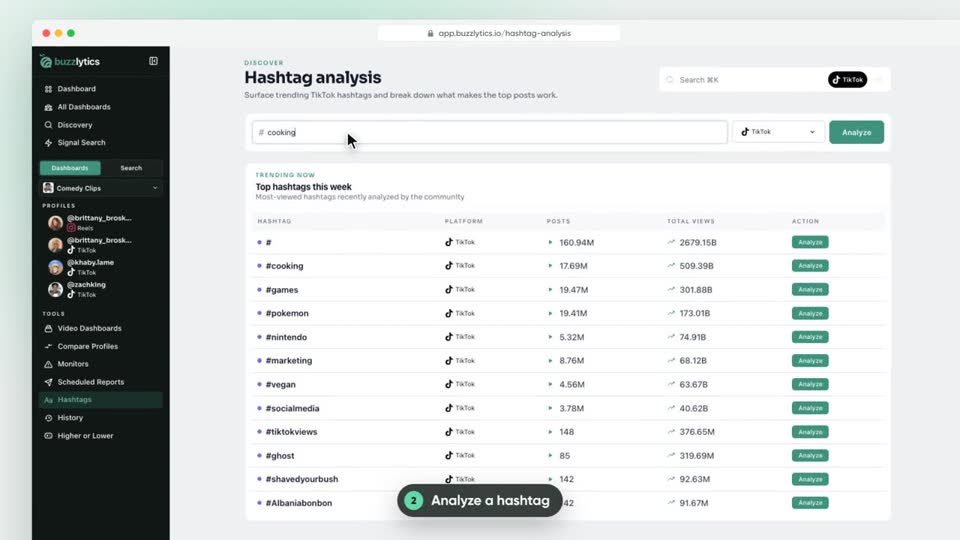
See the top TikTok hashtags this week, then break any hashtag down by its top posts, top creators and best time to post.
 0:42Watched
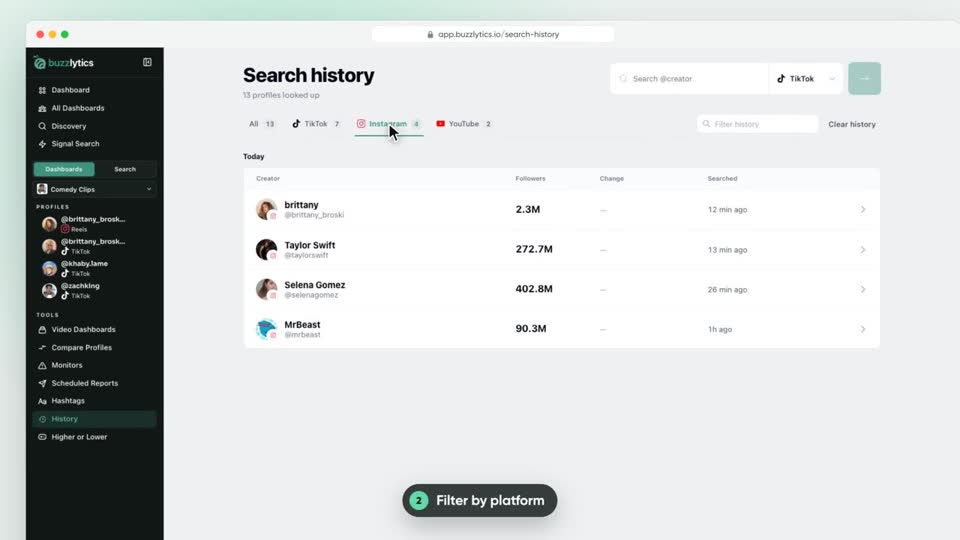
Find every creator you have looked up, filter by platform or name, see follower changes, and tidy the list.
Get told the moment a creator breaks out or posts.
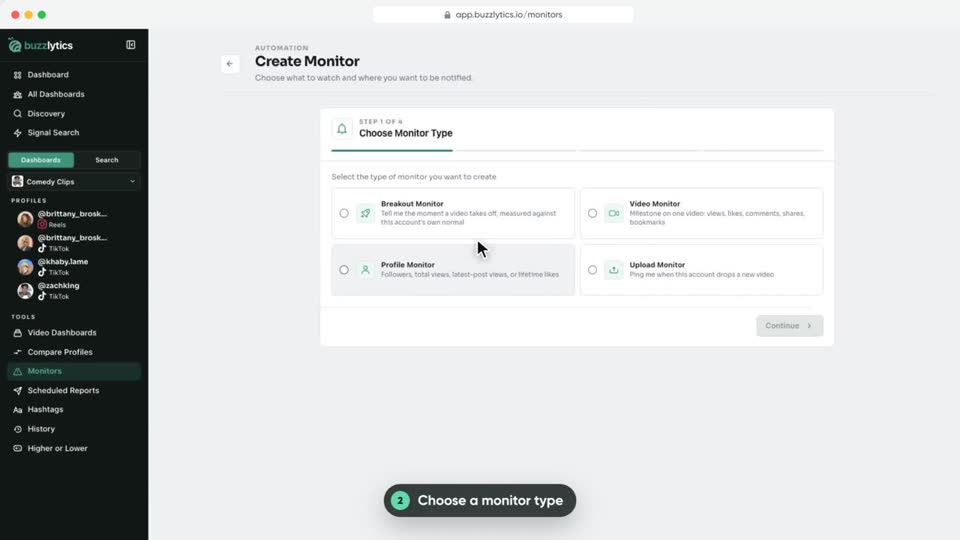 0:43Watched
Get an email the moment a creator posts a breakout video, hits a follower milestone or uploads something new.
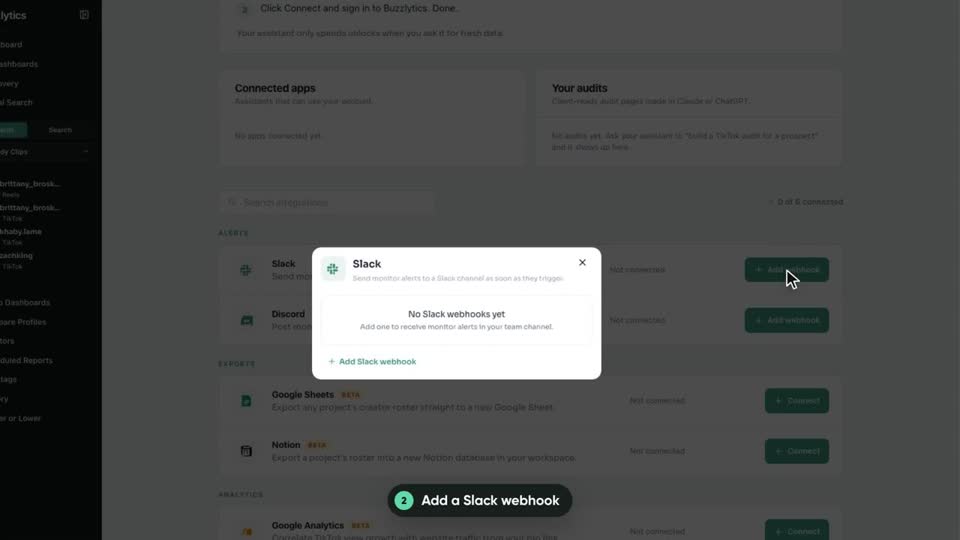 0:46Watched
Connect a Slack or Discord webhook once, then send any monitor's alerts straight to your team channel.
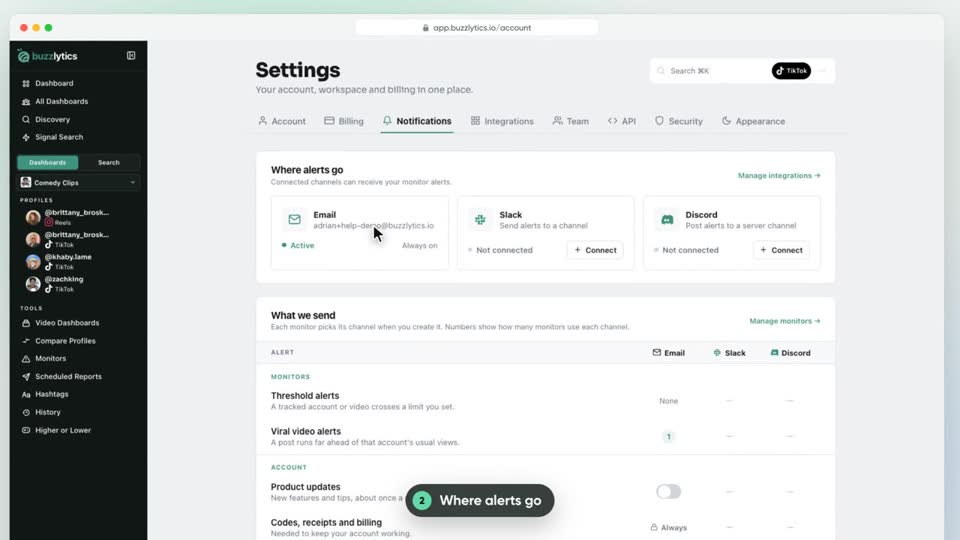 0:38Watched
See where your alerts go, which monitors use each channel, and which emails Buzzlytics sends you.
Ask questions about your data, here and inside Claude or ChatGPT.
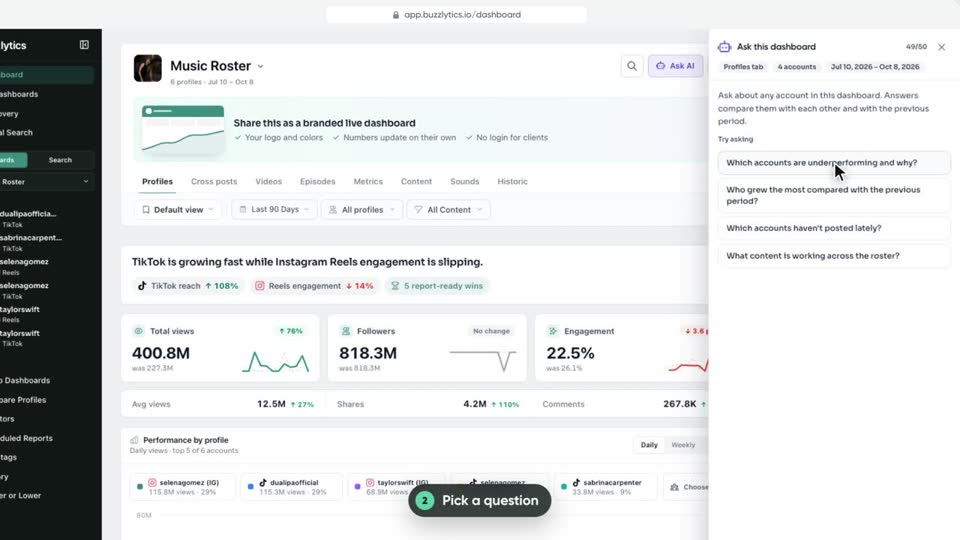 0:42Watched
Ask plain English questions about a whole roster and get answers built from the real numbers on the page.
 0:54Watched
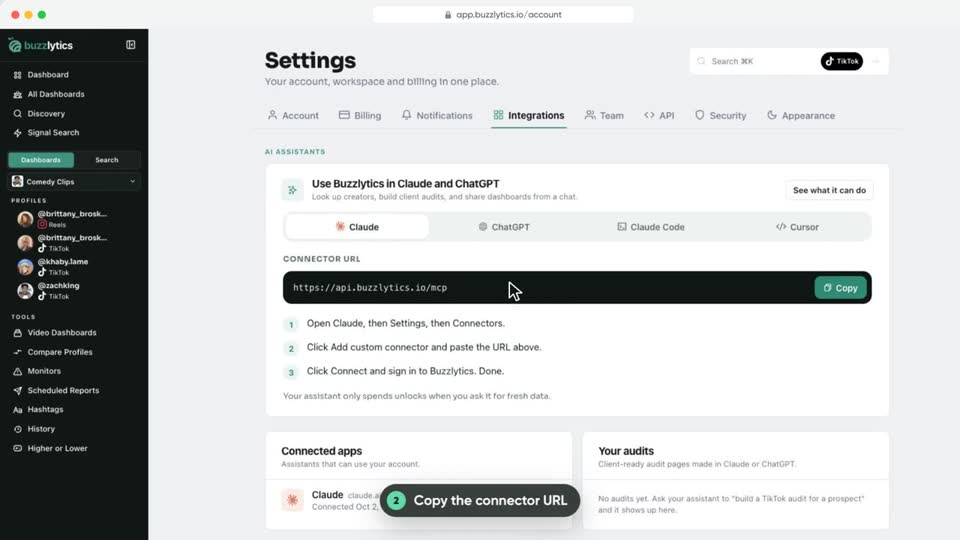
Add Buzzlytics to Claude, ChatGPT, Claude Code or Cursor, then look up creators and report on dashboards from a chat.
 0:49Watched
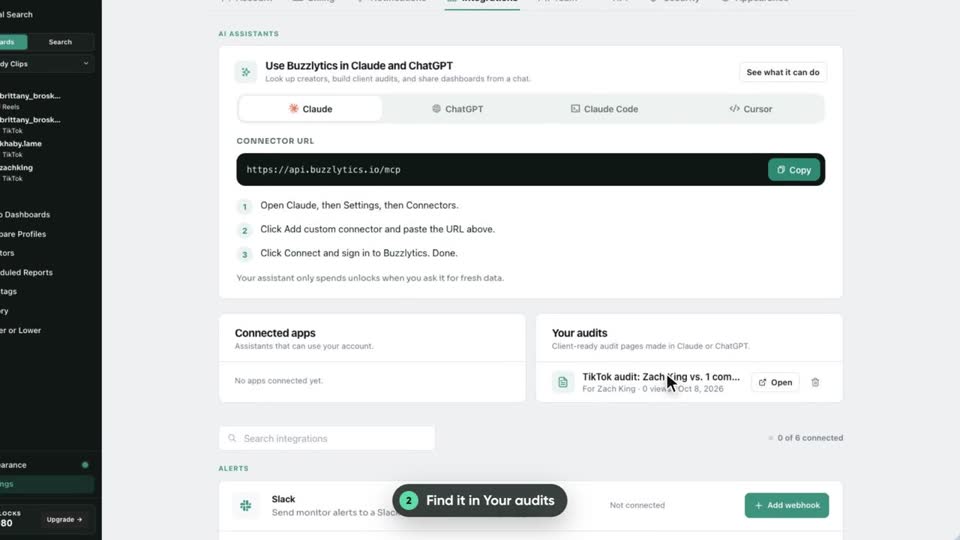
Ask Claude or ChatGPT to audit a prospect and get a client-ready page with real numbers, then find and manage it in Settings.
Invite teammates, connect your tools and use the API.
 0:47Watched
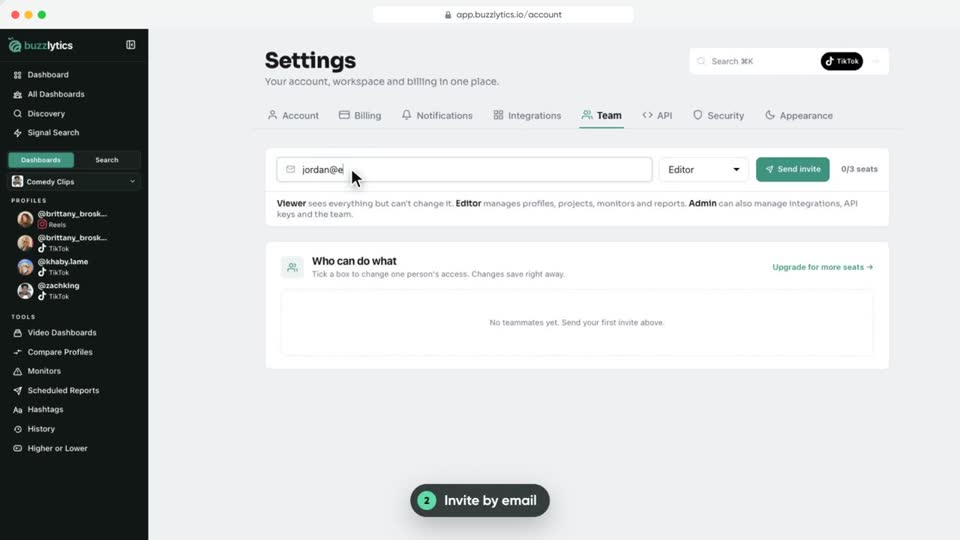
Invite teammates by email, pick their role, fine-tune what each person can do, and cap how many unlocks they spend.
 0:36Watched
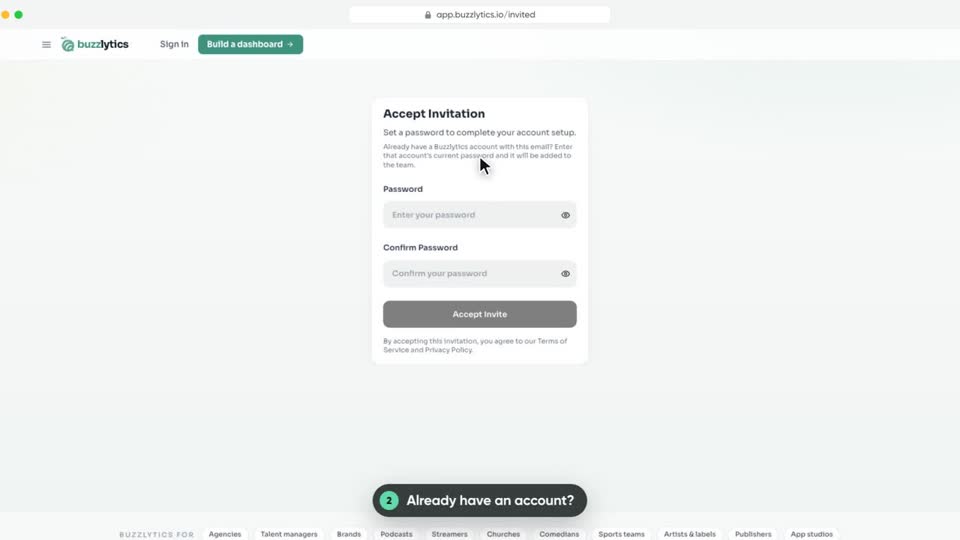
Join a teammate's Buzzlytics workspace from your invite email, with a new password or your existing account.
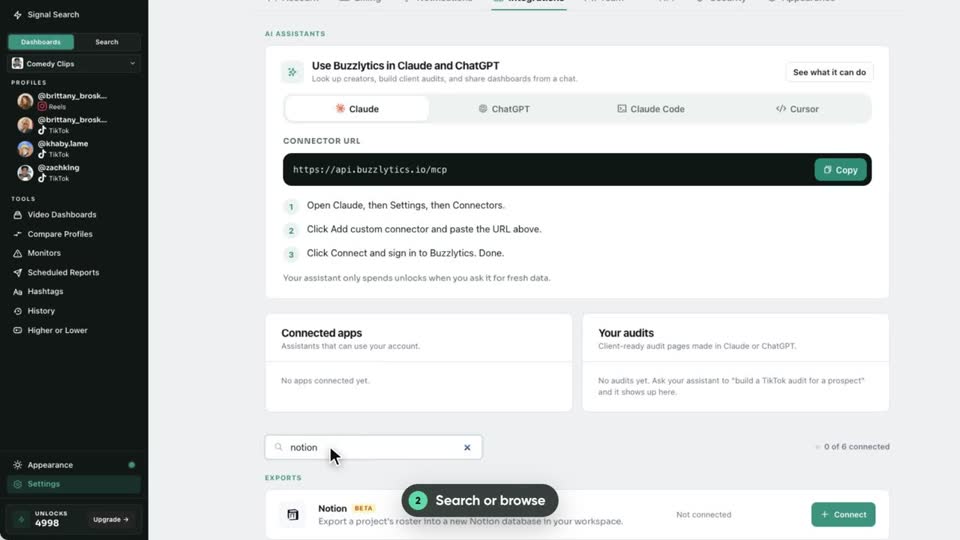 0:40Watched
A quick tour of everything Buzzlytics connects to: AI assistants, Slack and Discord alerts, Sheets and Notion exports, Google Analytics and Buffer.
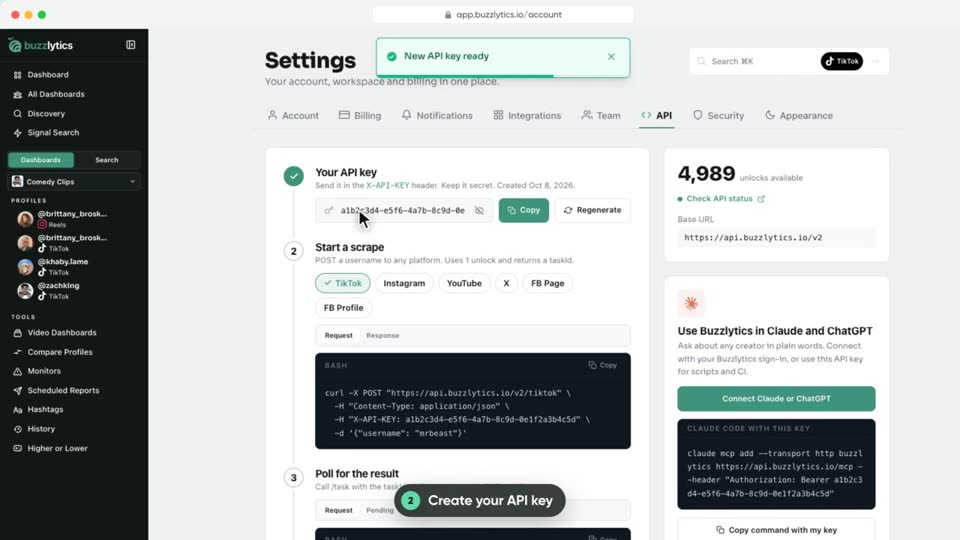 0:40Watched
Create an API key and pull TikTok, Instagram, YouTube, X and Facebook profile data into your own tools.
Plans, billing, pausing and your settings.
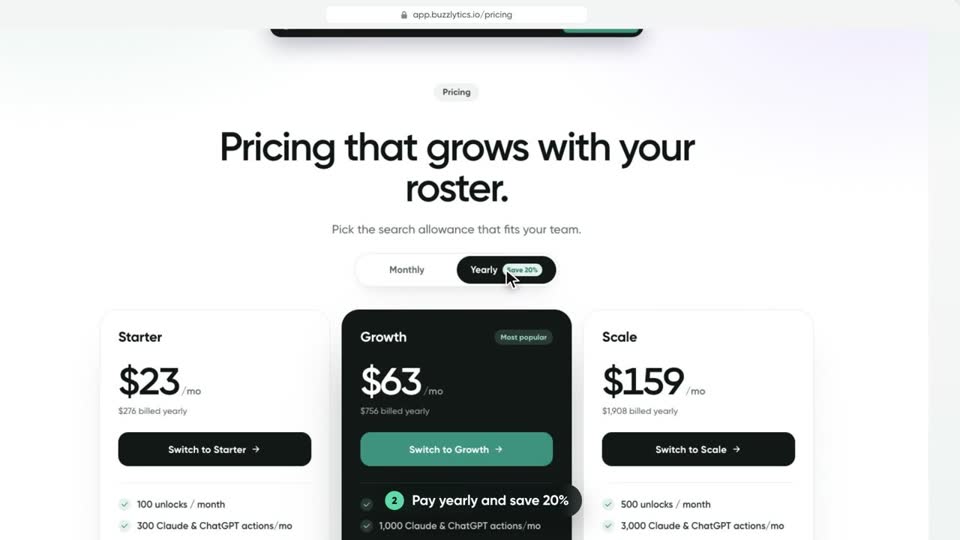 0:58Watched
Compare Starter, Growth and Scale: prices, monthly unlocks, dashboards, monitors and seats.
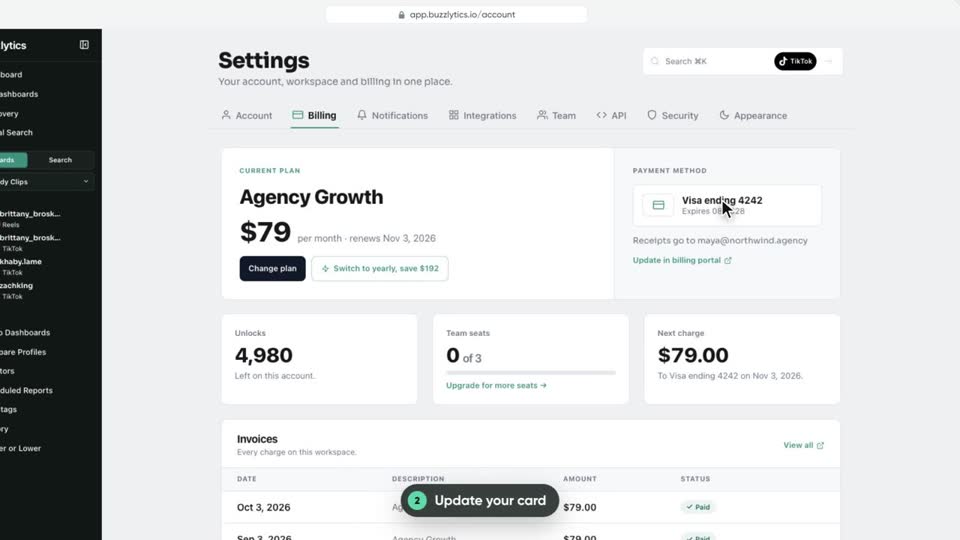 0:52Watched
Switch plans, move to yearly billing, update your card and find your invoices on the Billing tab.
 0:42Watched
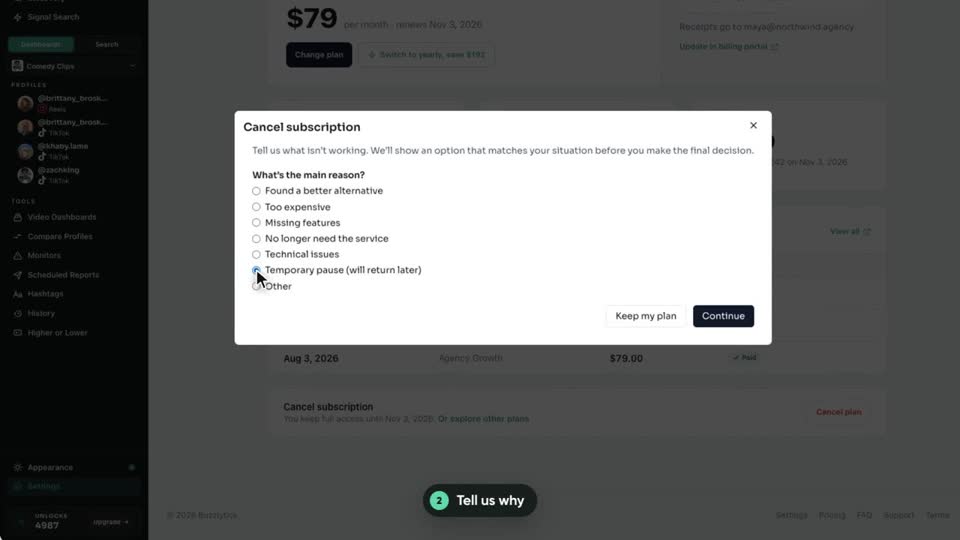
Pause billing for 30 days or cancel at the end of your billing period, from the Billing tab.
 0:49Watched
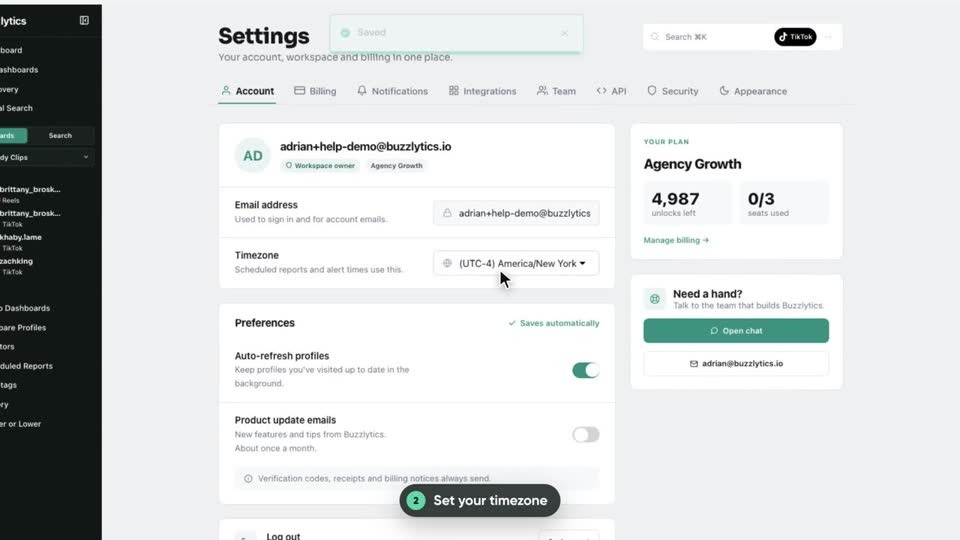
Find your timezone, preferences, email notifications, theme and password in Settings.
Unlocks are your Buzzlytics balance. Looking up a new profile or updating one uses 1 unlock. Auto-refresh uses 1 unlock per account each time it runs, and refreshing a Video Dashboard uses 1 unlock per 20 posts. Your plan refills them every month, and you can buy extra unlocks any time.
Yes. Share it as a live link. Anyone with the link can open it, or you can protect it with a password or a list of allowed emails.
No. The payout calculator works out what each creator earned from views, and you send the money through your usual payment provider.
Public profiles on TikTok, Instagram, YouTube, X, Facebook, Threads, Bluesky and Snapchat. You never need a creator’s login.
Starter ($29/mo) includes 100 unlocks, 2 monitors, 1 seat and 5 live dashboards. Growth ($79/mo) includes 250 unlocks, 5 monitors, 3 seats and unlimited dashboards. Scale ($199/mo) includes 500 unlocks, 10 monitors and 25 seats. Yearly billing saves 20%.
When a dashboard is set to All time, the payout calculator uses the latest 30 days. Pick a specific date range to pay for a different period.
Every profile shows when it was last updated. Click Update to refresh it now, or turn on auto-refresh so a dashboard refreshes on its own, from every hour to once a week.
Go to Settings, then Billing, then Cancel plan. You can also pause billing for 30 days. You keep access until the end of the period you paid for.
Send us a message and we’ll help you sort it out.