Results and ROI
Add what a campaign cost and what it brought in, and see return on ad spend, cost per click and cost per 1,000 views.
Quick steps
- Open Results & ROI
- Enter spend and revenue
- Add clicks and conversions
- Read your efficiency
- Build a tracking link
- Copy it for the creator
Step by step
Prefer reading? Every step shows the screen you’ll see. Click a time to jump the video there.
-
1
Open Results & ROI
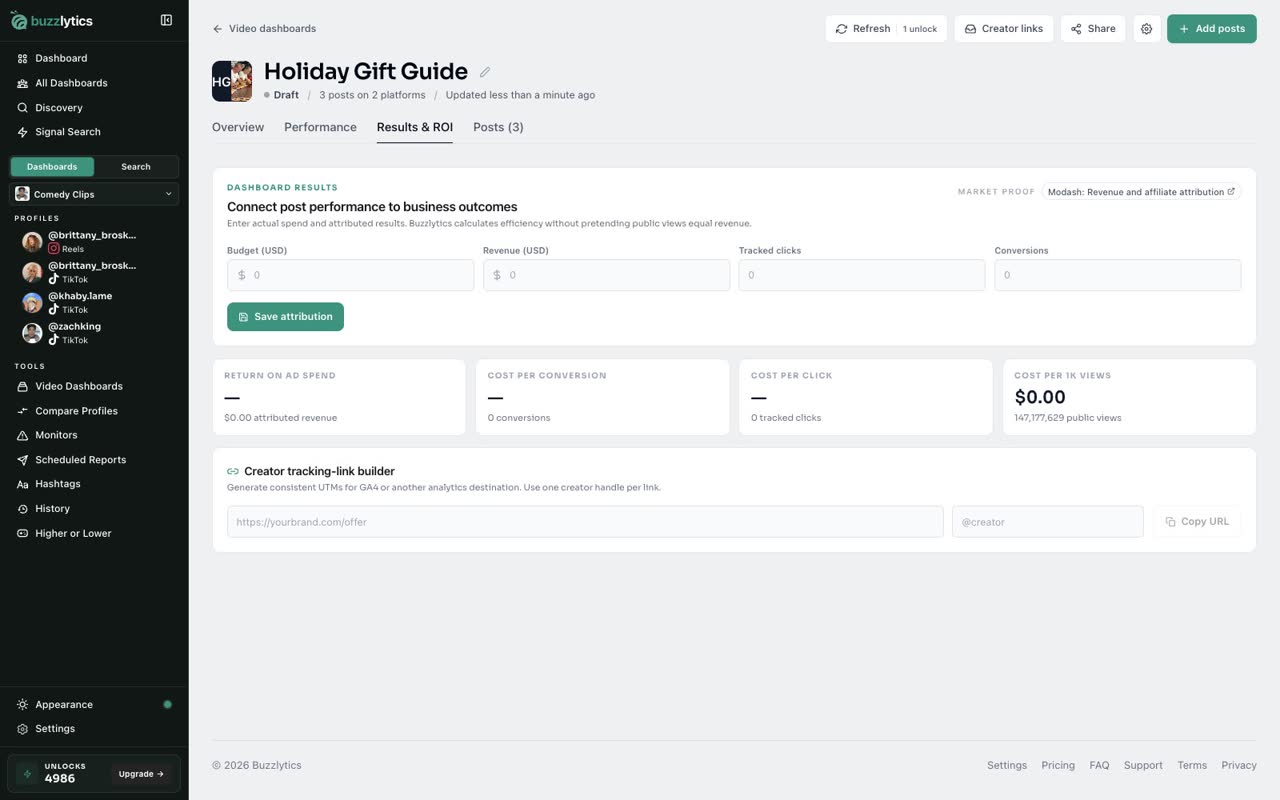
In your Video Dashboard, open the Results and ROI tab.
-
2
Enter spend and revenue
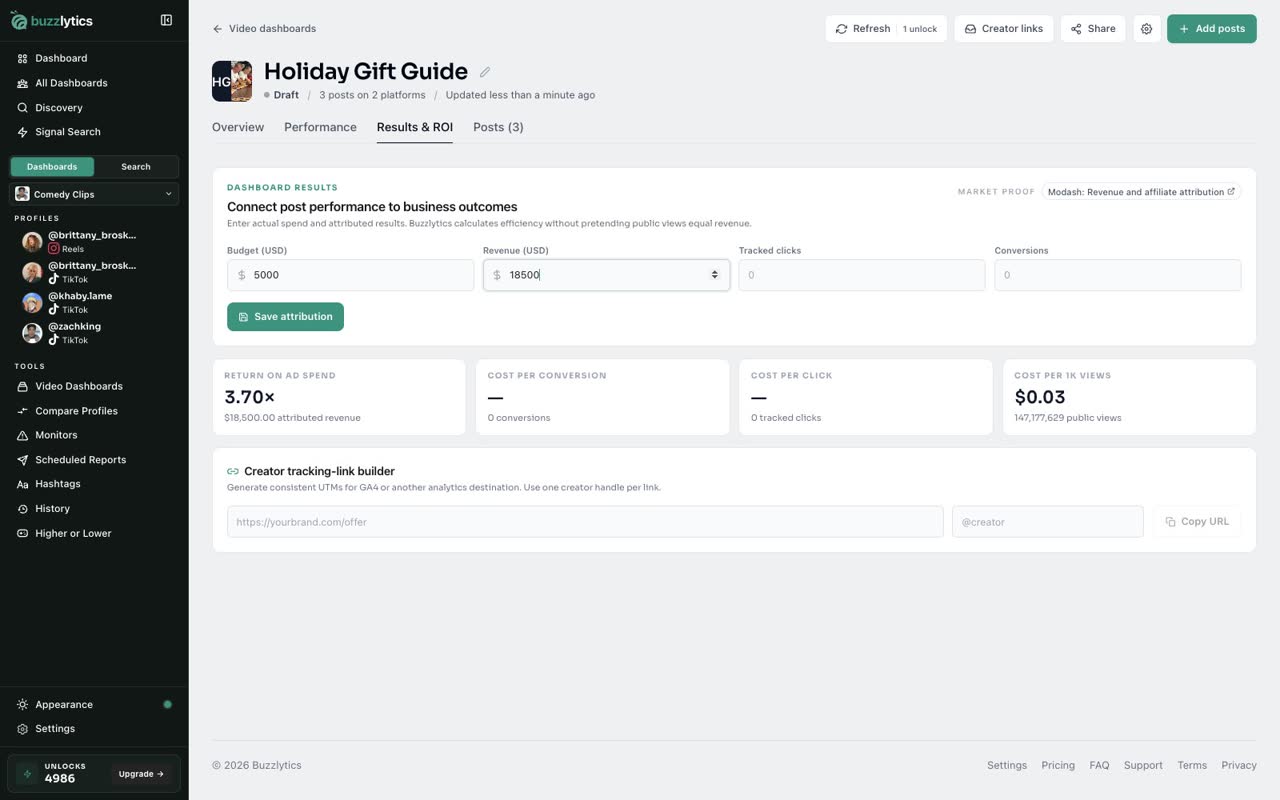
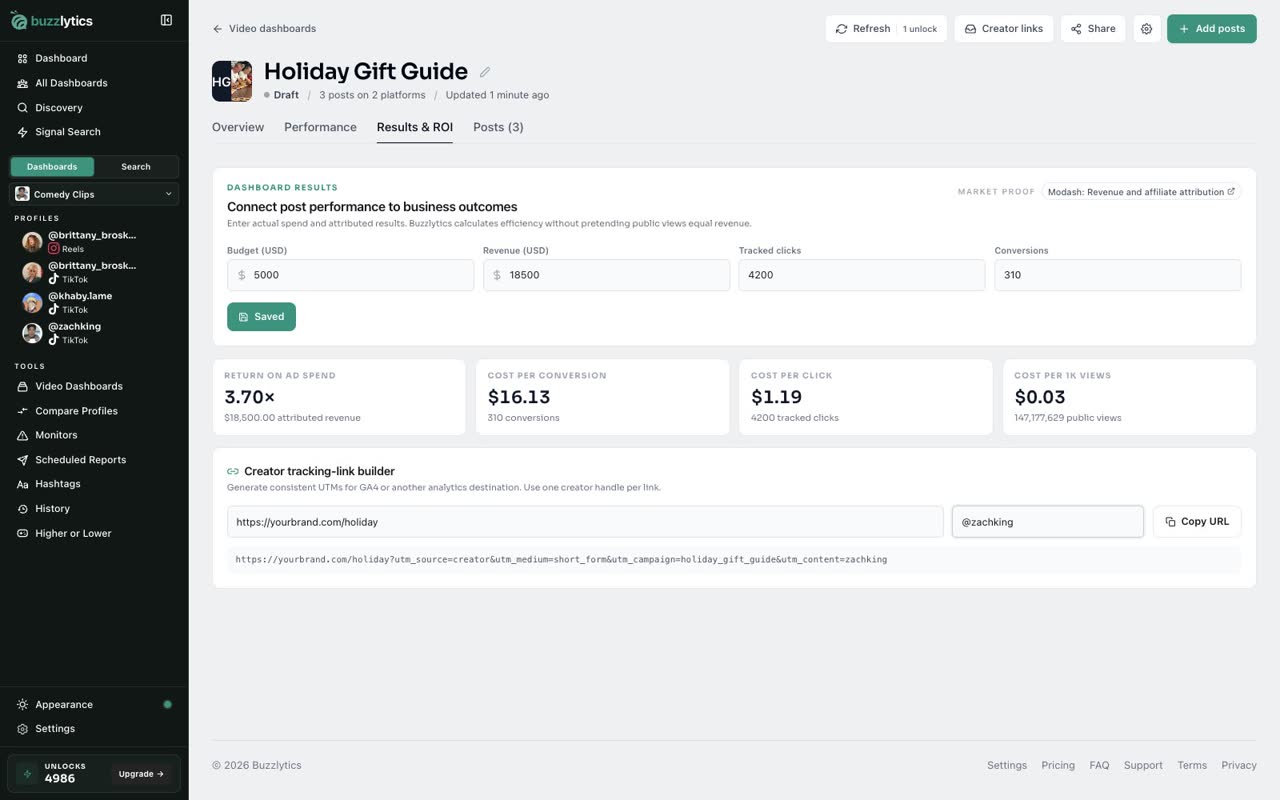
Type what the campaign cost in Budget, and the revenue it brought in from your own sales data.
-
3
Add clicks and conversions
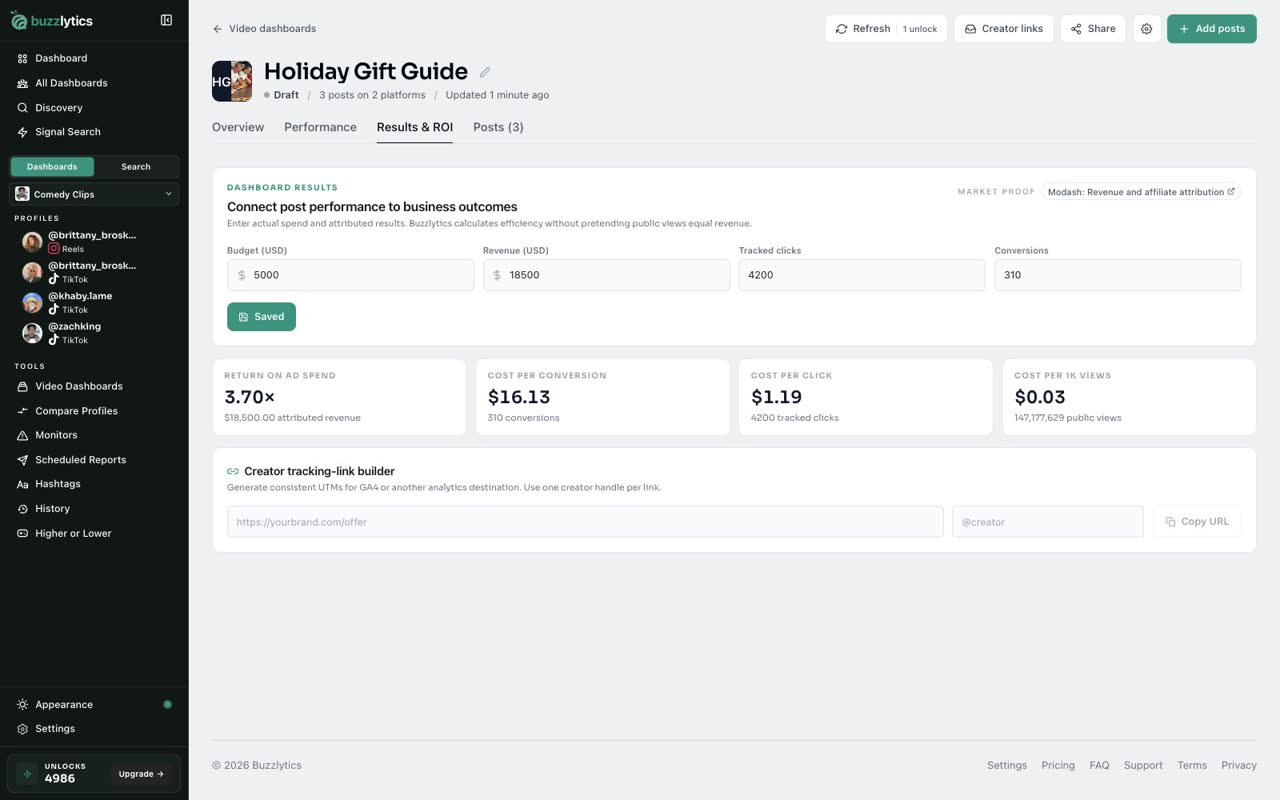
Add the tracked clicks and conversions from your analytics, then click Save attribution.
-
4
Read your efficiency
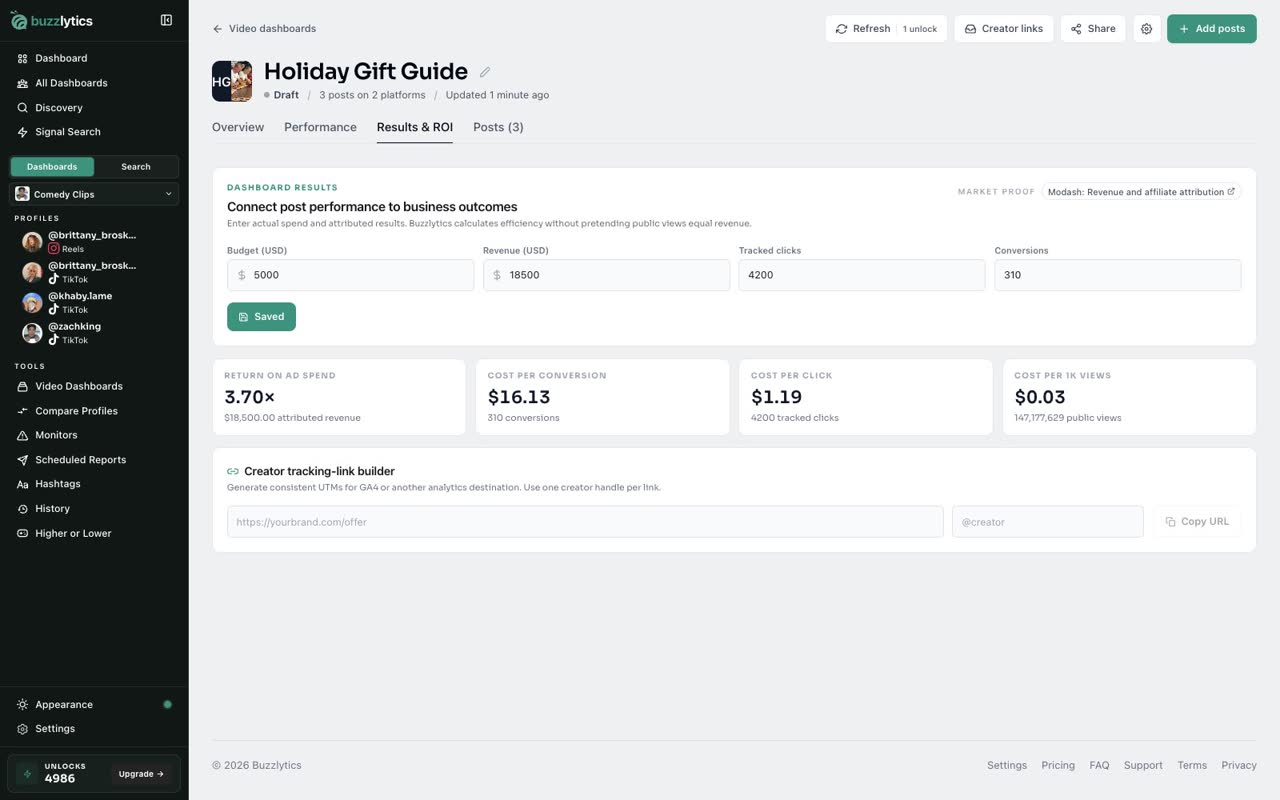
Buzzlytics works out return on ad spend, cost per conversion, cost per click, and cost per 1,000 views.
-
5
Build a tracking link
In the Creator tracking-link builder, paste your landing page and the creator's handle. You get a link with UTM tags already added.
-
6
Copy it for the creator
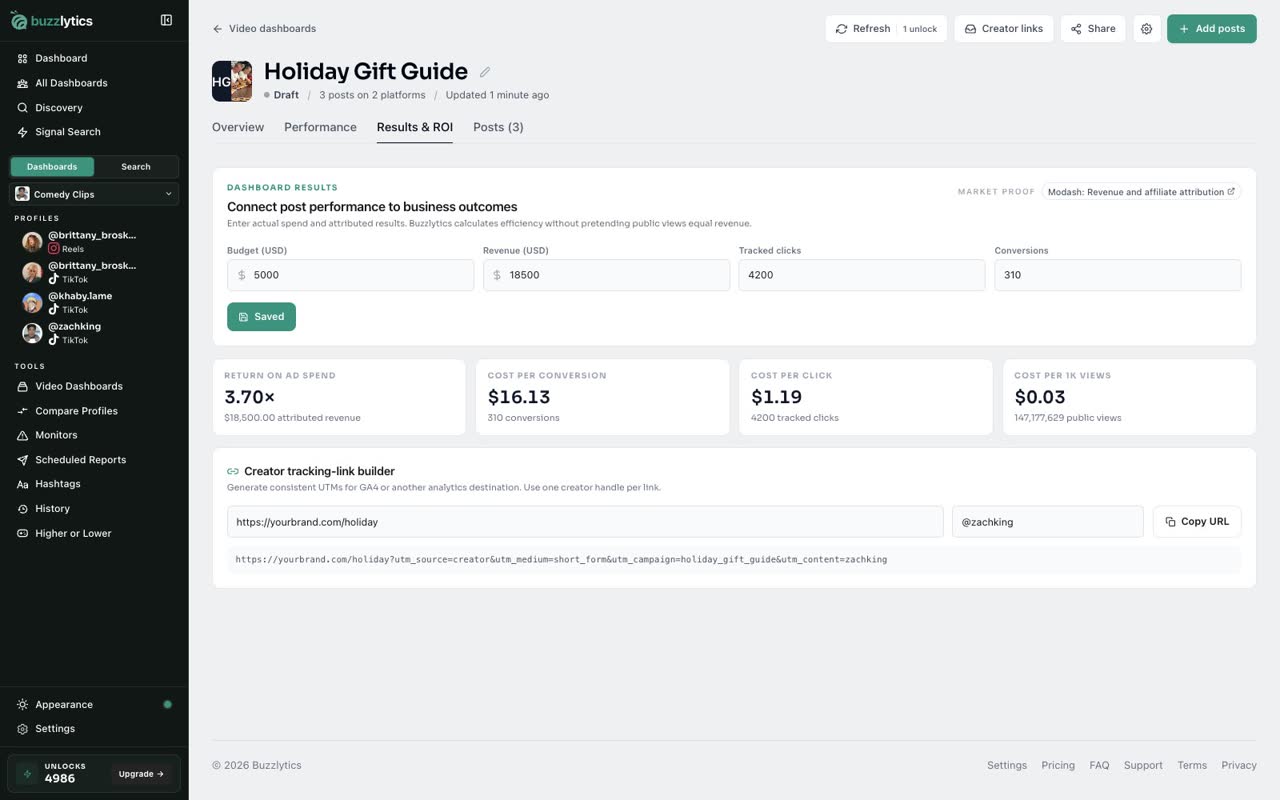
Click Copy URL and send it to the creator, so every click from their post is counted in your analytics.
Good to know
- Buzzlytics does not see your sales. You type in the spend, revenue, clicks and conversions from your own tools.
- Cost per 1K views uses the public views of the posts in this dashboard.
- Tracking links add utm_source, utm_medium, utm_campaign and the creator handle, ready for GA4.
Read the full transcript
In this video, you will turn a Video Dashboard into a results report with spend, revenue and tracked links.
In your Video Dashboard, open the Results and ROI tab.
Type what the campaign cost in Budget, and the revenue it brought in from your own sales data.
Add the tracked clicks and conversions from your analytics, then click Save attribution.
Buzzlytics works out return on ad spend, cost per conversion, cost per click, and cost per 1,000 views.
In the Creator tracking-link builder, paste your landing page and the creator's handle. You get a link with UTM tags already added.
Click Copy URL and send it to the creator, so every click from their post is counted in your analytics.
That's it. You're ready to go.