Compare two creators
Put any two creators side by side, on the same date window, to see who wins on reach, engagement and posting.
Quick steps
- Open Compare Profiles
- Pick the first creator
- Pick the second creator
- Read them side by side
- Change the date window
- See the detailed data
Step by step
Prefer reading? Every step shows the screen you’ll see. Click a time to jump the video there.
-
1
Open Compare Profiles
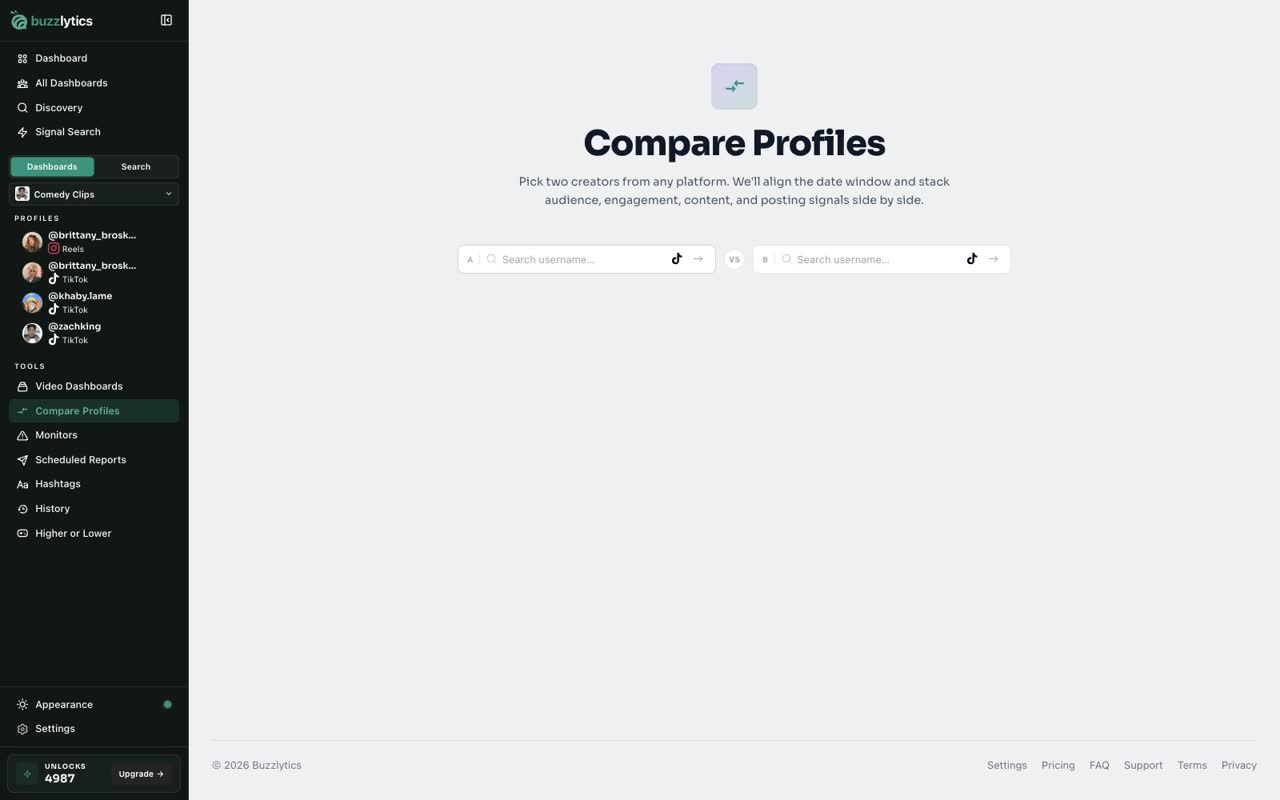
Open Compare Profiles from the sidebar. There are two search boxes, one for each creator.
-
2
Pick the first creator
Type a username in the first box and pick the creator from the list.

-
3
Pick the second creator
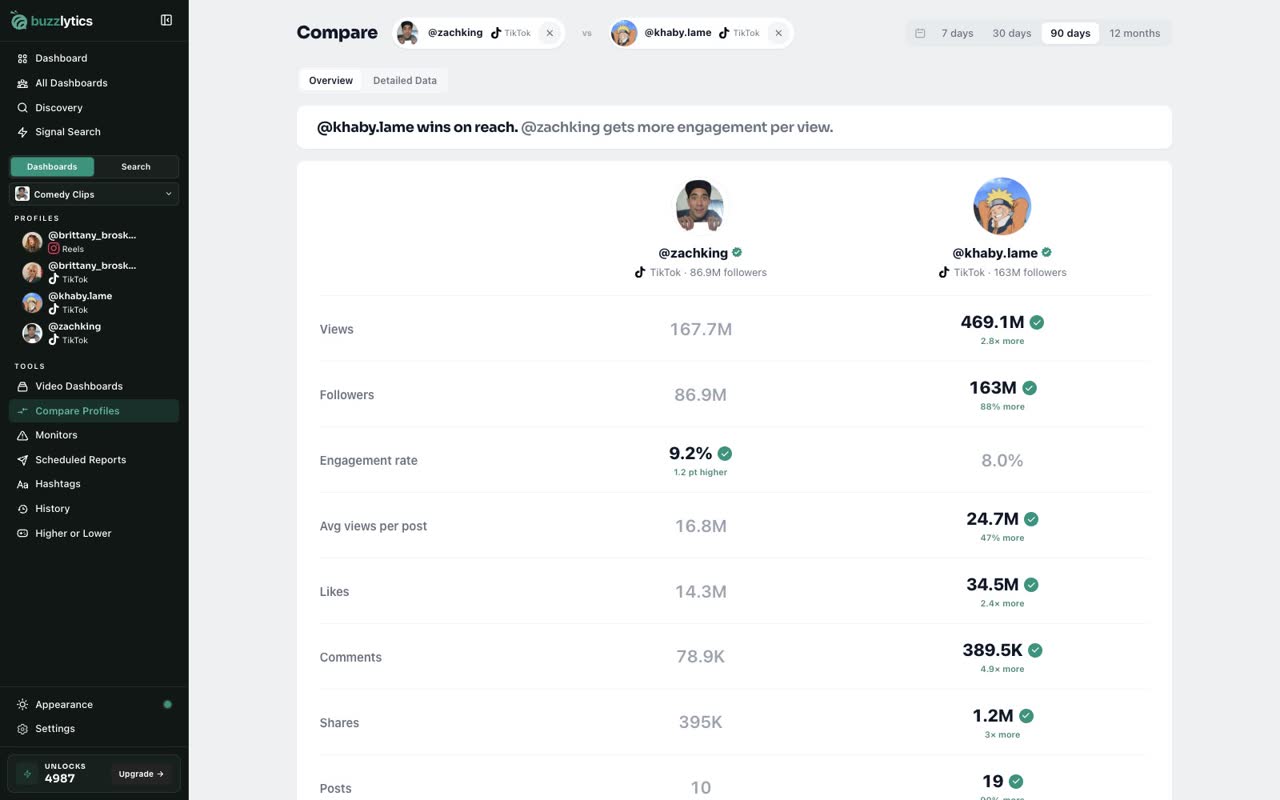
Then do the same in the second box.
-
4
Read them side by side
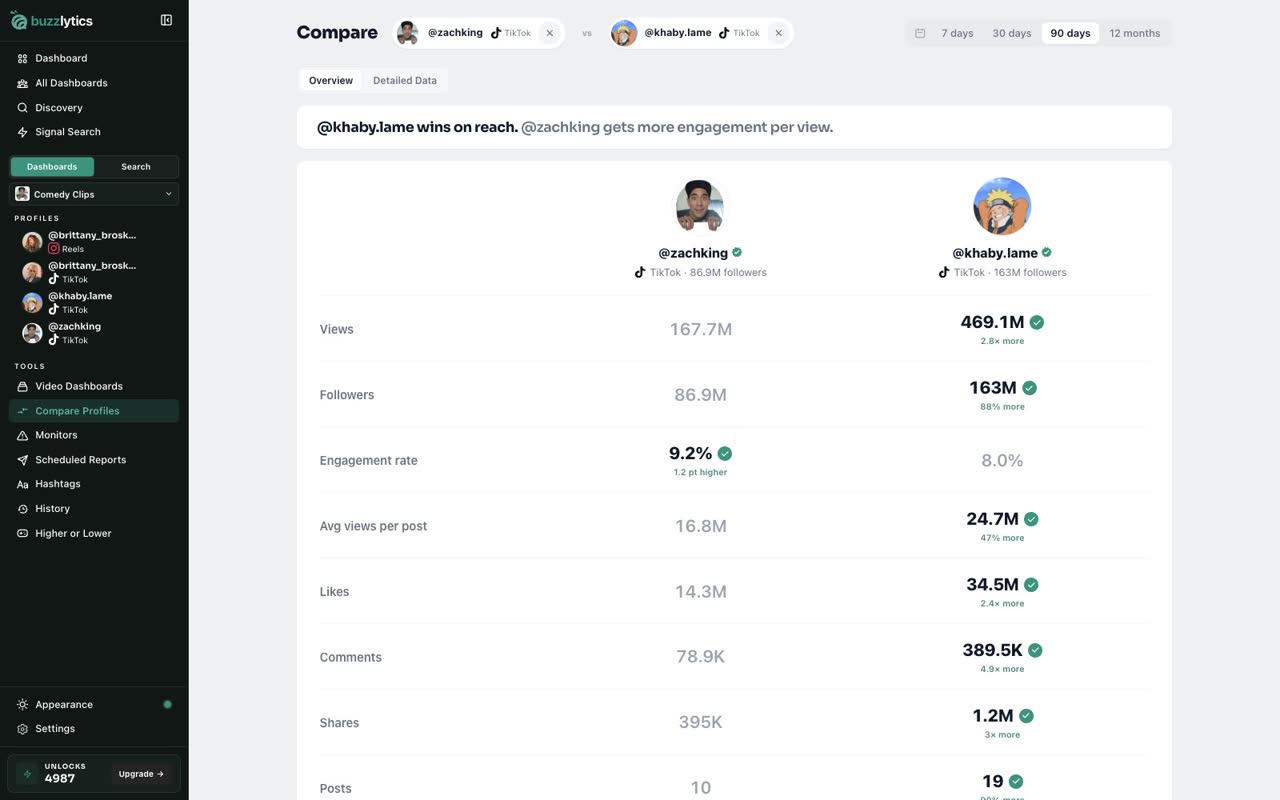
Both creators line up on the same date window, so you can see who leads on views, engagement and posting.
-
5
Change the date window
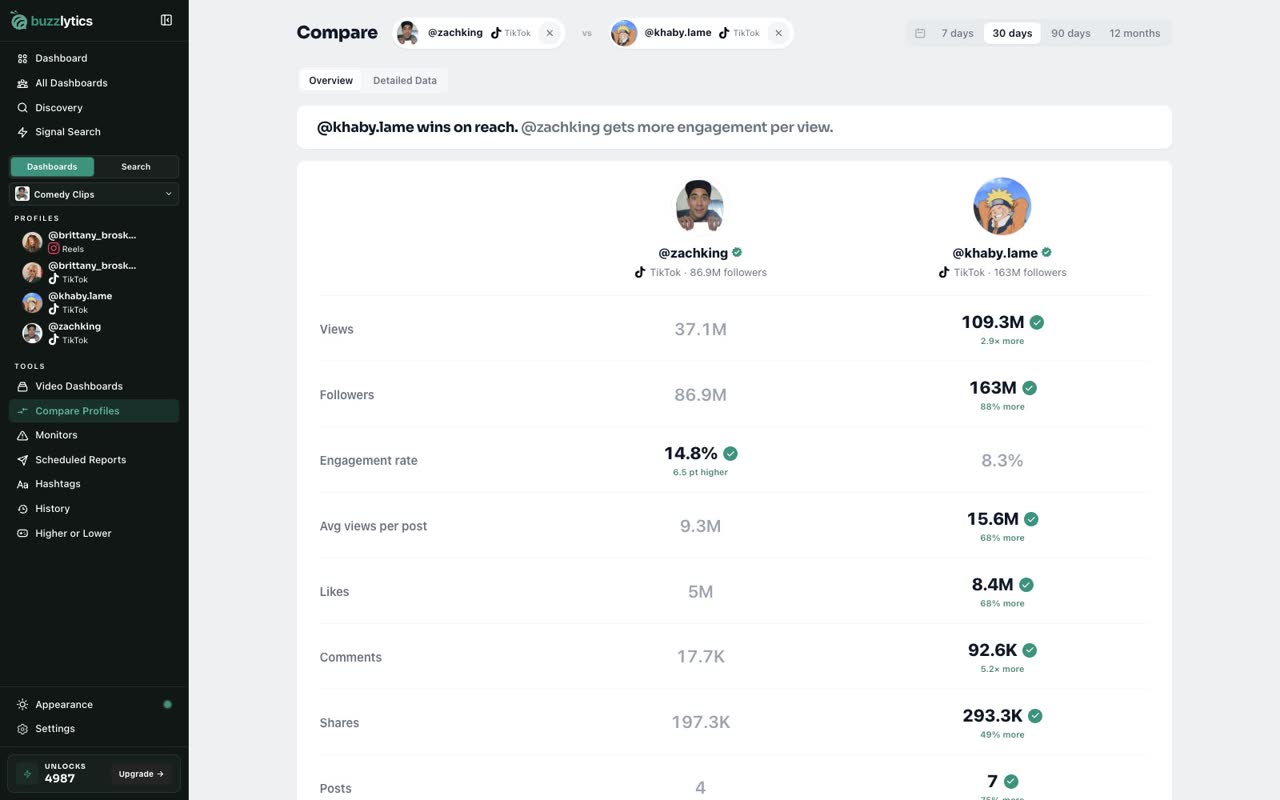
Switch the date window at the top, from 7 days up to 12 months.
-
6
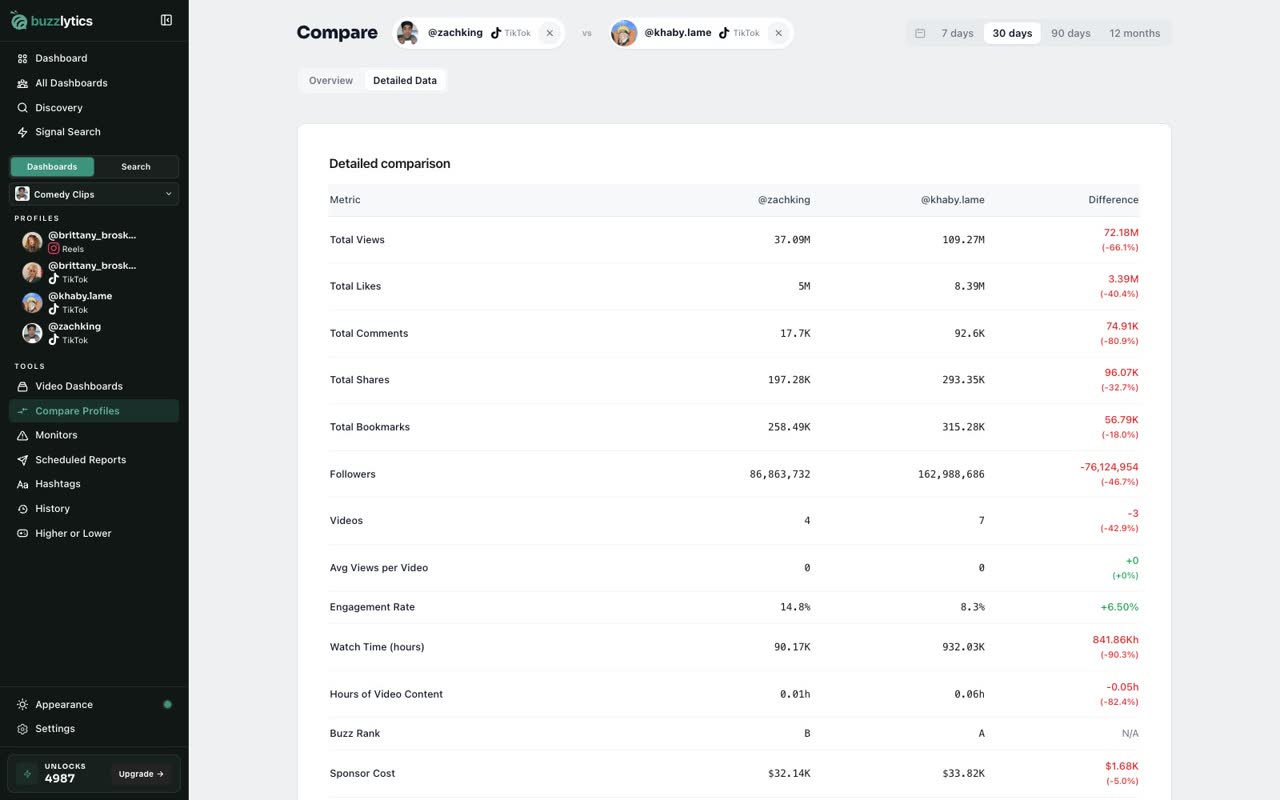
See the detailed data
Open Detailed Data for the full table of numbers for both creators.
Good to know
- You can compare creators on different platforms, for example a TikTok account against an Instagram one.
- Picking a creator nobody on your account has looked up yet uses 1 unlock, just like opening their profile.
Read the full transcript
In this video, you will compare two creators side by side.
Open Compare Profiles from the sidebar. There are two search boxes, one for each creator.
Type a username in the first box and pick the creator from the list.
Then do the same in the second box.
Both creators line up on the same date window, so you can see who leads on views, engagement and posting.
Switch the date window at the top, from 7 days up to 12 months.
Open Detailed Data for the full table of numbers for both creators.
Next up, find creators with Discovery.