Move profiles between dashboards
Move or copy profiles to another dashboard. Their history and videos come along.
Quick steps
- Open the row menu
- Choose Move
- Move it
- Select several at once
- Copy instead of move
- Check the other dashboard
Step by step
Prefer reading? Every step shows the screen you’ll see. Click a time to jump the video there.
-
1
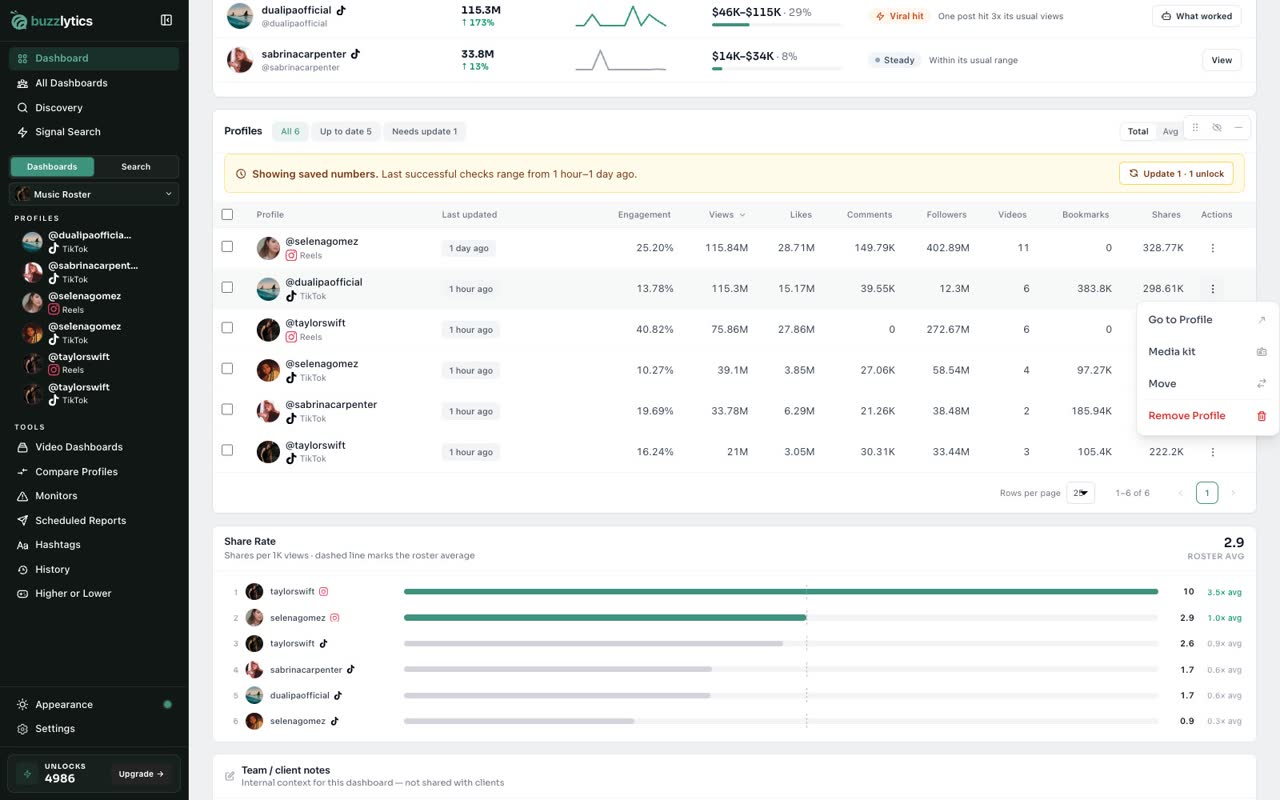
Open the row menu
In the Profiles table, click the three dots at the end of a row.
-
2
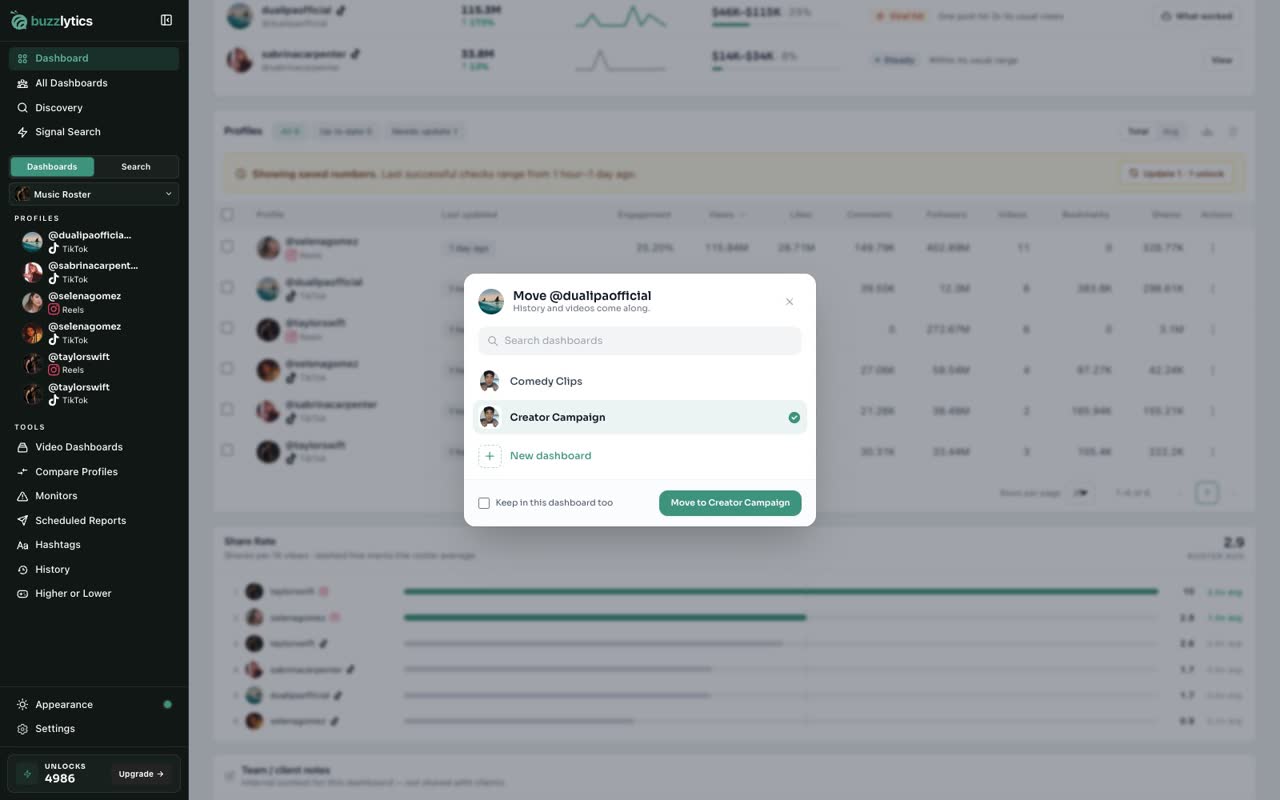
Choose Move
Choose Move. Pick the dashboard it should go to, or create a new one right here.
-
3
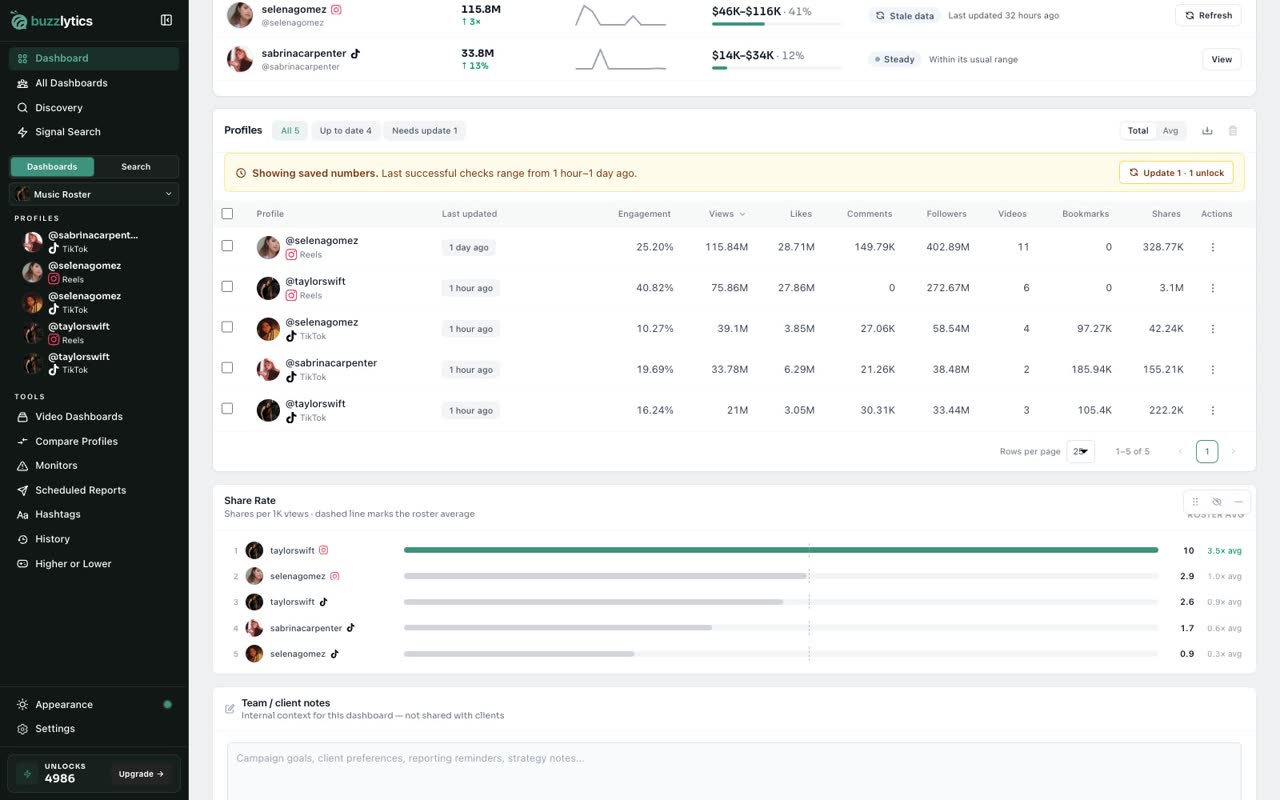
Move it
Click Move. The profile leaves this dashboard, and its history and videos come along.
-
4
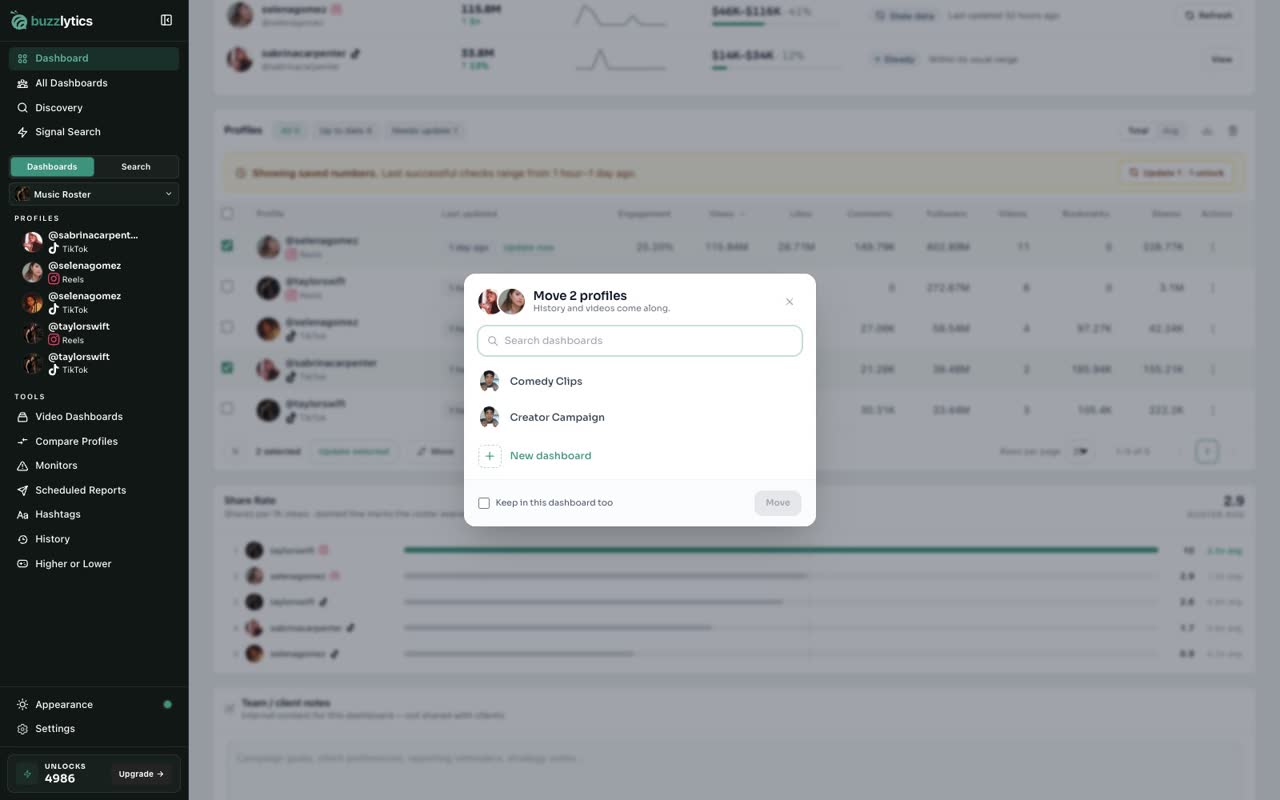
Select several at once
To move a few at once, tick their boxes and click Move in the bar that appears.
-
5
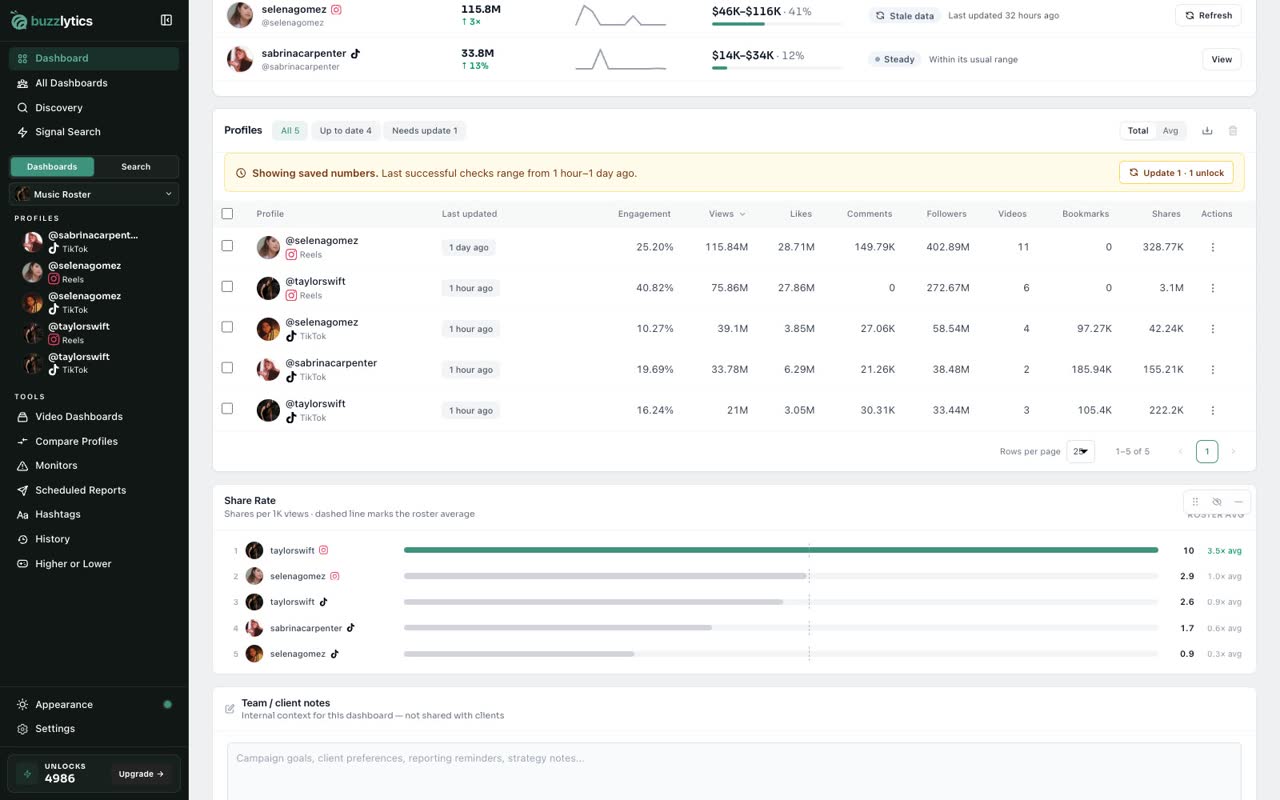
Copy instead of move
Tick Keep in this dashboard too to copy them instead, so they show up in both dashboards.
-
6
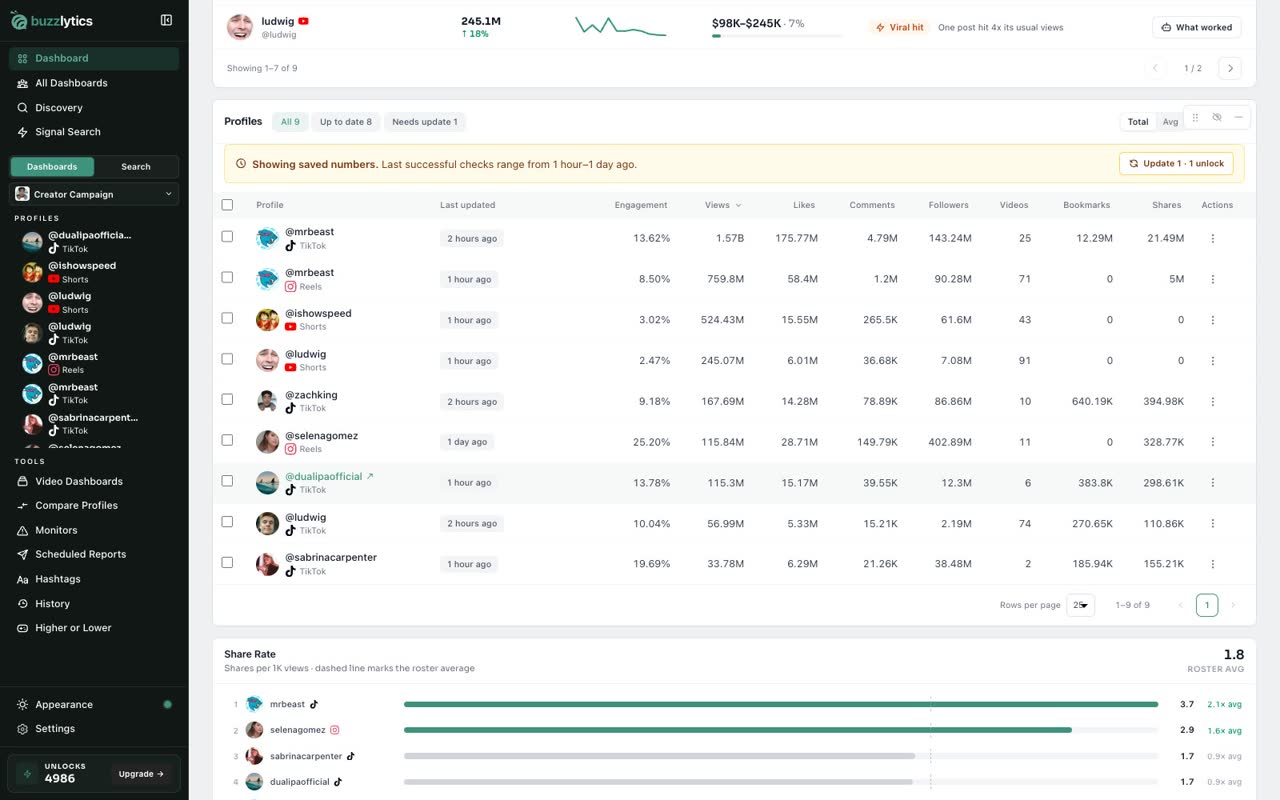
Check the other dashboard
Open the other dashboard and they are all there, with their full history.
Good to know
- History and videos come along, so nothing is lost and no unlocks are used.
- Tick Keep in this dashboard too to copy instead of move.
- You can also create a new dashboard right from the Move dialog.
Read the full transcript
In this video, you will move profiles from one dashboard to another.
In the Profiles table, click the three dots at the end of a row.
Choose Move. Pick the dashboard it should go to, or create a new one right here.
Click Move. The profile leaves this dashboard, and its history and videos come along.
To move a few at once, tick their boxes and click Move in the bar that appears.
Tick Keep in this dashboard too to copy them instead, so they show up in both dashboards.
Open the other dashboard and they are all there, with their full history.
Next up, customize your dashboard.