Sign up and verify your email
Create your Buzzlytics account with your email or Google, then confirm it with the 6-digit code we send you.
Quick steps
- Enter your email
- Click Continue
- Set a password
- Check your inbox
- Enter the code
- You are in
Step by step
Prefer reading? Every step shows the screen you’ll see. Click a time to jump the video there.
-
1
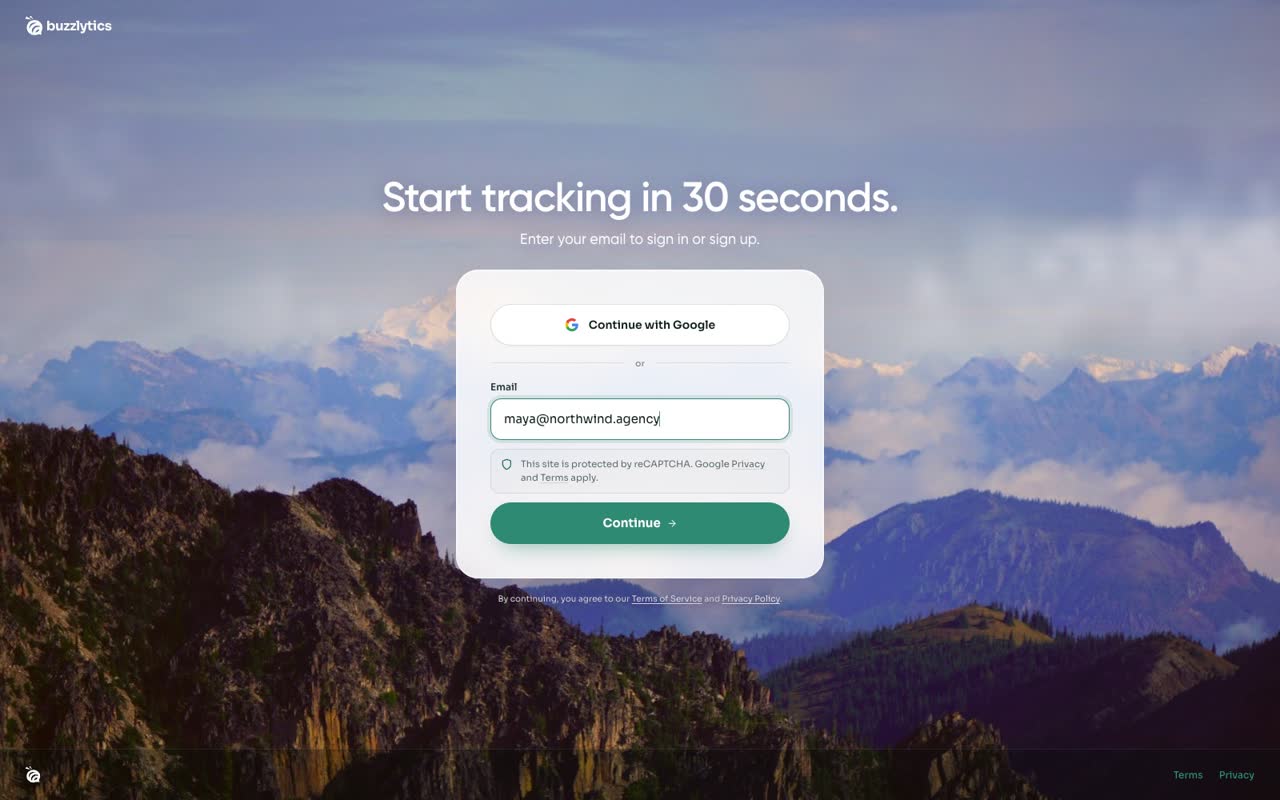
Enter your email
Click Sign up on buzzlytics.io. Use Continue with Google, or type your work email.
-
2
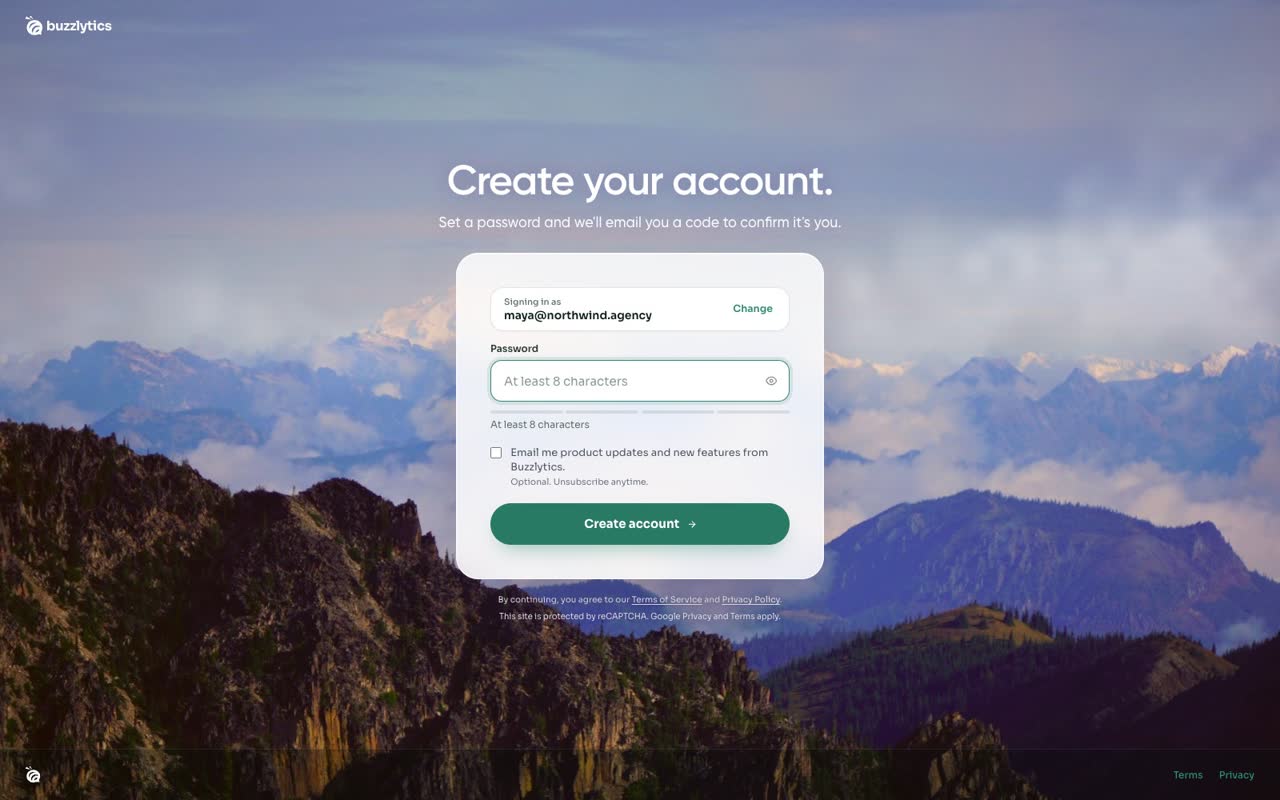
Click Continue
Click Continue. If the email is new, Buzzlytics asks you to create your account.
-
3
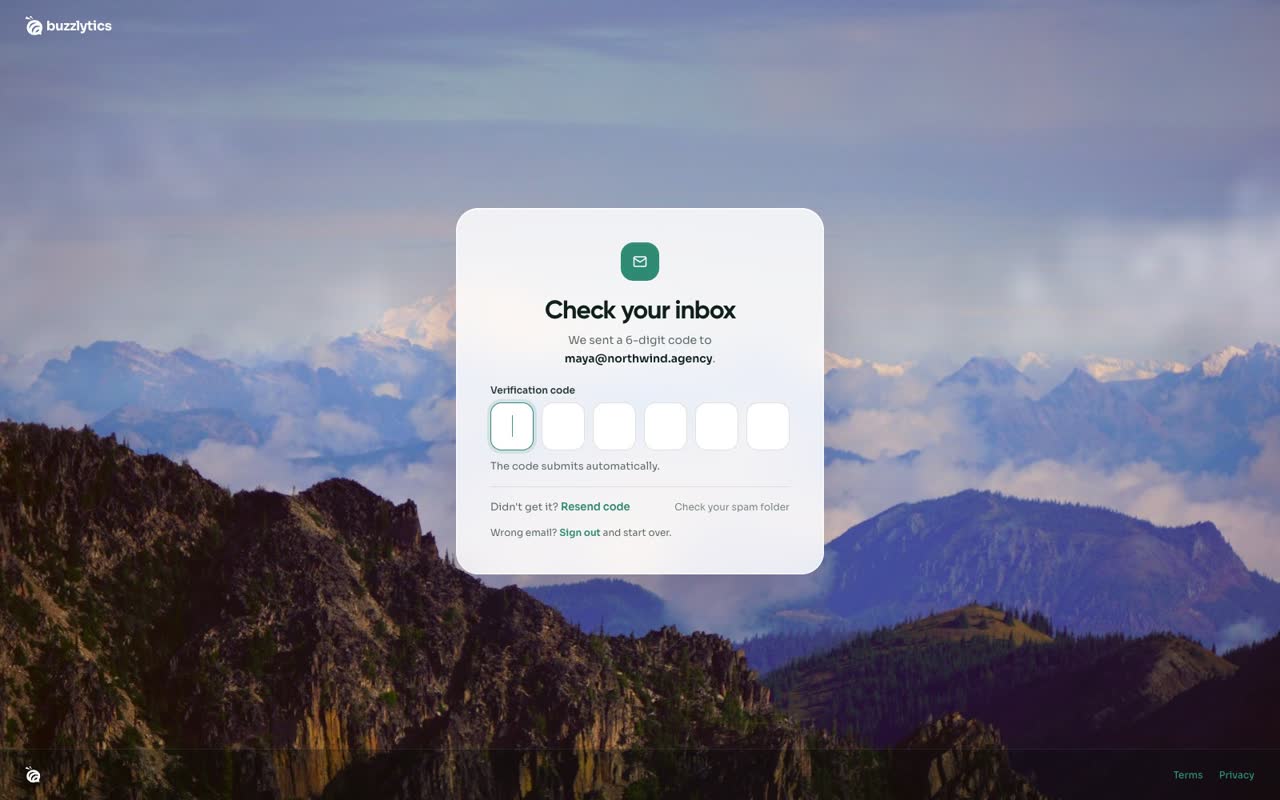
Set a password
Choose a password with at least 8 characters, then click Create account.
-
4
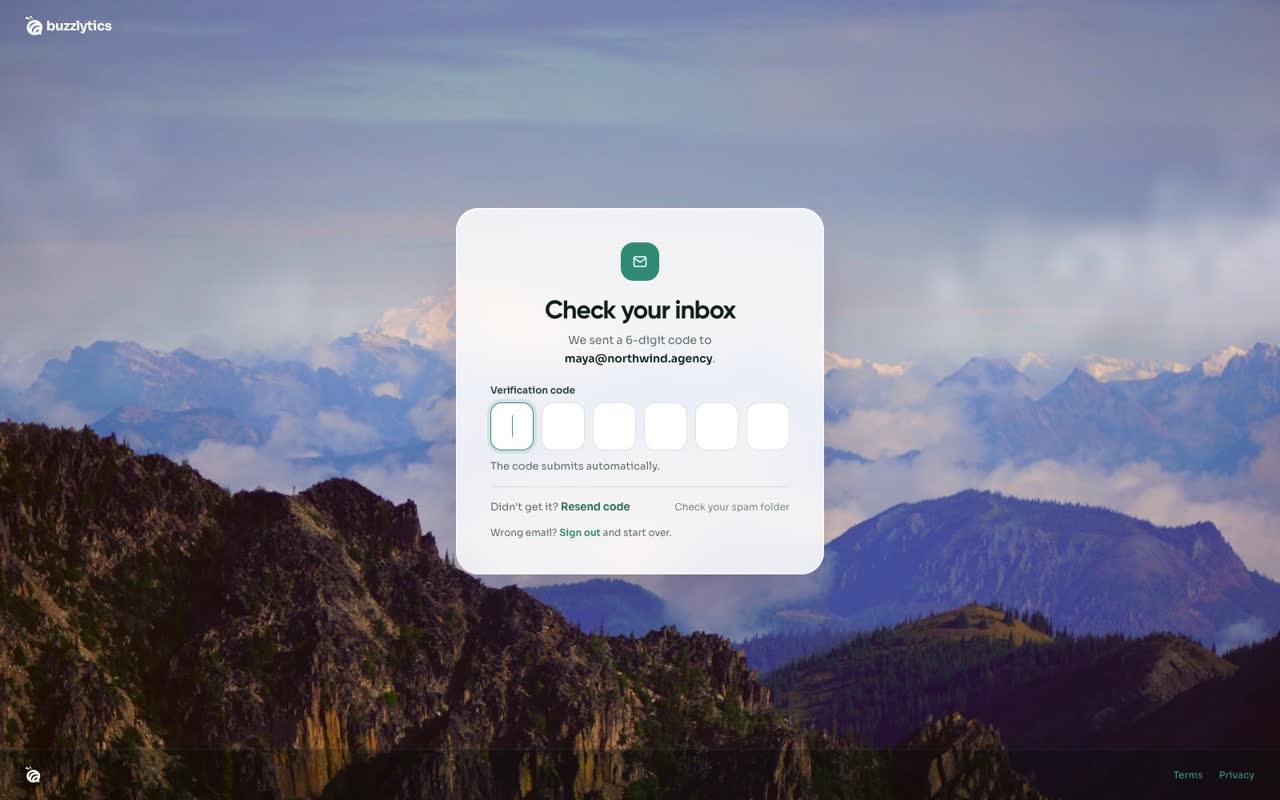
Check your inbox
We email you a 6-digit code. If it does not arrive, check your spam folder or click Resend code.
-
5
Enter the code
Type the code. It submits by itself, so there is no button to press.
-
6
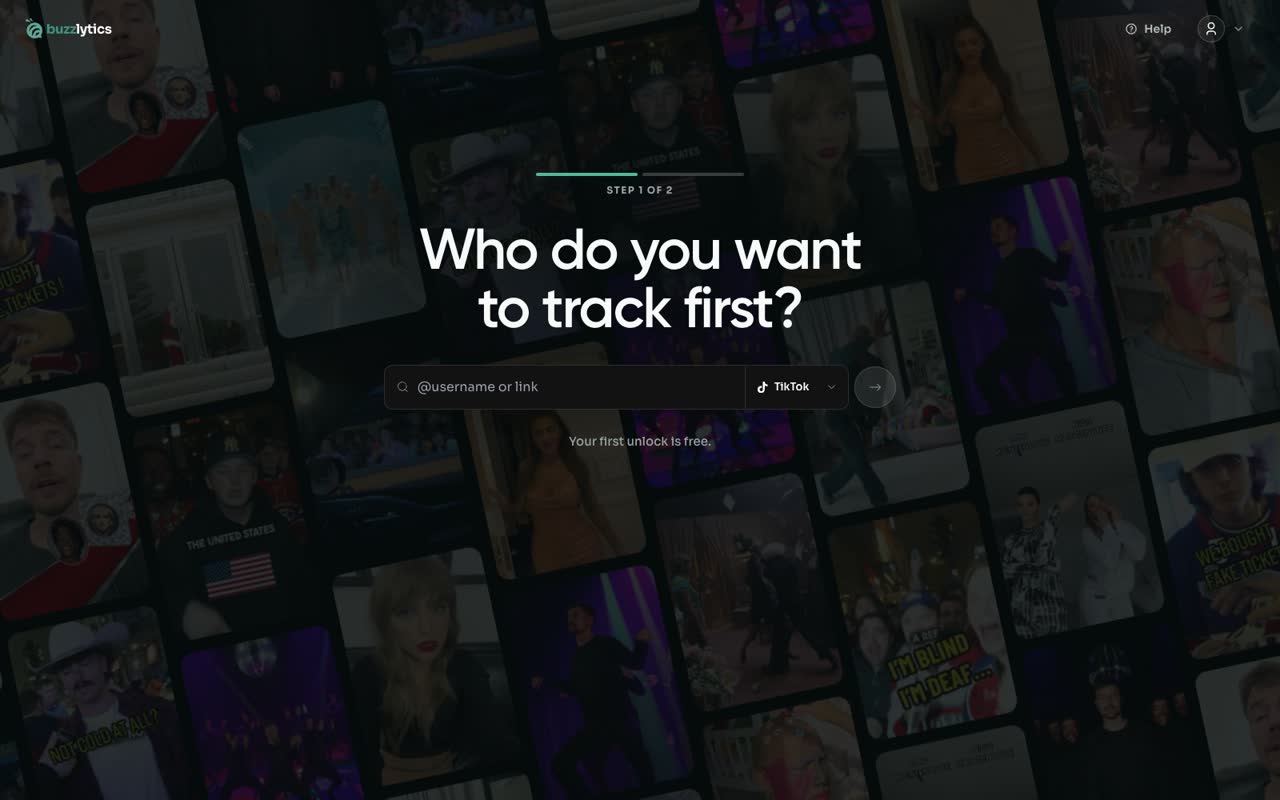
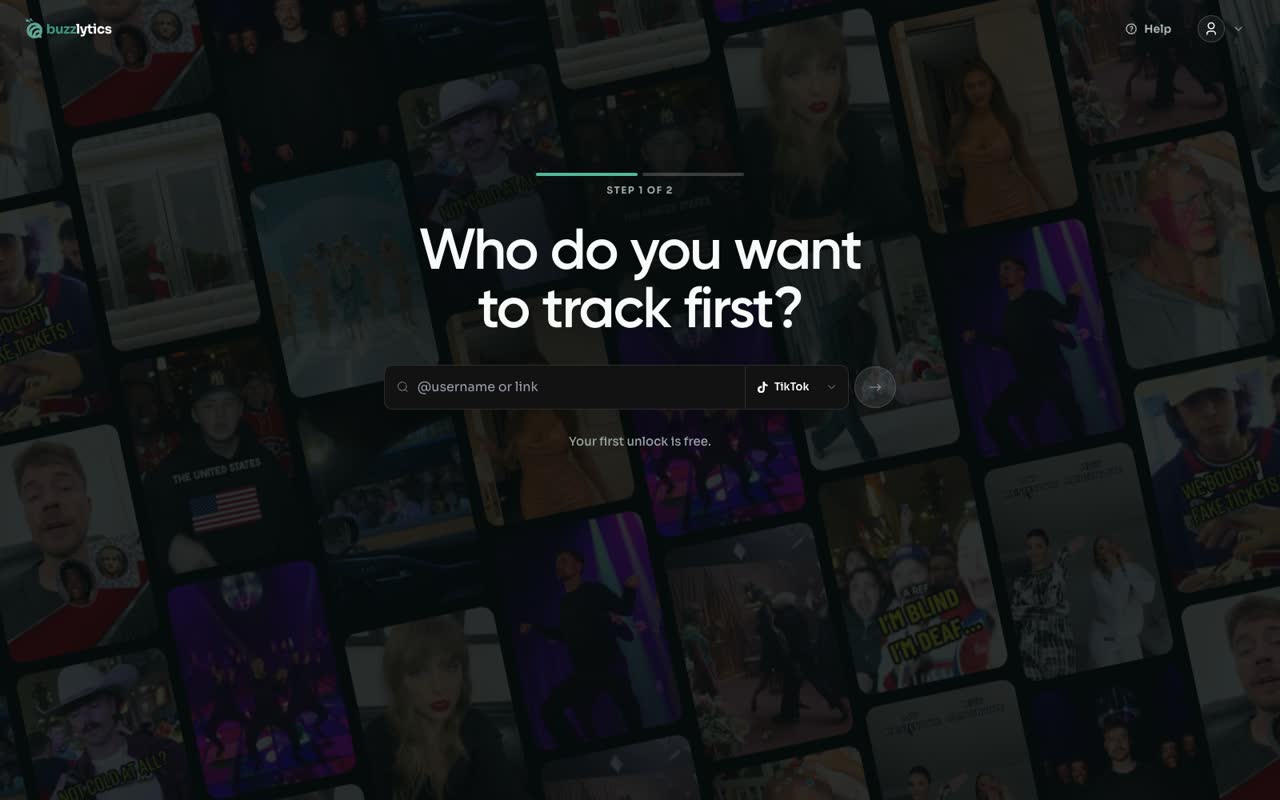
You are in
Your email is verified, and Buzzlytics takes you straight to setup to run your first search.
Good to know
- Passwords need at least 8 characters.
- No code? Check your spam folder, or click Resend code after a minute.
- Signed up with the wrong email? Click Sign out on the code screen and start over.
Read the full transcript
In this video, you will create your account and verify your email.
Click Sign up on buzzlytics.io. Use Continue with Google, or type your work email.
Click Continue. If the email is new, Buzzlytics asks you to create your account.
Choose a password with at least 8 characters, then click Create account.
We email you a 6-digit code. If it does not arrive, check your spam folder or click Resend code.
Type the code. It submits by itself, so there is no button to press.
Your email is verified, and Buzzlytics takes you straight to setup to run your first search.
Next up, your first search and picking a plan.