Your search history
Find every creator you have looked up, filter by platform or name, see follower changes, and tidy the list.
Quick steps
- Open History
- Filter by platform
- Search your history
- Tidy the list
- Open a creator again
Step by step
Prefer reading? Every step shows the screen you’ll see. Click a time to jump the video there.
-
1
Open History
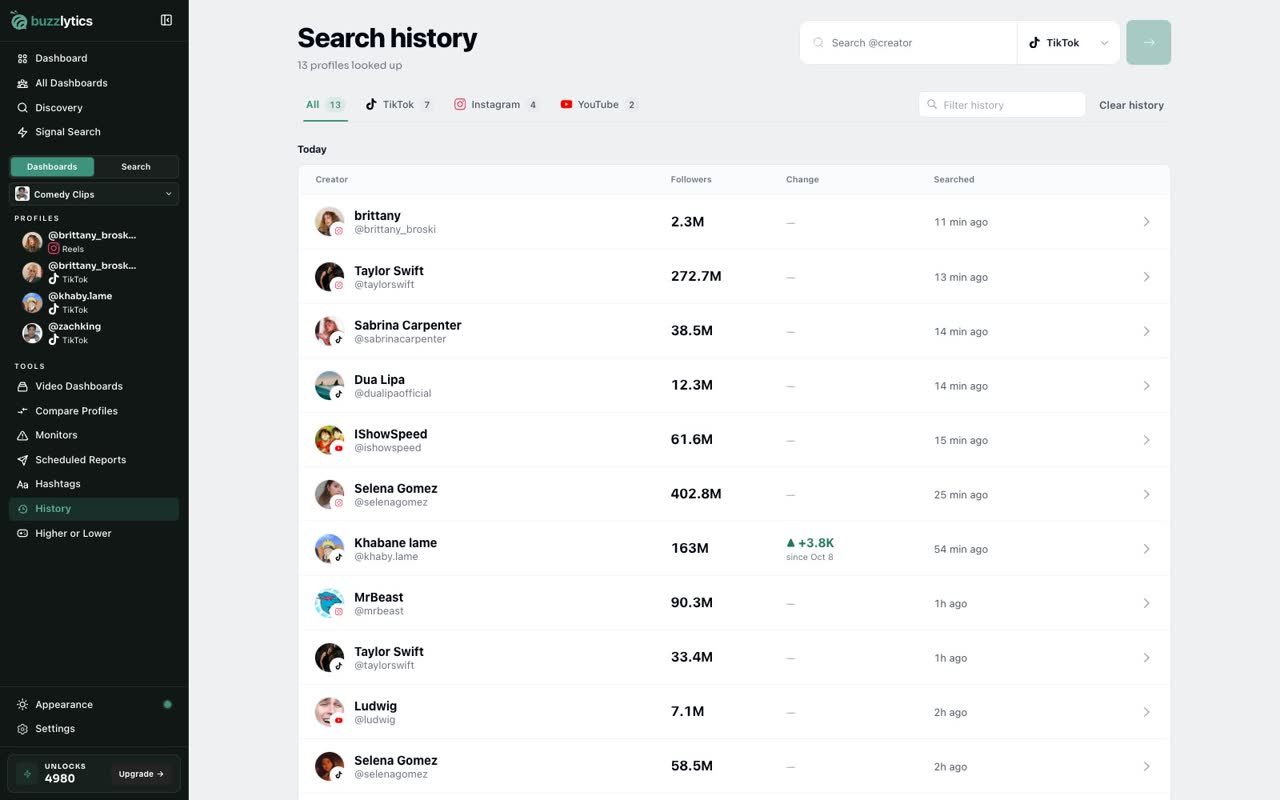
Click History in the sidebar. Every creator you have looked up is listed here, newest first, with their followers and when you searched them.
-
2
Filter by platform
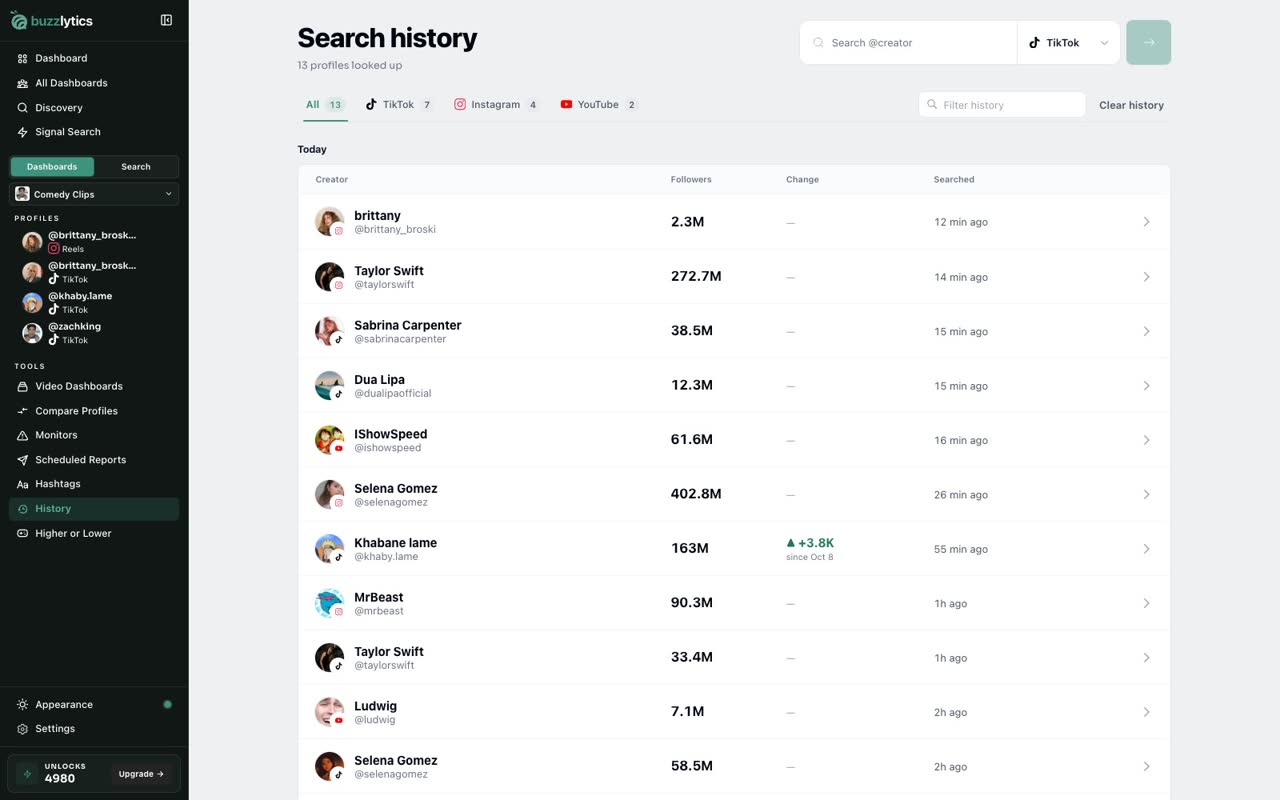
Use the platform buttons at the top to show only one network, like Instagram, then click All to see everything again.
-
3
Search your history
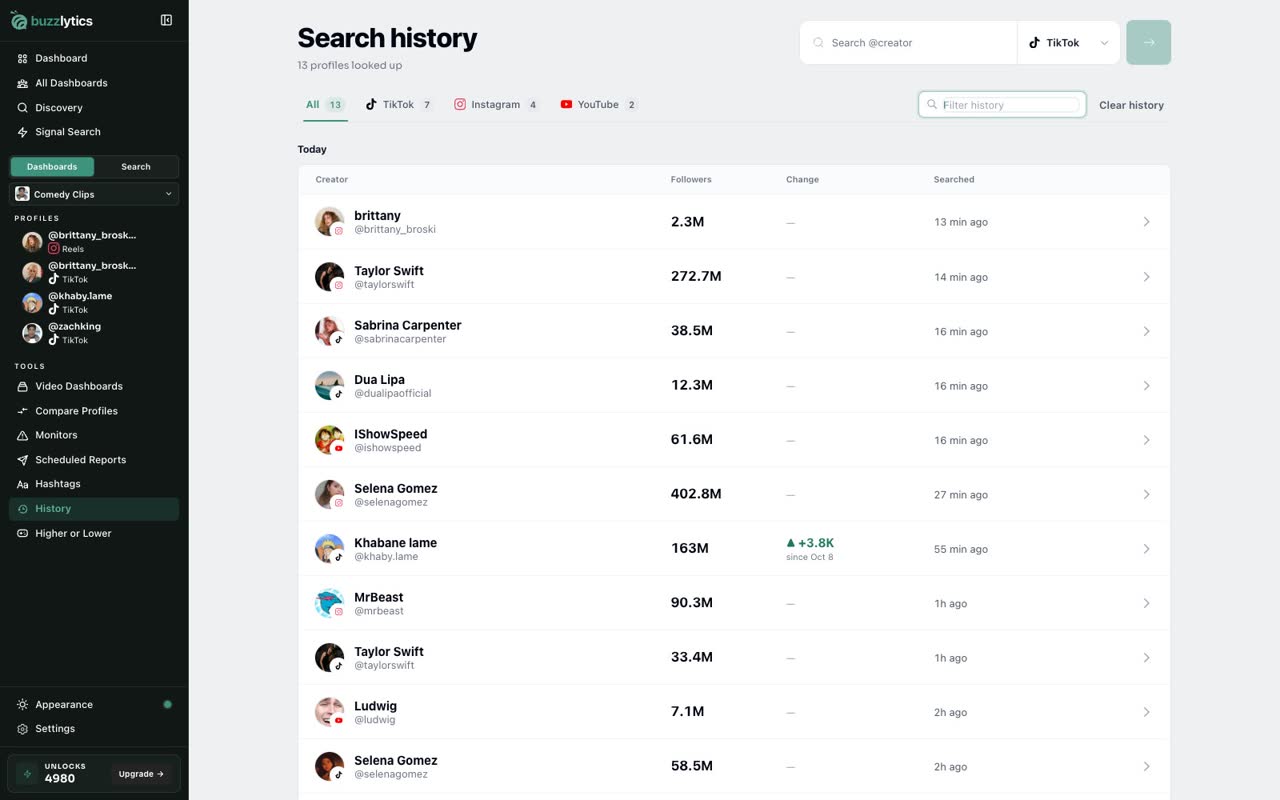
Or type a name in Filter history to find someone fast, even in a long list.
-
4
Tidy the list
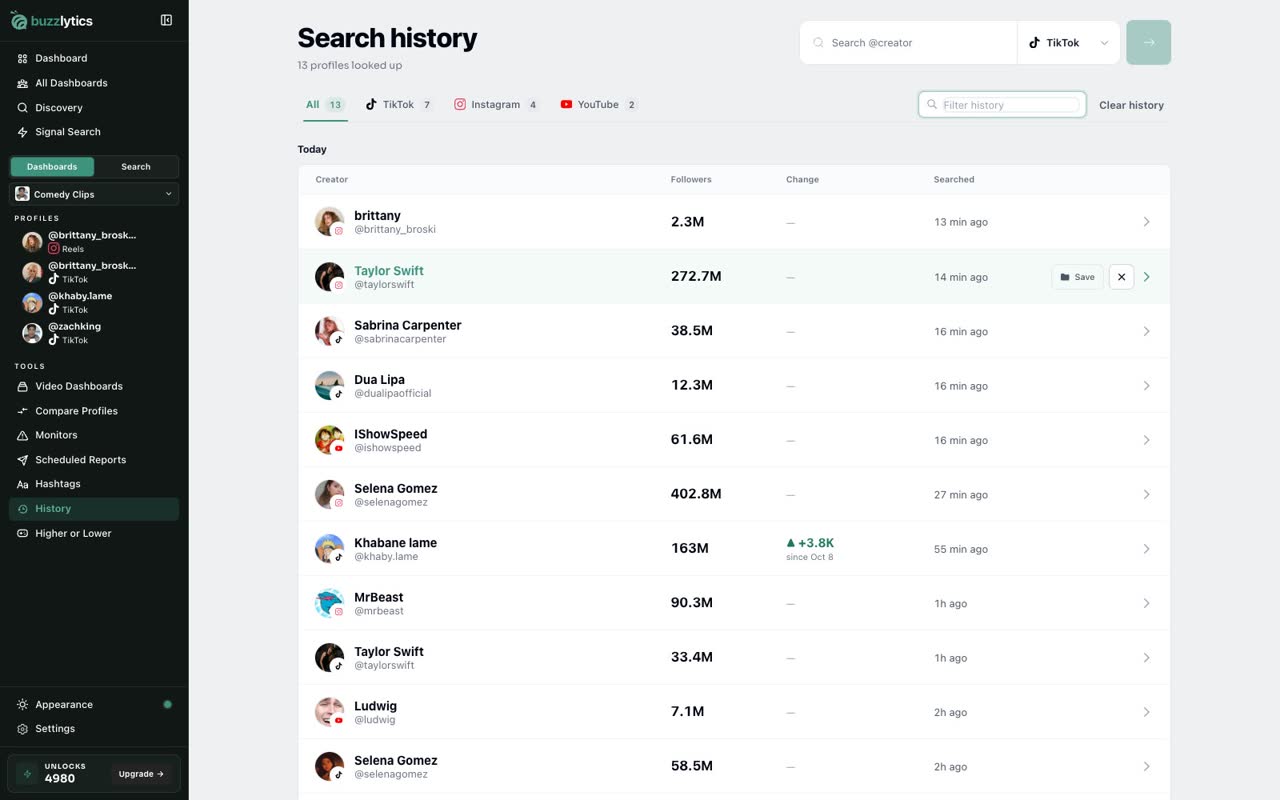
To tidy the list, hover a row and click the x. That removes the creator from your history, not from your dashboards.
-
5
Open a creator again
Click any row to open that creator's profile again, with all their numbers ready.
Good to know
- Opening a profile from your history again does not use another unlock unless the profile has been refreshed since.
- The Change column, how followers moved since you last looked, needs Starter or above.
Read the full transcript
In this video, you will find creators you looked up before in your search history.
Click History in the sidebar. Every creator you have looked up is listed here, newest first, with their followers and when you searched them.
Use the platform buttons at the top to show only one network, like Instagram, then click All to see everything again.
Or type a name in Filter history to find someone fast, even in a long list.
To tidy the list, hover a row and click the x. That removes the creator from your history, not from your dashboards.
Click any row to open that creator's profile again, with all their numbers ready.
That's it. You're ready to go.