Send a client one live link
Turn any dashboard into a live, read-only page your client can open without a login.
Quick steps
- Click Get live link
- Preview what your client sees
- Start sharing
- Copy the link
- Your client opens it
Step by step
Prefer reading? Every step shows the screen you’ll see. Click a time to jump the video there.
-
1
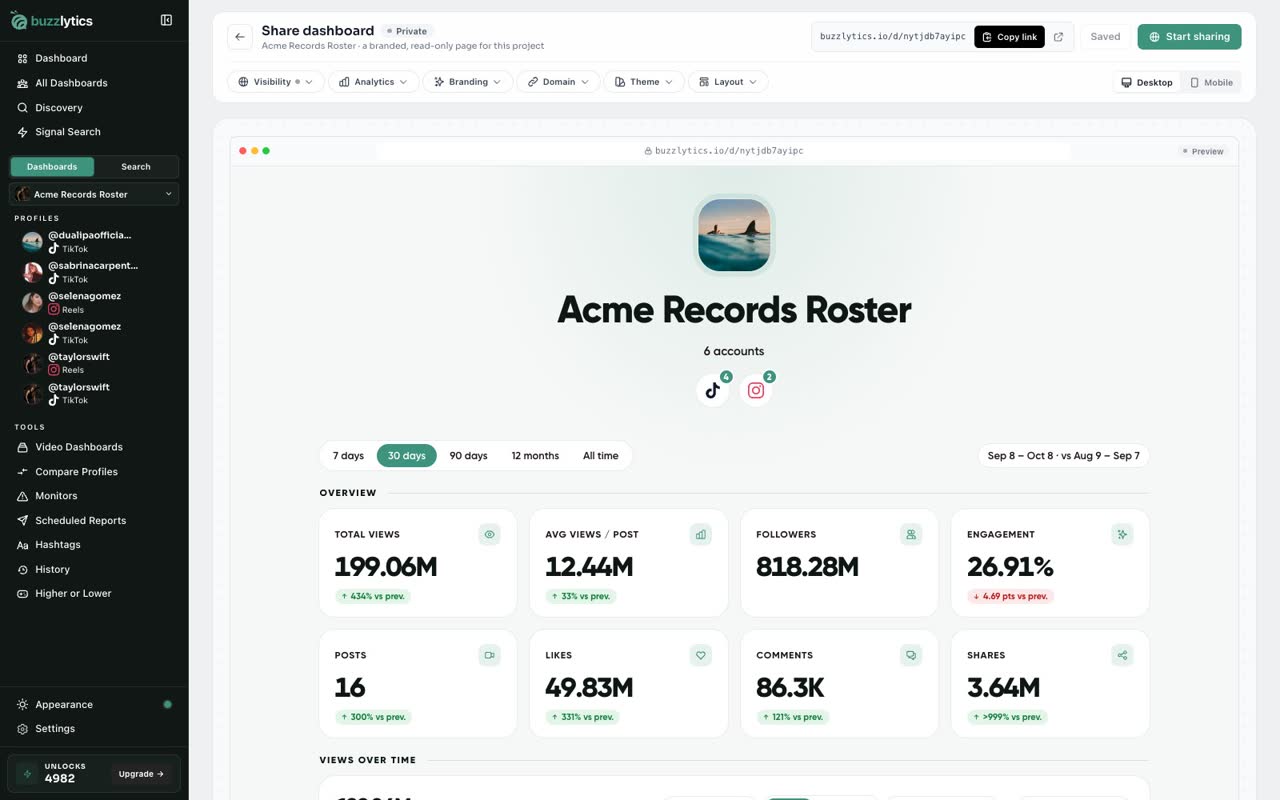
Click Get live link
Open the dashboard you want to share, and click Get live link at the top.
-
2
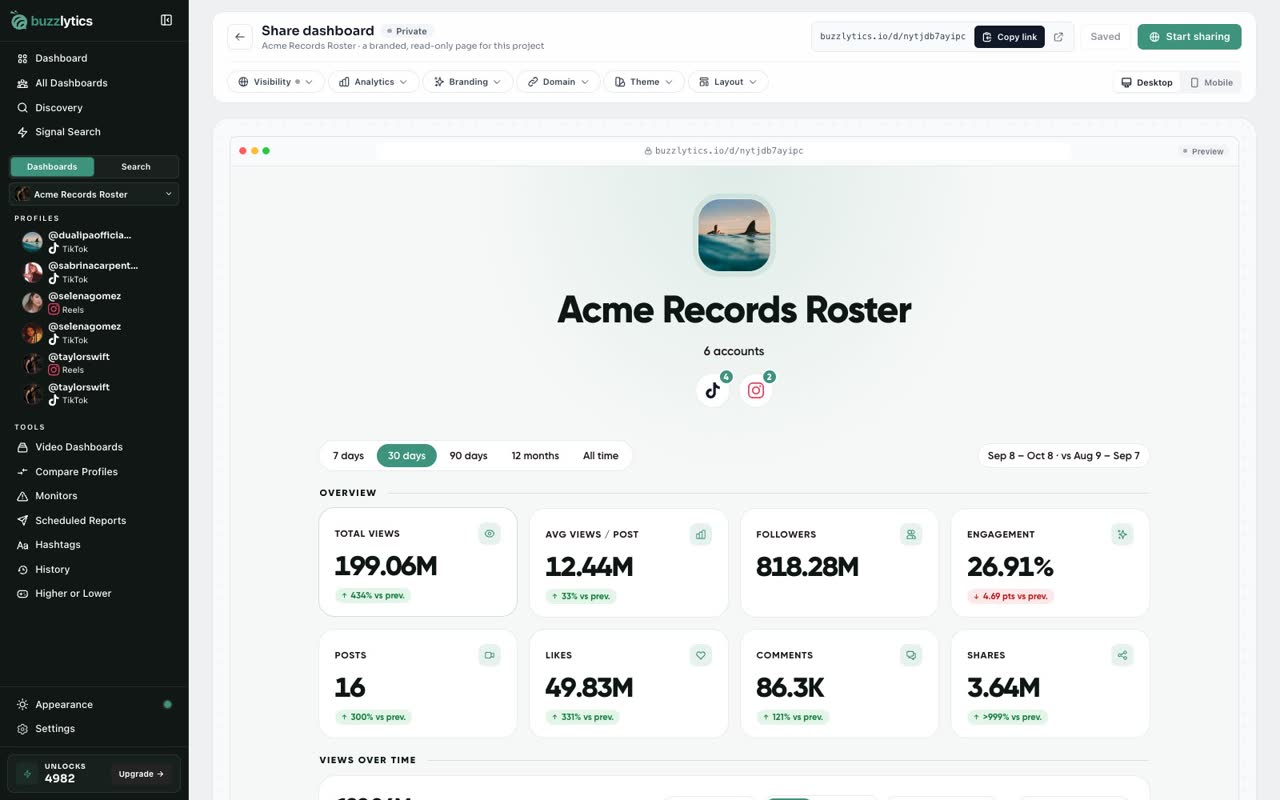
Preview what your client sees
This is the share page. The preview below is exactly what your client will see.
-
3
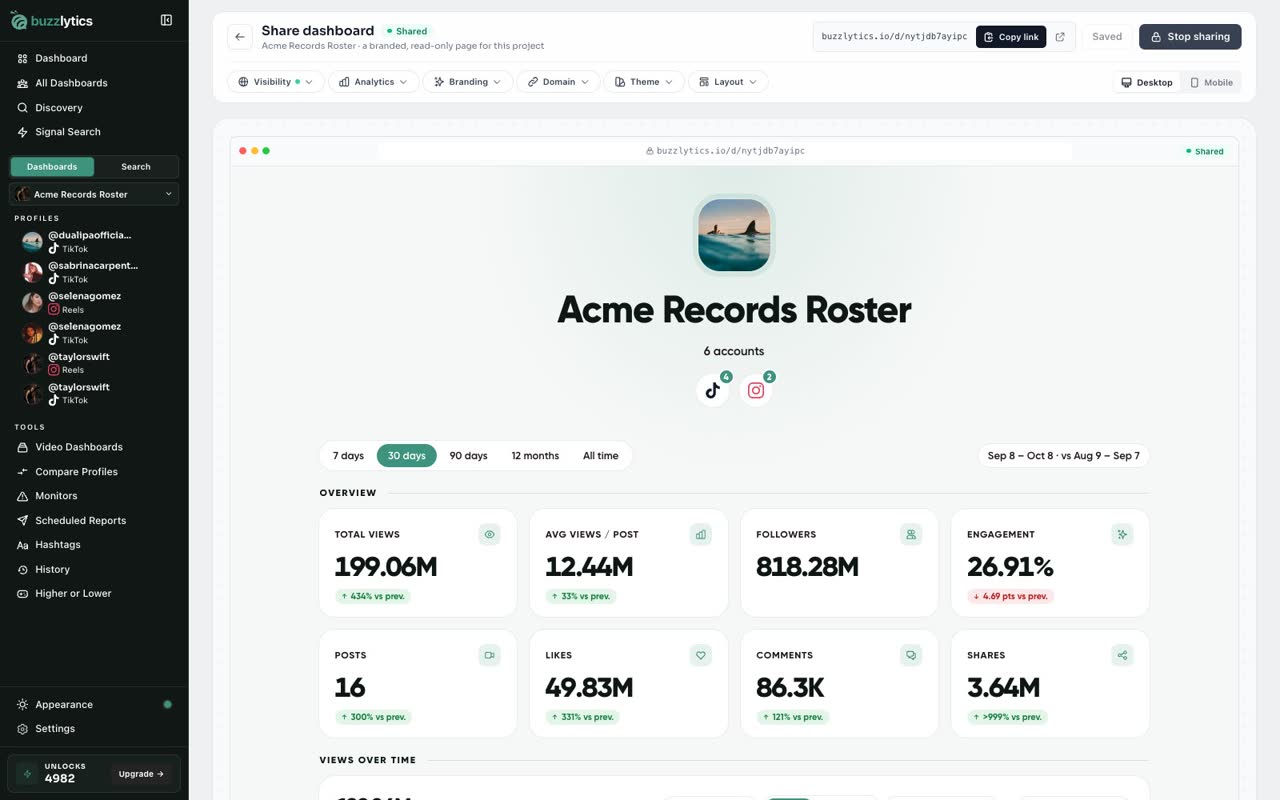
Start sharing
Click Start sharing. The status changes to Shared, and the link works right away.
-
4
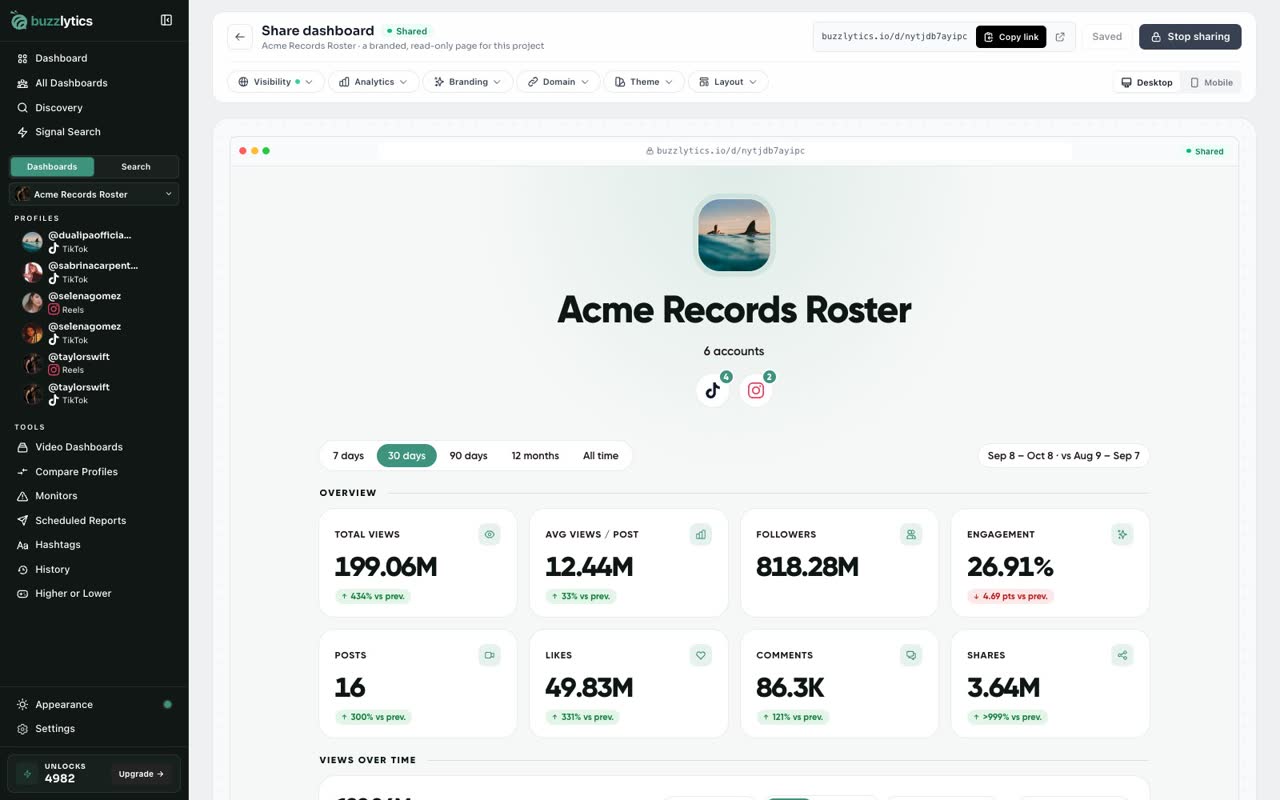
Copy the link
Click Copy link, and paste it into an email or chat with your client.
-
5
Your client opens it
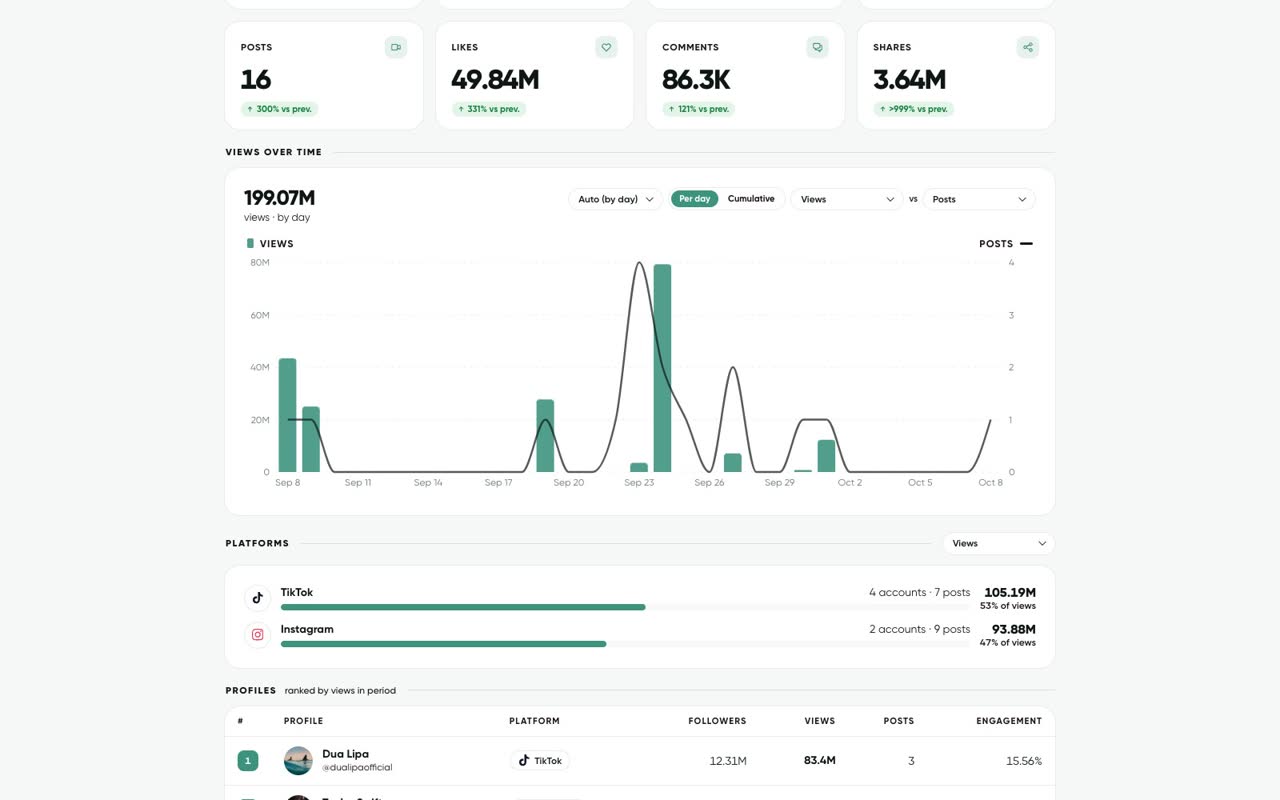
Your client opens a clean, live dashboard. No login, and the numbers stay up to date.
Good to know
- The link is unlisted, so search engines never show it. Click Stop sharing any time to make it private again.
- New link under Visibility swaps the address, and the old link stops working.
- Clients never need a Buzzlytics account, and the numbers update on their own.
Read the full transcript
In this video, you will share a dashboard with a client as one live link.
Open the dashboard you want to share, and click Get live link at the top.
This is the share page. The preview below is exactly what your client will see.
Click Start sharing. The status changes to Shared, and the link works right away.
Click Copy link, and paste it into an email or chat with your client.
Your client opens a clean, live dashboard. No login, and the numbers stay up to date.
Next up, share privately with a password or emails.