Buzzlytics in 90 seconds
A quick tour of everything Buzzlytics does: dashboards, live links, auto-refresh, AI and alerts.
Quick steps
- Find your way around
- Create a dashboard
- Add creators from every platform
- Read the numbers
- Every post in the Videos tab
- Keep it fresh with auto-refresh
- Ask AI
- Get alerts with monitors
- Share one live link
Step by step
Prefer reading? Every step shows the screen you’ll see. Click a time to jump the video there.
-
1
Find your way around
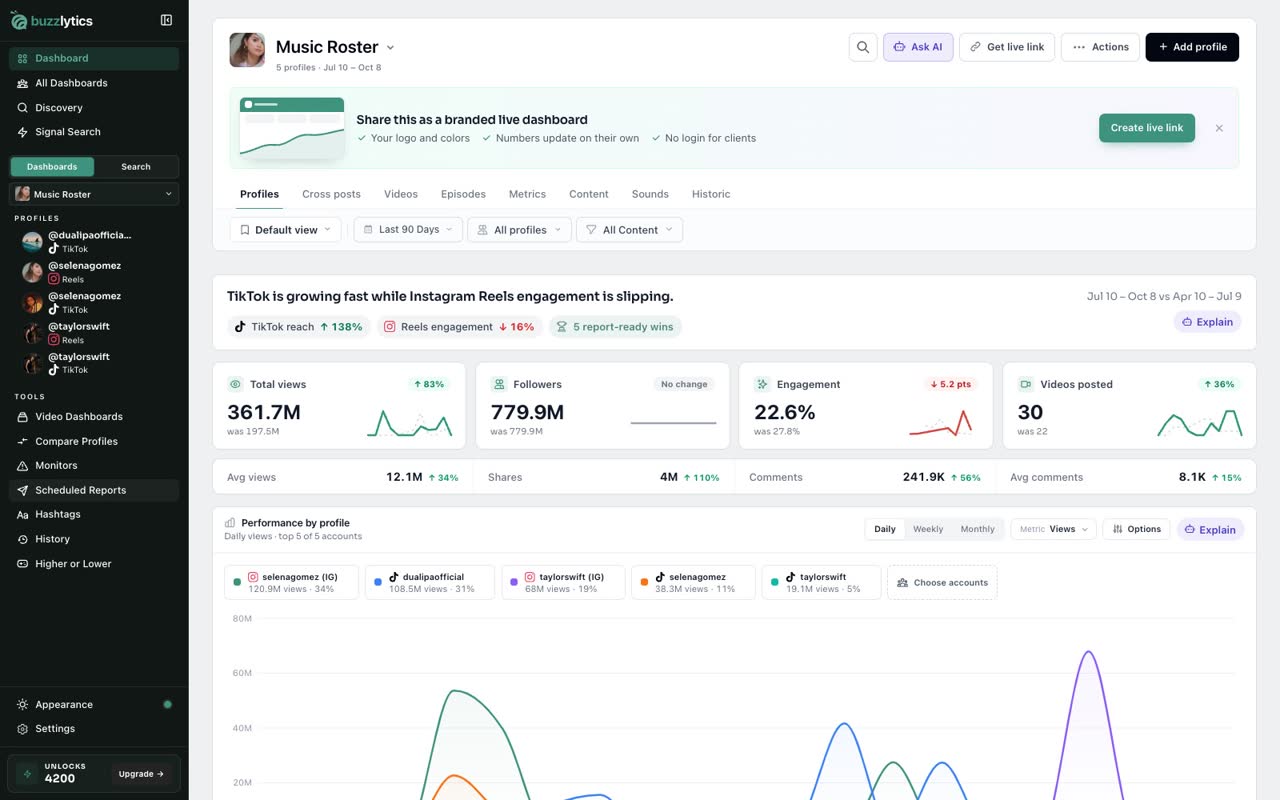
Buzzlytics tracks public creators on every major platform, and you never need their logins. Everything lives in this sidebar.
-
2
Create a dashboard
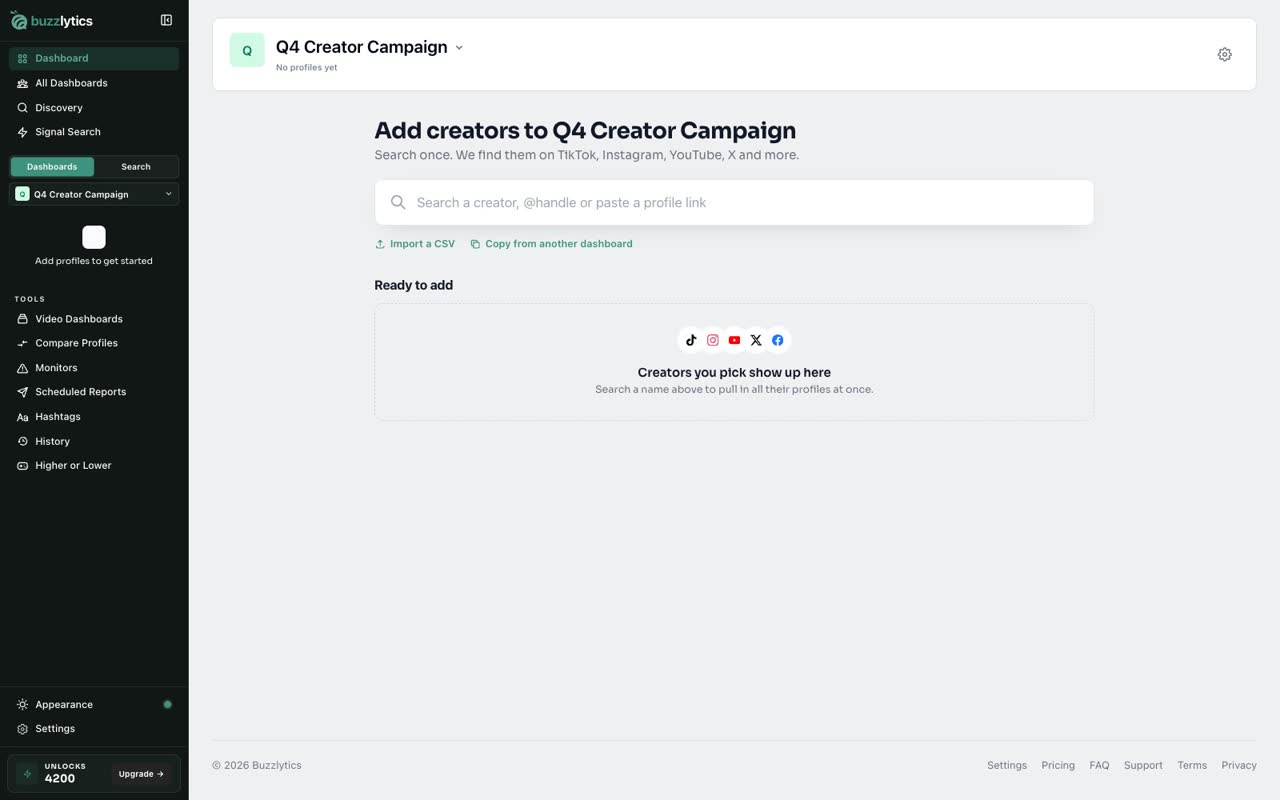
Start with a dashboard. Make one for each client, campaign or roster.
-
3
Add creators from every platform
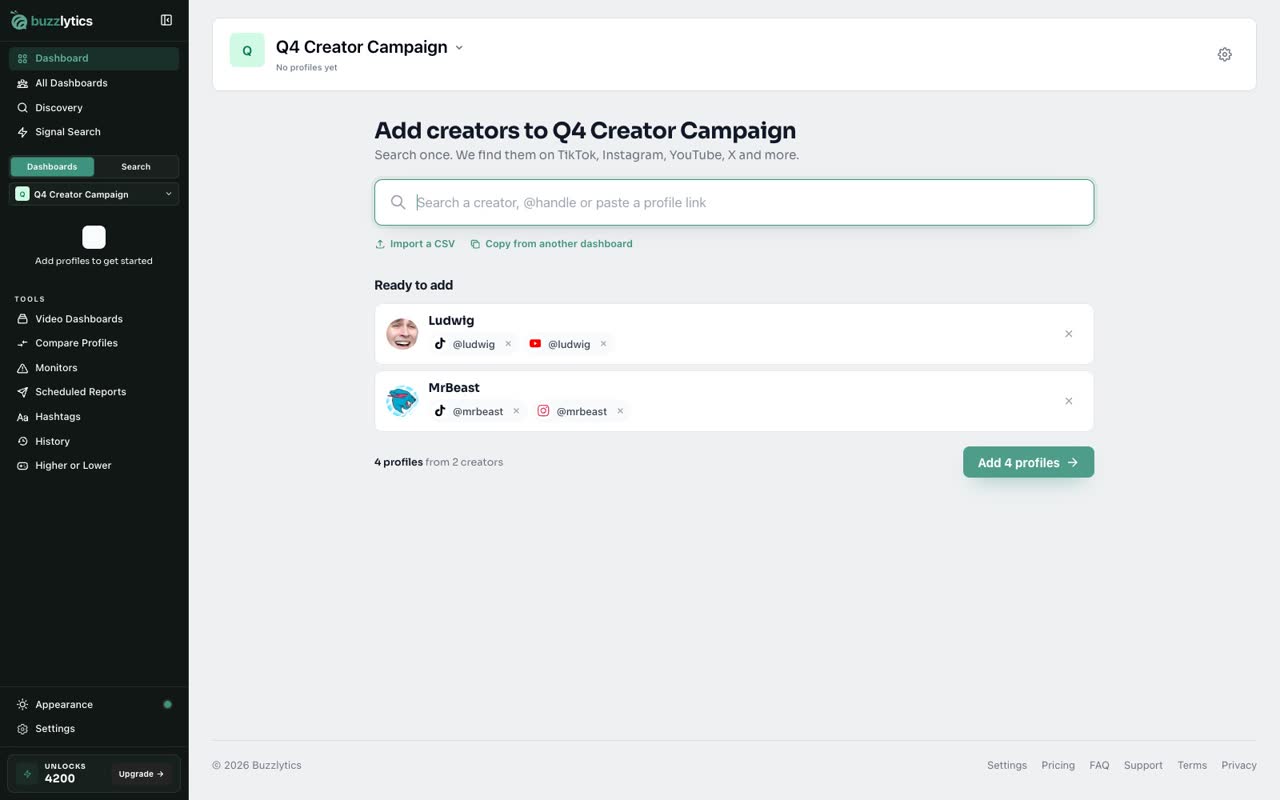
Search a creator once, and Buzzlytics finds them on every platform. Pick the accounts you want, and add them.
-
4
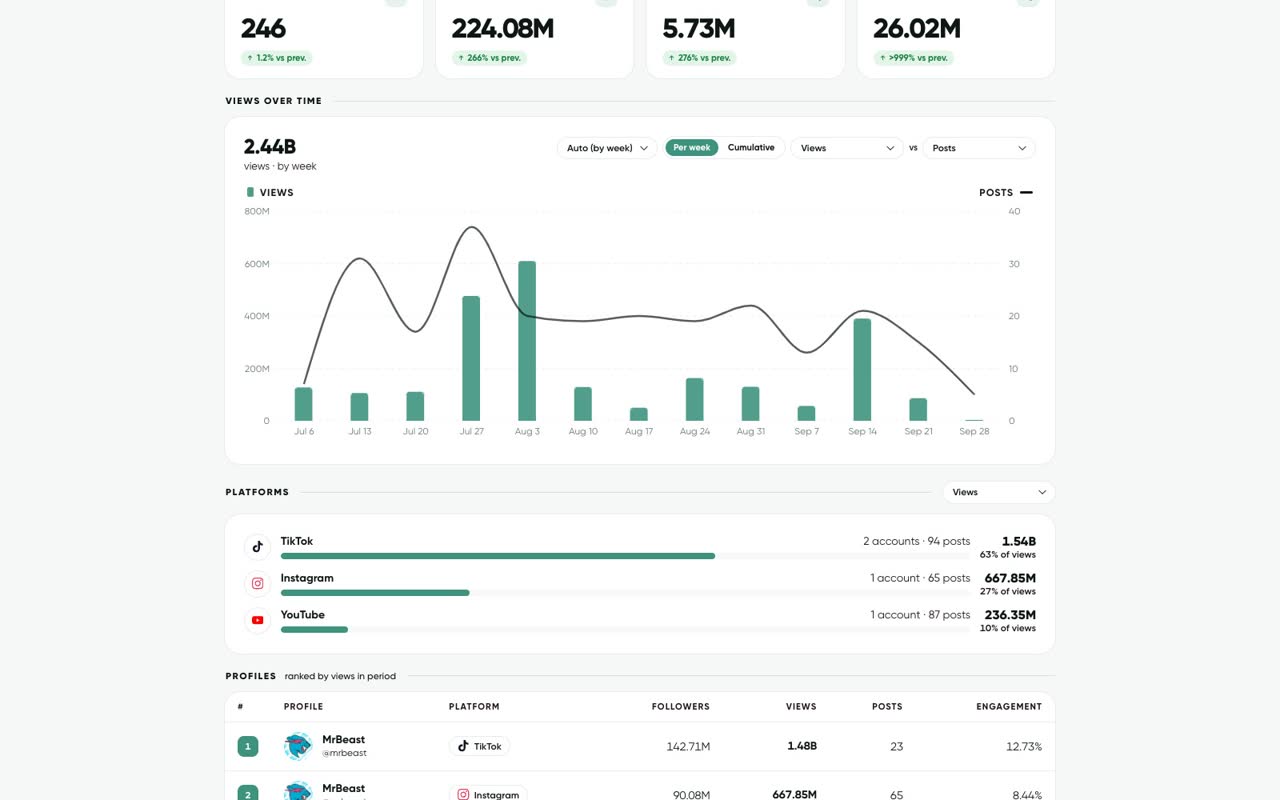
Read the numbers
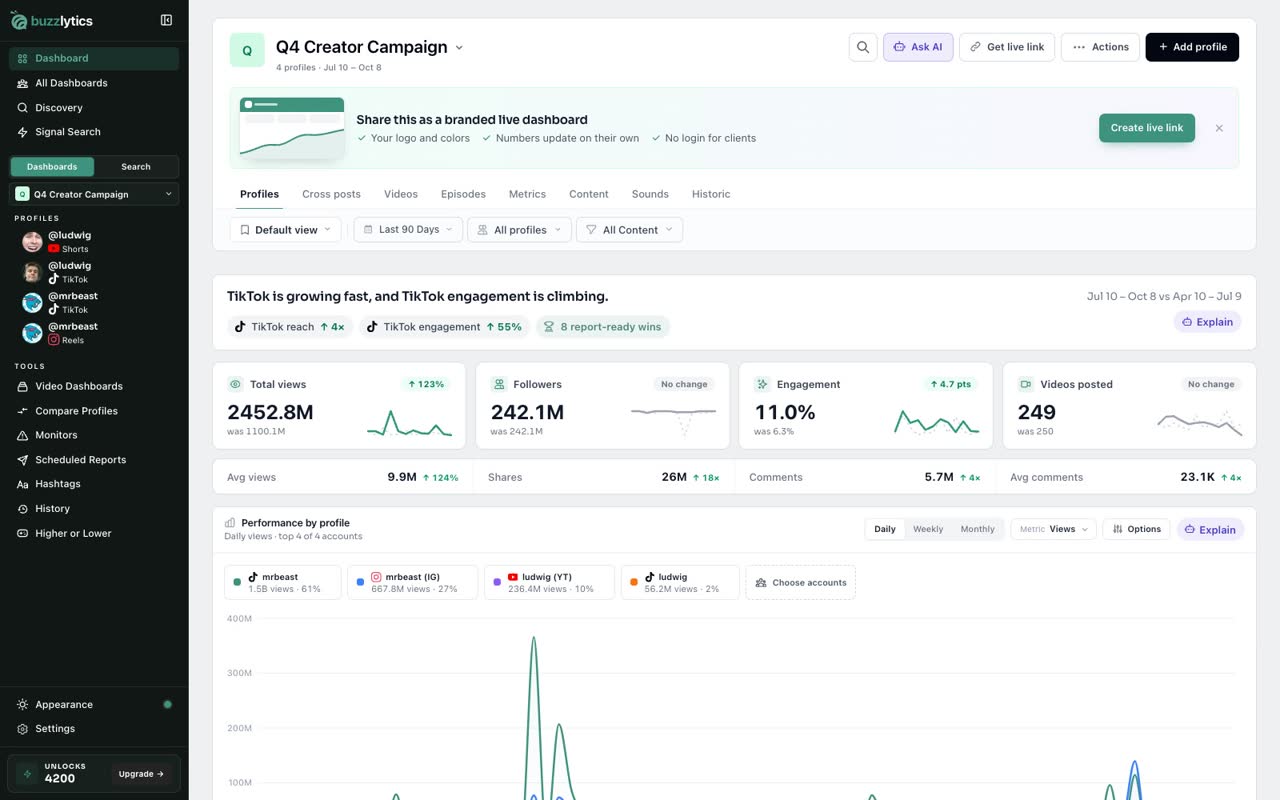
Views, followers, engagement and growth fill in for the whole roster, compared with the previous period.
-
5
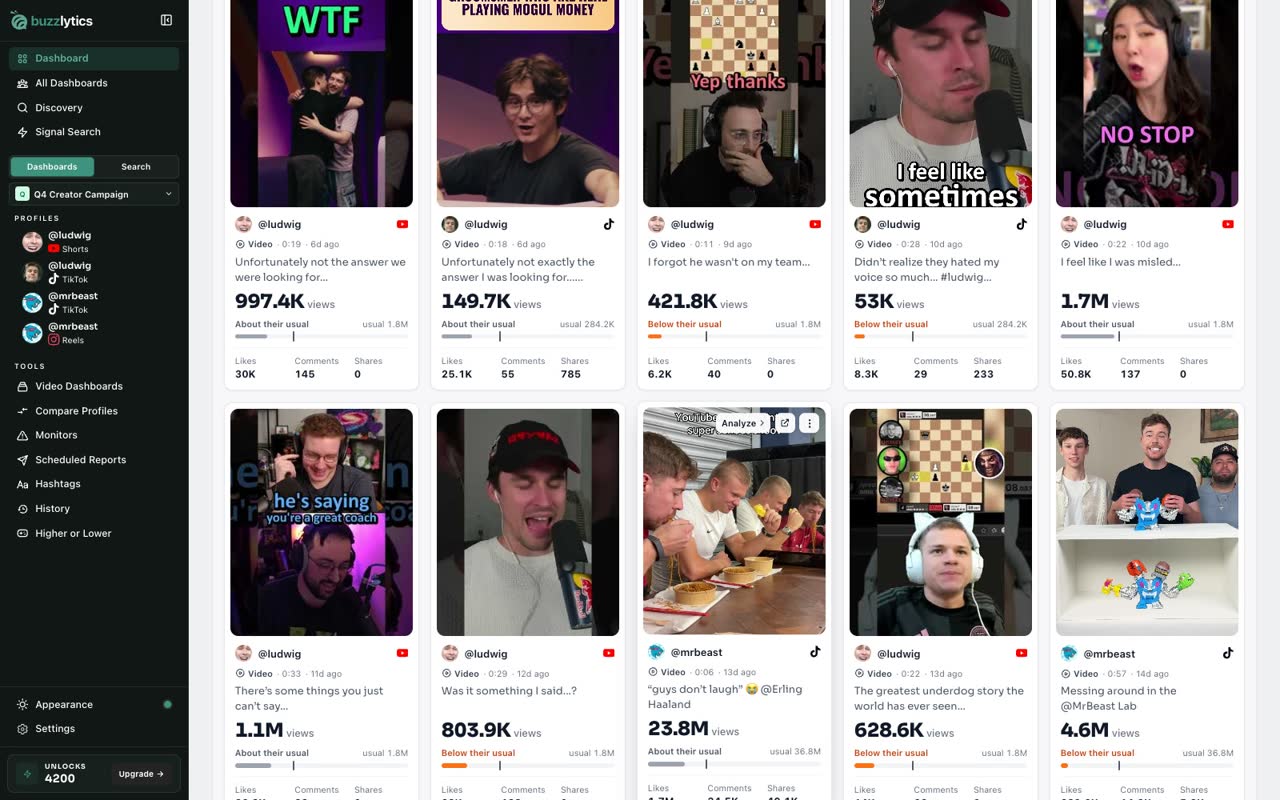
Every post in the Videos tab
The Videos tab collects every post, so you can see what performed best.
-
6
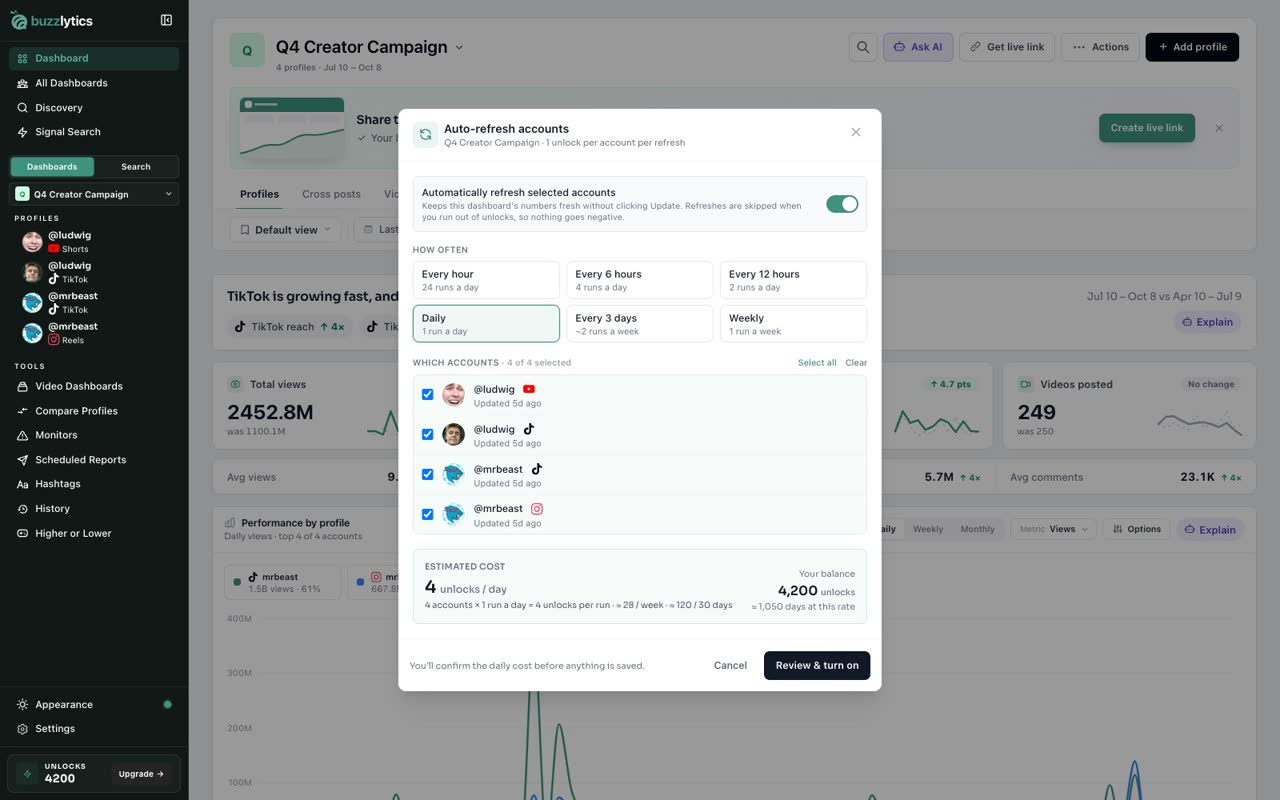
Keep it fresh with auto-refresh
Updating a profile uses one unlock. Turn on auto-refresh, pick how often, and you'll see exactly what it costs before anything is saved.
-
7
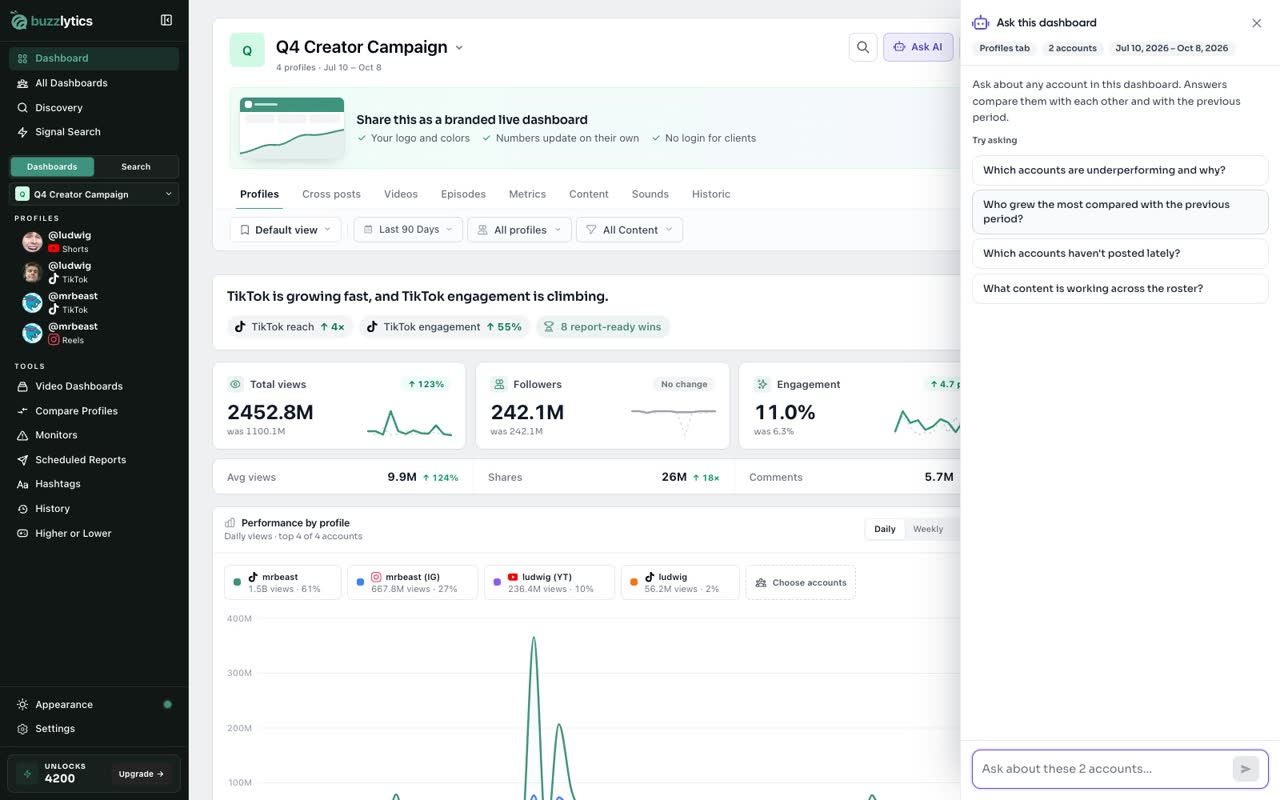
Ask AI
Not sure what the numbers mean? Ask AI, and get a plain English answer about your roster.
-
8
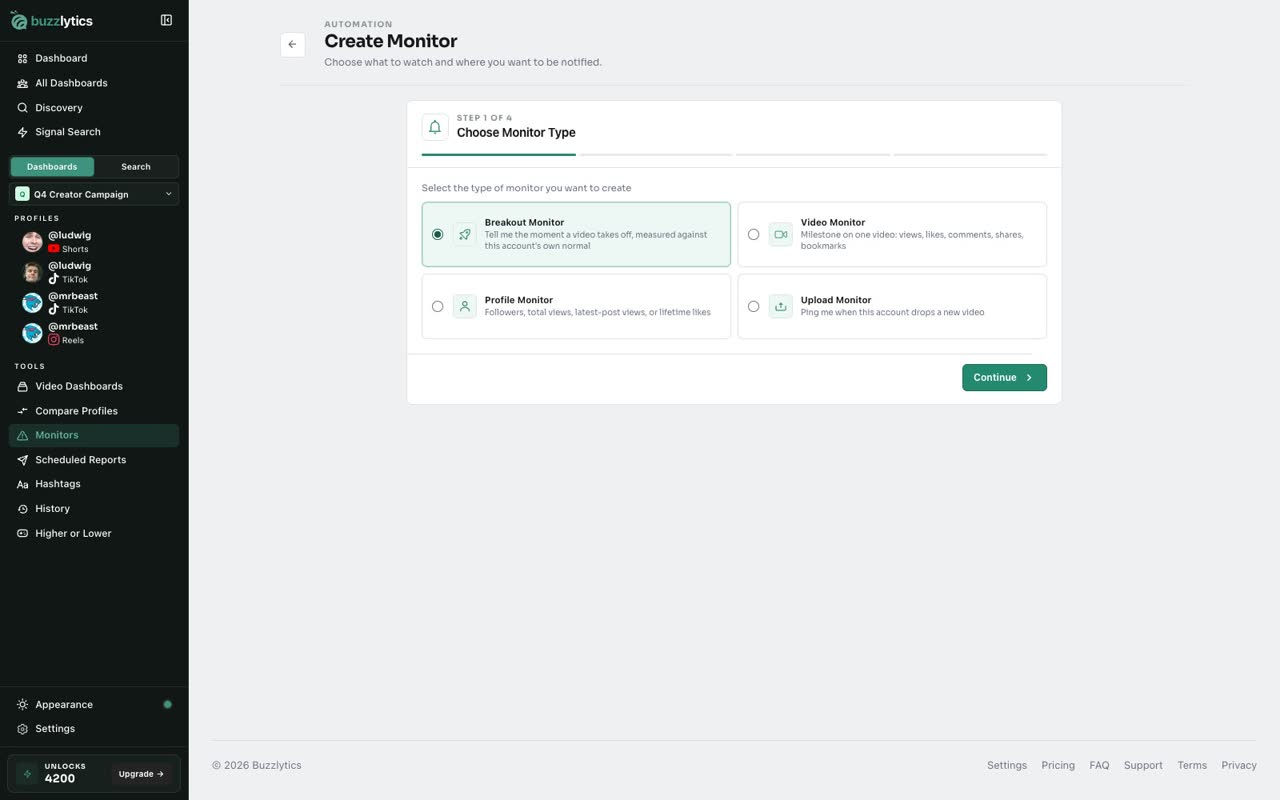
Get alerts with monitors
Set a monitor, and we'll alert you by email, Slack or Discord the moment a creator breaks out.
-
9
Share one live link
When it's time to report, send your client one live link. No logins, no screenshots, and it's always up to date.
Read the full transcript
Welcome to Buzzlytics. Here's everything the app does, in about ninety seconds.
Buzzlytics tracks public creators on every major platform, and you never need their logins. Everything lives in this sidebar.
Start with a dashboard. Make one for each client, campaign or roster.
Search a creator once, and Buzzlytics finds them on every platform. Pick the accounts you want, and add them.
Views, followers, engagement and growth fill in for the whole roster, compared with the previous period.
The Videos tab collects every post, so you can see what performed best.
Updating a profile uses one unlock. Turn on auto-refresh, pick how often, and you'll see exactly what it costs before anything is saved.
Not sure what the numbers mean? Ask AI, and get a plain English answer about your roster.
Set a monitor, and we'll alert you by email, Slack or Discord the moment a creator breaks out.
When it's time to report, send your client one live link. No logins, no screenshots, and it's always up to date.
That's Buzzlytics. Next up, creating your first dashboard.