Pause or cancel
Pause billing for 30 days or cancel at the end of your billing period, from the Billing tab.
Quick steps
- Find Cancel plan
- Tell us why
- Or cancel at period end
- Pause billing for 30 days
- Resume any time
Step by step
Prefer reading? Every step shows the screen you’ll see. Click a time to jump the video there.
-
1
Find Cancel plan
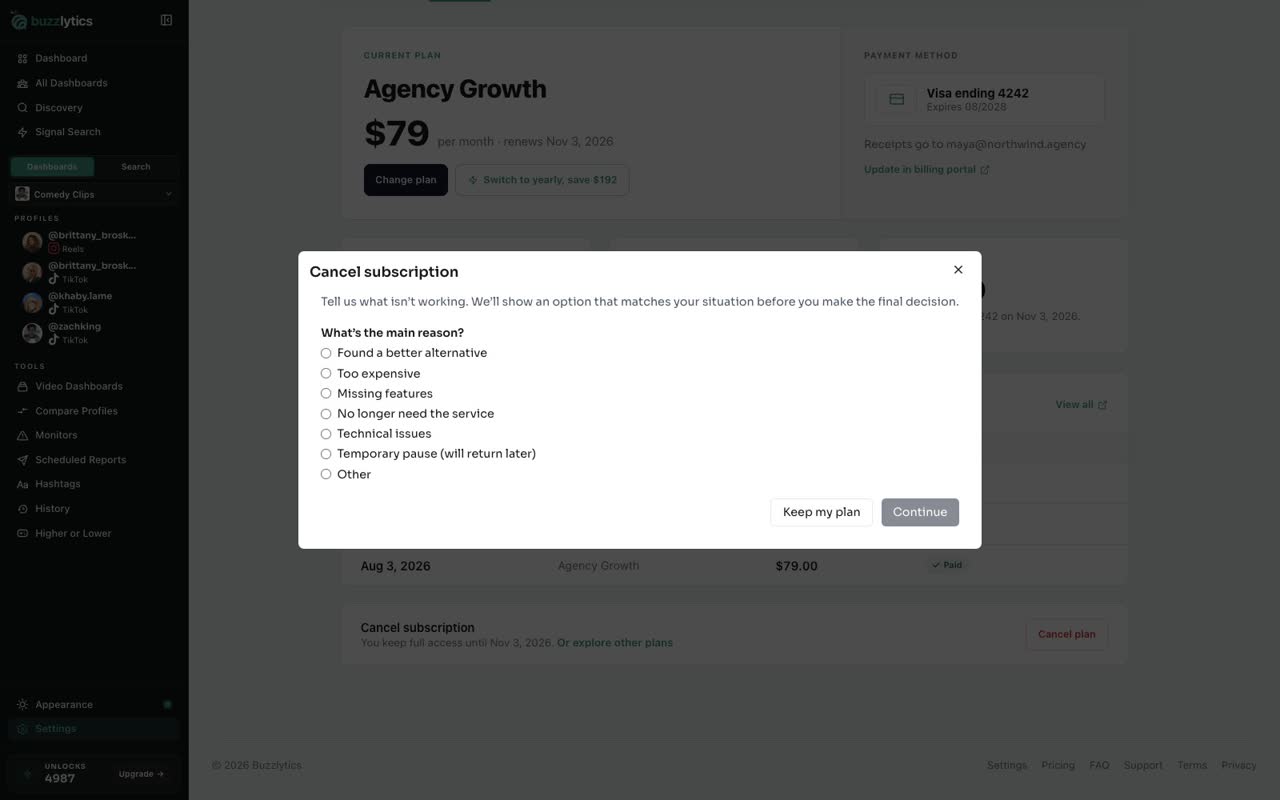
In Settings, open Billing and scroll to the bottom. Click Cancel plan.
-
2
Tell us why
Pick the main reason and click Continue. We use it to show you an option that might fit better.
-
3
Or cancel at period end
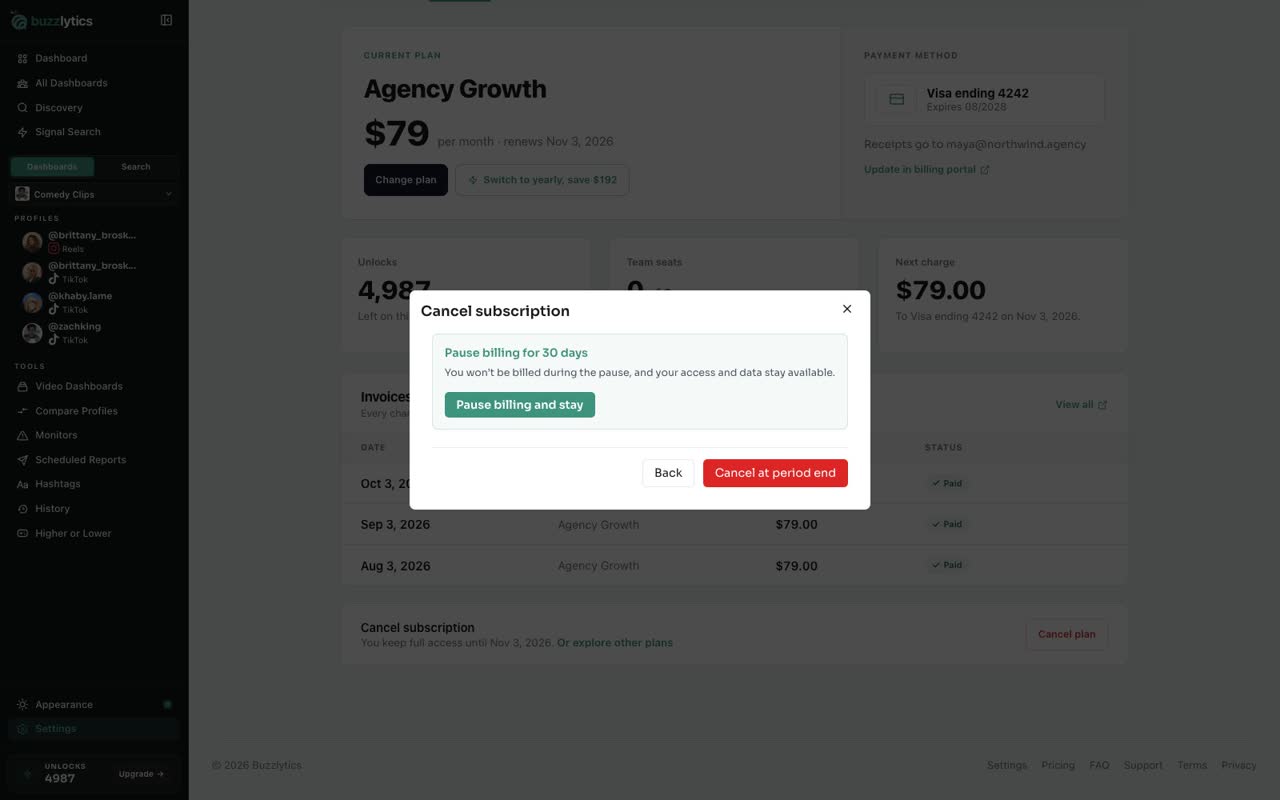
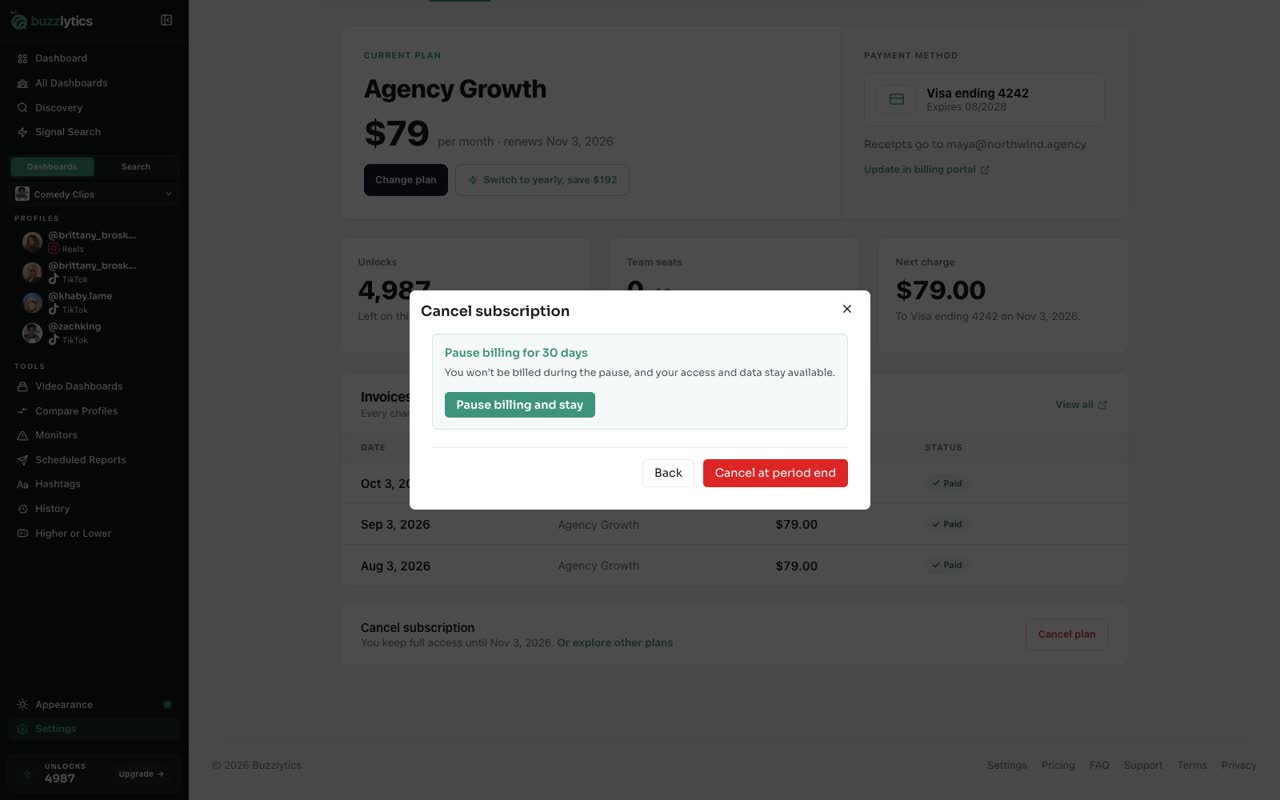
If you want to stop for good, click Cancel at period end. Billing stops, and you keep access until the end of the period you paid for.
-
4
Pause billing for 30 days
Taking a break? Choose Pause billing and stay. You are not charged for 30 days, and your dashboards and data stay available.
-
5
Resume any time
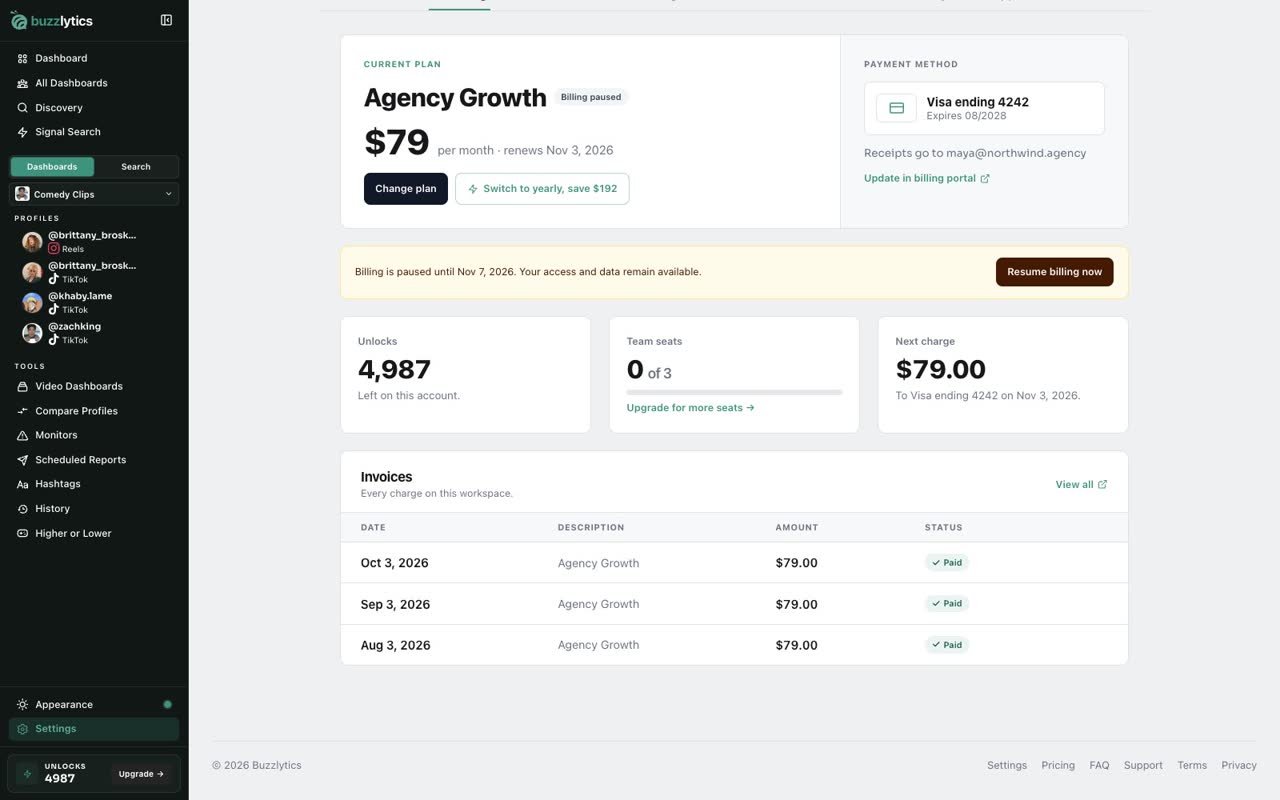
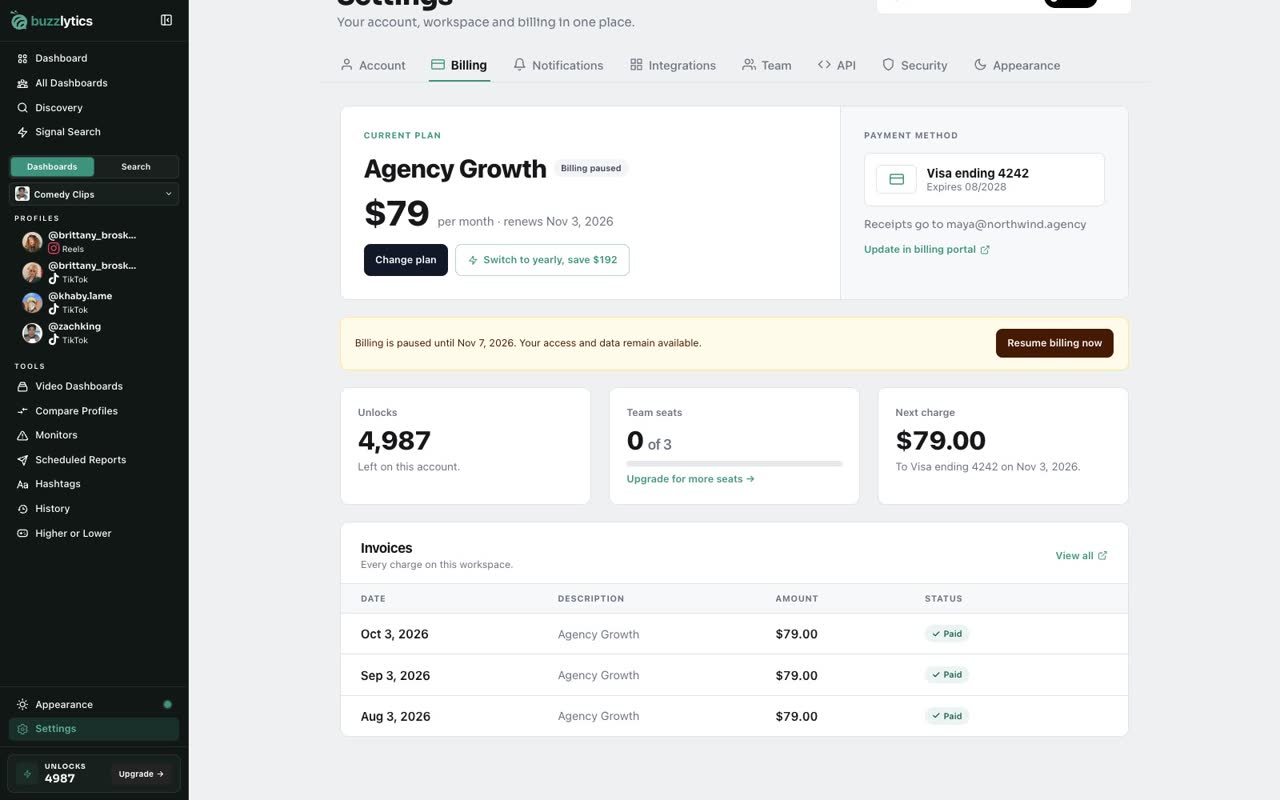
Your plan now shows Billing paused, with the date it resumes. Changed your mind? Click Resume billing now.
Good to know
- When you cancel, you keep full access until the end of the period you already paid for.
- The 30-day pause is offered on monthly plans. Your access and data stay available while billing is paused.
- A paused or cancelled plan can be undone with Resume billing now or Keep my plan.
Read the full transcript
In this video, you will see how to pause billing or cancel your plan.
In Settings, open Billing and scroll to the bottom. Click Cancel plan.
Pick the main reason and click Continue. We use it to show you an option that might fit better.
If you want to stop for good, click Cancel at period end. Billing stops, and you keep access until the end of the period you paid for.
Taking a break? Choose Pause billing and stay. You are not charged for 30 days, and your dashboards and data stay available.
Your plan now shows Billing paused, with the date it resumes. Changed your mind? Click Resume billing now.
Next up, settings tour.