Accept a team invite
Join a teammate's Buzzlytics workspace from your invite email, with a new password or your existing account.
Quick steps
- Open your invite
- Already have an account?
- Set a password
- Accept the invite
- You are in the team workspace
Step by step
Prefer reading? Every step shows the screen you’ll see. Click a time to jump the video there.
-
1
Open your invite
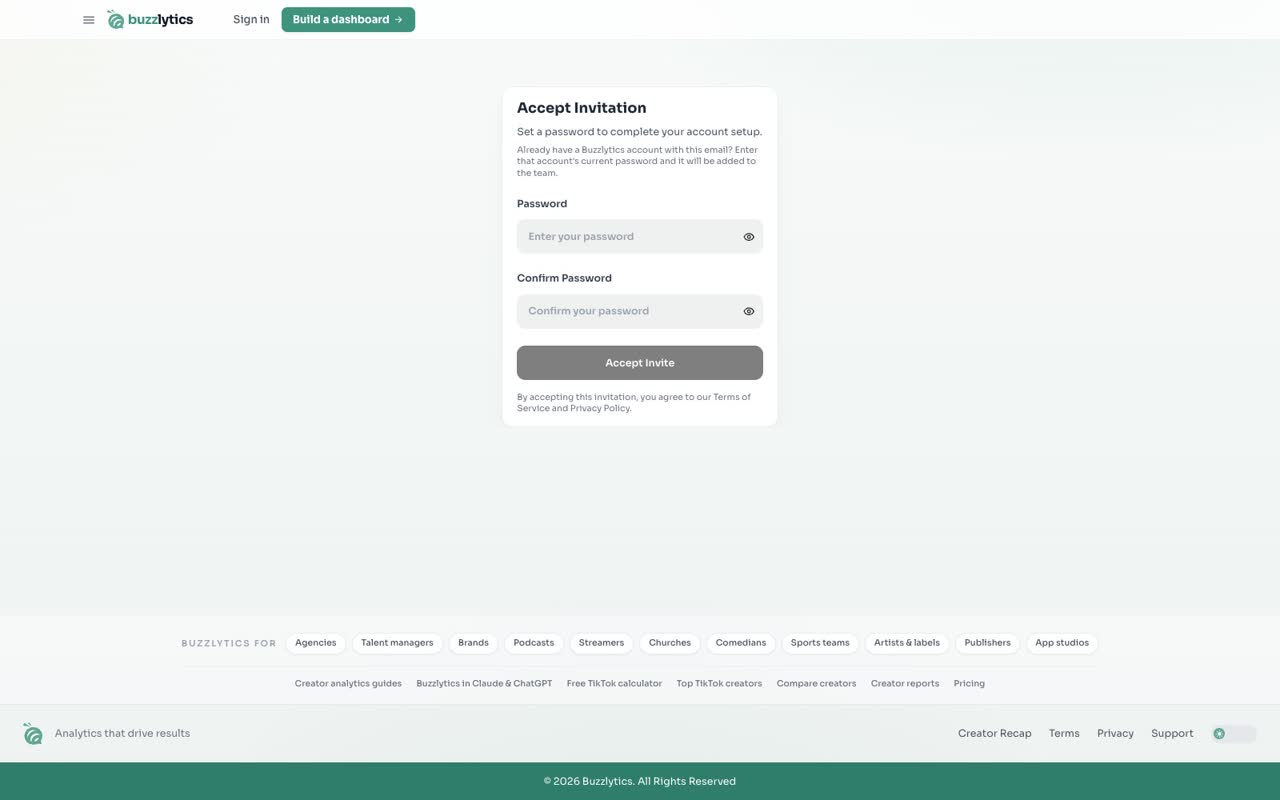
When a teammate invites you, you get an email from Buzzlytics. Click the link in it to open Accept Invitation.
-
2
Already have an account?
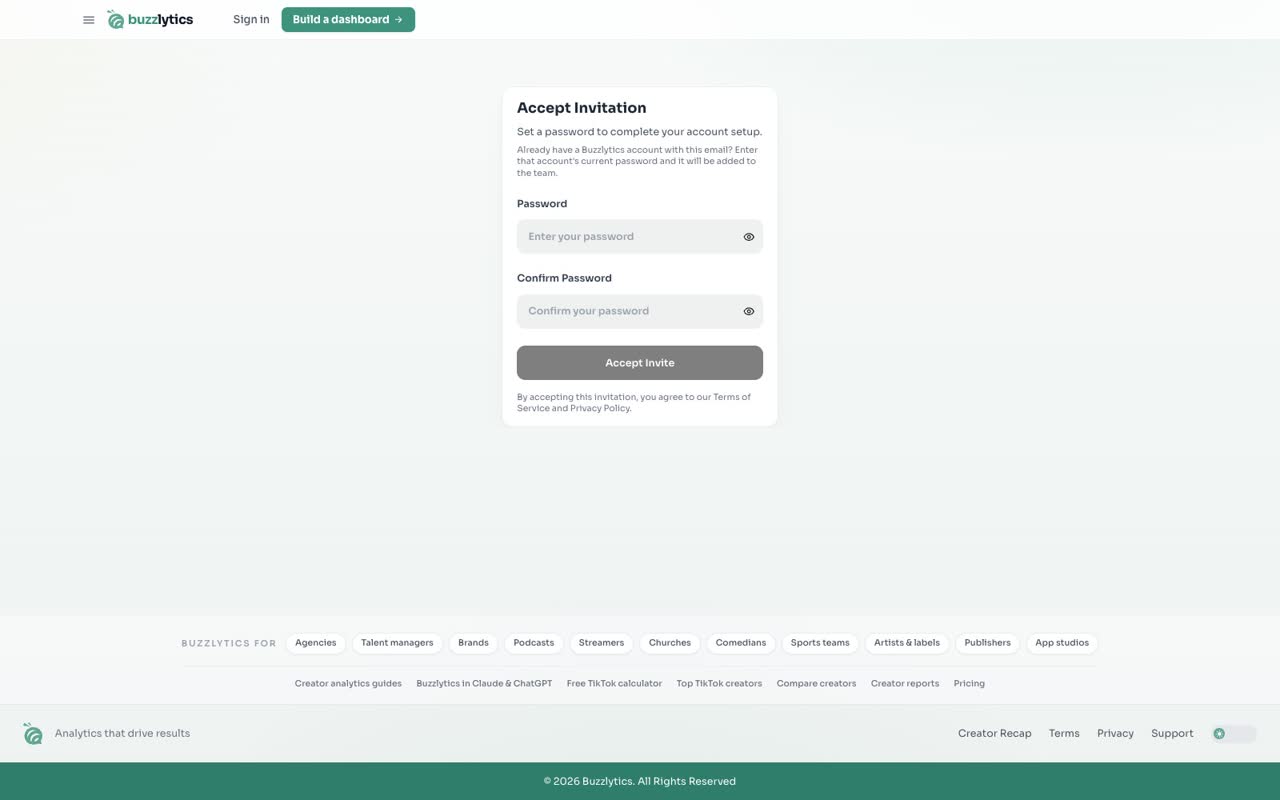
If you already use Buzzlytics with this email, enter that account's current password and it joins the team.
-
3
Set a password
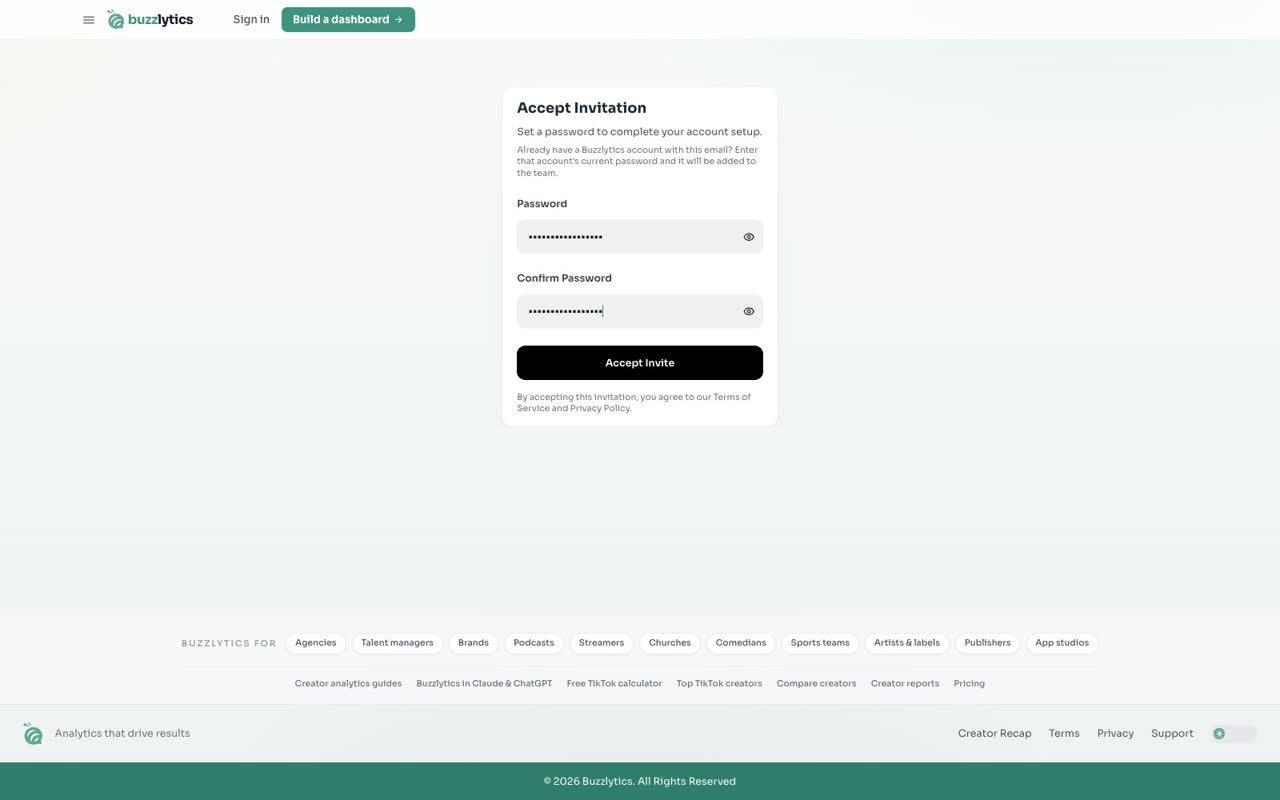
Otherwise, choose a password and type it again in Confirm Password.
-
4
Accept the invite
Click Accept Invite. You are signed in right away.

-
5
You are in the team workspace
You land in the shared workspace, with the same dashboards as your team. What you can change depends on your role.

Good to know
- Already have a Buzzlytics account with that email? Enter its current password and it joins the team.
- Your access depends on the role and permissions the owner gave you.
- An invite link that has expired or was cancelled shows Invalid Invite. Ask the owner to resend it.
Read the full transcript
In this video, you will accept an invite and join your team's workspace.
When a teammate invites you, you get an email from Buzzlytics. Click the link in it to open Accept Invitation.
If you already use Buzzlytics with this email, enter that account's current password and it joins the team.
Otherwise, choose a password and type it again in Confirm Password.
Click Accept Invite. You are signed in right away.
You land in the shared workspace, with the same dashboards as your team. What you can change depends on your role.
Next up, integrations overview.